

Before you flash: Flashing firmware will erase all data on your device. Back up contacts, photos, and apps before proceeding. FlashGuideHub is not responsible for any damage caused by following this guide.
About the Xiaomi Civi 5 Pro
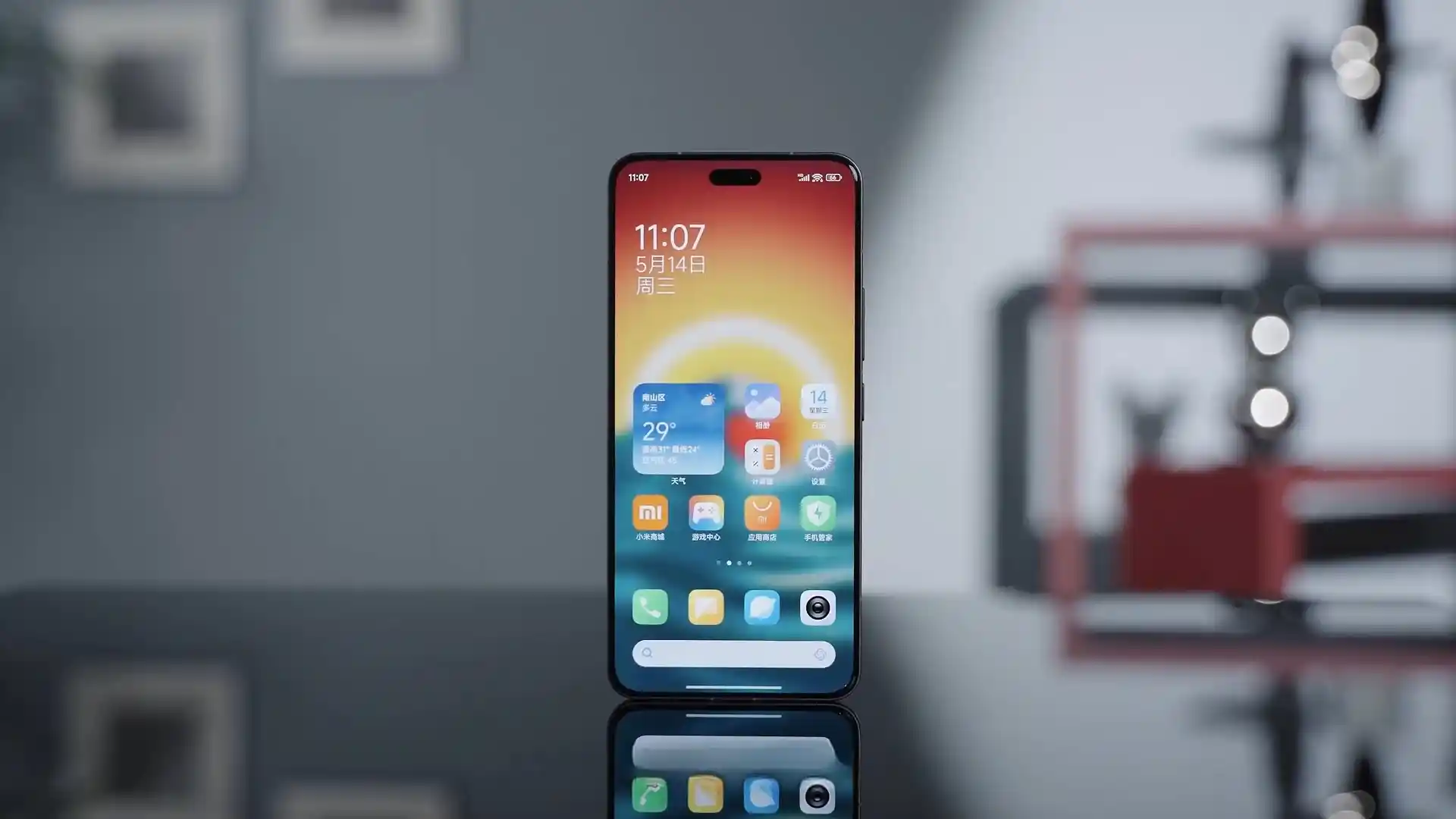
This workshop guide provides step-by-step instructions to flash official stock firmware to the Xiaomi Civi 5 Pro (June 2025) using Mi Flash Tool.
Whether your device is trapped in a startup bootloop, recovering from corrupted partitions, or returning to a clean factory state, follow the verified prerequisites and flashing procedures below.
Which Flash Mode Should You Use?
Xiaomi Mi Flash Tool (Fastboot)
Official flashing utility for unlocked Xiaomi handsets. Writes partition images directly over Fastboot.
Stock Recovery (Mi Assistant)
Official on-device recovery method for installing signed Recovery OTA ZIP archives without wiping user files.
Pre-Flash Hardware Checks & Platform-Tools Setup
A 64-bit Windows PC with updated Qualcomm USB drivers and Android SDK Platform-Tools v35+ installed.
Bootloader unlocked through the official Xiaomi Community approval process before running Fastboot commands.
Verify the 6000 mAh battery has at least 50% charge to ensure stable power during large super partition writes.
Use an authentic high-speed USB data cable connected directly to a rear motherboard USB 2.0 port.
Flashing stock Fastboot firmware formats internal storage; save all essential personal files before beginning.
Step-by-Step Mi Flash Walkthrough for Civi 5 Pro
A quick 5-step overview built specifically for the Xiaomi Civi 5 Pro. The full Mi Flash Tool guide adds screenshots, progress tracking, and fixes for common errors.
-
Unlock bootloader through official Xiaomi Community authorization before flashing
-
Extract luming_images_OS3.0.303.0.WOICNXM_20260611.0000.00_16.0_cn_5dccc71d59.tgz to root folder
-
Put Xiaomi Civi 5 Pro into Fastboot mode using Volume Down + Power
-
Launch Mi Flash Tool, select folder, and verify clean all option is active
-
Click Flash and monitor super partition transfer until success is shown
Firmware Package for Snapdragon 8s Gen 4 (SM8735)
The Xiaomi Civi 5 Pro coordinates partition flashing through flash_all.bat across the Qualcomm Snapdragon 8s Gen 4 mobile platform.
flash_all.bat
Official stock Fastboot package containing the flash_all.bat flasher script and raw partition images.
Always confirm your device identifies as codename luming in Fastboot mode before flashing to prevent partition mismatches.
Verified Fastboot Packages (luming)
Below are tested factory Fastboot packages for the Xiaomi Civi 5 Pro.
| Version | Region | Android Version | Size | MD5 | Download |
|---|---|---|---|---|---|
OS3.0.303.0.WOICNXM |
Android 16.0 (HyperOS 3.0) | 10.14 GB | 5dccc71d594462bf36bf9949e20c2d9c |
⬇️ Download |
Looking for additional package details or complete hardware taxonomy? Browse the complete archive on AndroidFirmwareFile.com →
Partition Layout & fastbootd Flashing Instructions
Official Fastboot images such as luming_images_OS3.0.303.0.WOICNXM_20260611.0000.00_16.0_cn_5dccc71d59.tgz contain complete super, boot, init_boot, vendor_boot, and modem images for full factory restoration.
Troubleshooting Xiaomi Civi 5 Pro Flashing Errors
FAILED (remote: 'sparse header magic failure')
Occurs when outdated fastboot binaries attempt to flash oversized Android 16 dynamic super partition images. Update to Android SDK Platform-Tools v35.0.0 or newer to support modern sparse chunks.
flash_all.bat: line 2: fastboot: command not found
The batch script cannot find fastboot.exe because Platform-Tools is missing from system PATH or the firmware was extracted into a path containing spaces or special characters. Move files to C:\luming_fw\.
FAILED (remote: 'Flashing is not allowed in Lock State')
The bootloader is locked. Fastboot partition writing is rejected by hardware boot security. You must unlock the bootloader with the official Mi Unlock tool before flashing.
Write timeout on super.img: buffer allocation failure
Caused by USB 3.0 controller latency or port power-saving suspension during the 10GB super partition write. Connect the USB cable directly to a rear motherboard USB 2.0 port.
Encountering issues during flashing? Review these verified workshop troubleshooting notes for the Snapdragon 8s Gen 4 platform. Troubleshooting & Common Errors →
Frequently Asked Questions About Flashing Civi 5 Pro
The Civi 5 Pro stores Leica color science calibration, dual-front portrait models, and optical imaging coefficients inside the persist and vendor partitions. Running flash_all.bat preserves the hardware persist calibration blocks, ensuring studio portrait filters and optical autofocus calibration function without distortion.
Yes. Xiaomi includes Google Mobile Services (GMS) core packages dormant inside China HyperOS. Go to Settings > Accounts & Sync and enable Basic Google Services, then install the Play Store APK. Official unrooted China builds maintain Widevine L1 cryptographic certificates for high-definition streaming.
While proprietary 67W Xiaomi HyperCharge requires official Xiaomi charge bricks, the internal dual-cell Si/C charge controller fully supports USB Power Delivery 3.0 and Quick Charge 3+ protocols, stepping down safely to negotiate 18W to 27W charging on third-party chargers.
Selecting flash_all_lock.bat relocks the hardware bootloader after flashing. If an imported Chinese unit is flashed with non-domestic firmware and locked, Xiaomi cryptographic fuses register a signature region mismatch and halt boot with "This MIUI version can not be installed on this device".
Ready to Flash?
Follow the full step-by-step Mi Flash Tool guide with interactive progress tracking, prerequisite checklist, and complete troubleshooting.