

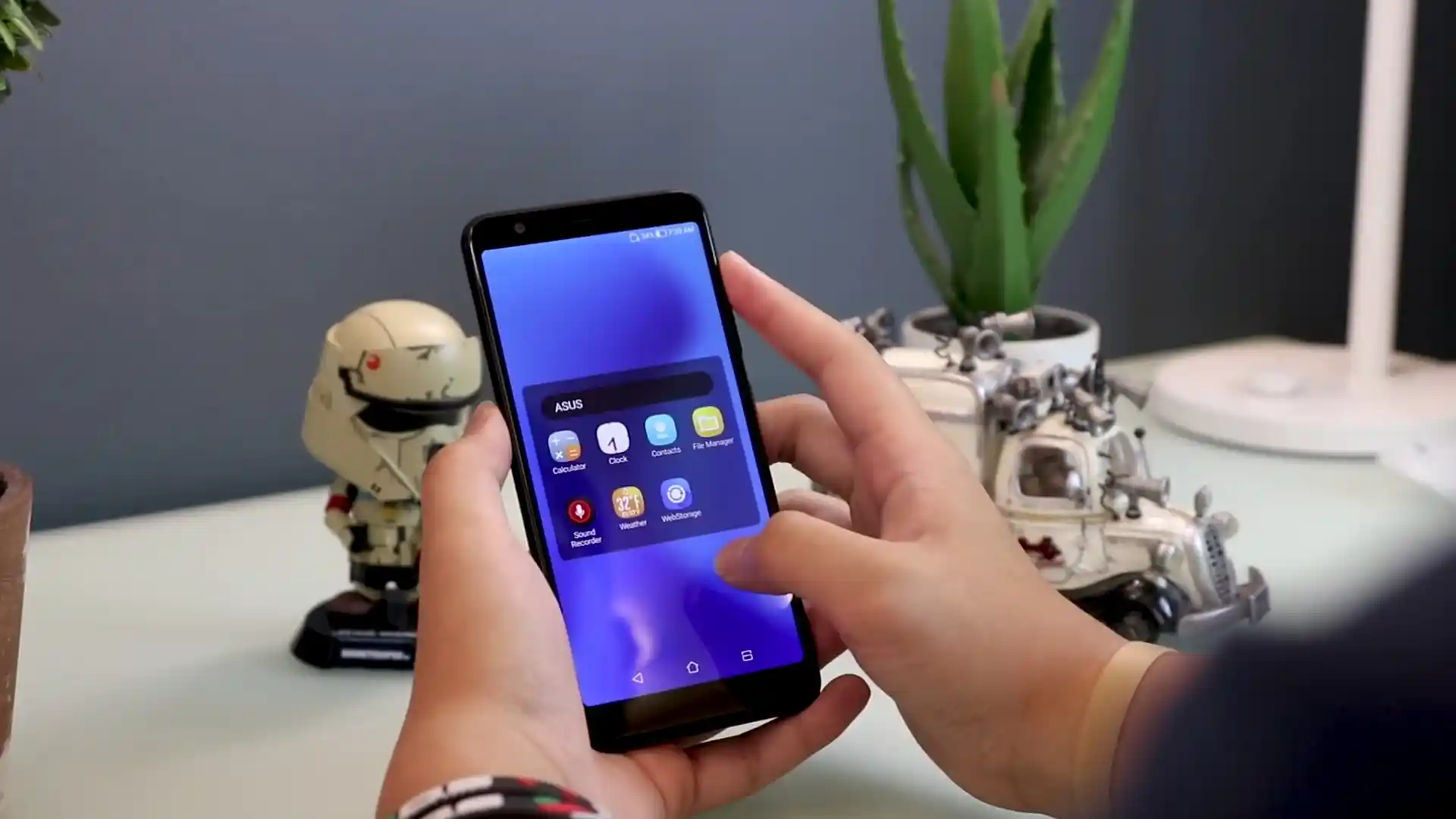
Before you flash: Flashing firmware will erase all data on your device. Back up contacts, photos, and apps before proceeding. FlashGuideHub is not responsible for any damage caused by following this guide.
About the ASUS ZenFone Max Plus (M1)
The ASUS ZenFone Max Plus (M1) was released in November 2017 on the MediaTek MT6750T platform. Sold globally as ZB570TL (codename ASUS_X018D) and in mainland China as the ASUS Pegasus 4S (ASUS_X018DC), it pairs a 5.7-inch Full HD+ display with a 4130mAh battery.
Whether you need to unbrick a 30-second bootloop with SP Flash Tool, restore camera orientation using the FIX_CAM scatter package, or install the official Android 9.0 Pie AOSP update, follow the verified steps below.
Which Flash Mode Should You Use?
SP Flash Tool (Scatter Unbrick & Camera Fix)
MediaTek Preloader/BROM flashing method for dead-boot recovery, partition restoration, and fixing inverted cameras.
Local Update / Stock Recovery (Signed UL-*.zip)
Official ASUS procedure for installing signed Android 8.1 Oreo or Android 9.0 Pie AOSP ZIPs without unlocking the bootloader.
MTK Auth Bypass (If SP Flash Tool Blocks DA)
Disables MediaTek SLA/DAA authentication in BROM mode if SP Flash Tool throws a DA send failure.
What You Need Before Flashing
Confirm whether your board is Global ZB570TL (X018D) or China Pegasus 4S (X018DC) before choosing WW or CN files.
Keep the 4130mAh battery charged above 40% to prevent power loss while writing system and vendor partitions.
Required on Windows 10/11 for SP Flash Tool to detect the MT6750T Preloader/BROM port.
Back up nvram/nvdata if using SP Flash Tool, and save personal files before a recovery factory reset.
Use a reliable microUSB data cable plugged directly into a rear motherboard USB 2.0 port.
How to Flash the ASUS ZenFone Max Plus (M1) — Quick Overview
These 5 steps are tailored to the ASUS ZenFone Max Plus (M1) (MT6750T). For screenshots, an interactive checklist, and troubleshooting, open the full SP Flash Tool guide.
-
Confirm your hardware variant (Global ASUS_X018D vs China Pegasus 4S ASUS_X018DC)
-
Extract WW_ZB570TL_15.02.1904.453_FIX_CAM.rar or copy UL-ASUS_X018D-AOSP-WW-16.02.1905.435-user.zip to storage
-
Load MT6750_Android_scatter.txt in SP Flash Tool under Download Only with preloader unchecked
-
Power off completely, hold Volume Down, and connect via a rear USB 2.0 port for MediaTek Preloader
-
Wait for the green checkmark (or Recovery finish) and allow 5–8 minutes for the first Android boot
Scatter & Recovery Packages for MediaTek MT6750T
ASUS ZenFone Max Plus (M1) ZB570TL firmware is distributed in two formats: MediaTek MT6750T SP Flash Tool scatter archives (such as WW_ZB570TL_15.02.1904.453_FIX_CAM.rar) for full unbricking, and factory-signed recovery ZIPs (UL-ASUS_X018D-*.zip) for local or stock recovery installation.
MT6750_Android_scatter.txt / UL-ASUS_X018D-*.zip
SP Flash Tool packages extract to an MT6750_Android_scatter.txt map for direct eMMC partition writing, while UL-ASUS_X018D-*.zip files remain zipped for ASUS Stock Recovery.
Variant warning: Do not confuse the MediaTek MT6750T ZenFone Max Plus (M1) (ZB570TL / X018D) with the Qualcomm Snapdragon ZenFone Max (M1) (ZB555KL / X00P) or ZenFone Max Pro (M1) (ZB601KL / X00T). Flashing Qualcomm packages or mismatched CN/WW recovery ZIPs will fail or break camera orientation.
ASUS ZenFone Max Plus (M1) Firmware Versions
Recommended tested builds for ASUS ZenFone Max Plus (M1) (1 per distinct role/variant). Verify your SKU before downloading.
| Version | Region | Android Version | Size | MD5 | Download |
|---|---|---|---|---|---|
WW-15.02.1904.453 (FIX_CAM) |
Global / Worldwide (ZB570TL Scatter) | Android 8.1 Oreo | 1.67 GB | — | ⬇️ Download |
WW-16.02.1905.435 (AOSP) |
Global / Worldwide (Recovery ZIP) | Android 9.0 Pie | 1.22 GB | — | ⬇️ Download |
CN-14.00.1805.34 |
China Open Market (ASUS_X018DC) | Android 7.0 Nougat | 2.02 GB | — | ⬇️ Download |
This device has 20 verified stock firmware releases across WW, JP, CN, and CTCC channels. See the complete 20-file archive on AndroidFirmwareFile.com →
ASUS ZenFone Max Plus (M1) — Important Notes
Keep your 4130 mAh battery charged above 40% before starting. For SP Flash Tool recovery using WW_ZB570TL_15.02.1904.453_FIX_CAM.rar, extract the archive to a short path, uncheck preloader, and hold Volume Down while connecting the powered-off phone. For standard upgrades to UL-ASUS_X018D-AOSP-WW-16.02.1905.435-user.zip, place the unextracted ZIP in the root of your microSD card and boot Stock Recovery via Volume Down + Power.
Troubleshooting ZB570TL SP Flash Tool & Camera Issues
Inverted, mirrored, or crashing camera after flashing WW firmware
Community repair discussions indicate this happens when Global X018D firmware is flashed onto Chinese X018DC (Pegasus 4S) boards with different sensor calibrations. Flashing WW_ZB570TL_15.02.1904.453_FIX_CAM.rar via SP Flash Tool restores the patched camera drivers.
30-second "Powered by Android" bootloop with inaccessible Recovery
Occurs when system or seccfg partitions are mismatched after a failed cross-region flash. Use SP Flash Tool with a full scatter package rather than Stock Recovery to rewrite all system partitions.
STATUS_BROM_CMD_SEND_DA_FAIL (0xC0060003) in SP Flash Tool
The MT6750T bootloader or BROM interface is blocking the Download Agent handshake. Experienced owners recommend running MTK Auth Bypass or mtkclient to disable SLA/DAA protection before clicking Download.
E:footer is wrong / Signature verification failed on UL-ASUS_X018-CN or CTCC ZIP
Stock recovery blocks installing Worldwide (WW) ZIPs onto CN/CTCC boards (and vice versa). Match the region prefix to your board SKU or use SP Flash Tool.
For general MediaTek and ASUS recovery troubleshooting: ASUS Flashing Error Directory →
Frequently Asked Questions — ASUS ZenFone Max Plus (M1)
Repair forum members recommend starting with "Download Only" and unchecking the preloader partition when flashing WW_ZB570TL_15.02.1904.453_FIX_CAM.rar. Avoid "Format All + Download", as it wipes the MediaTek nvram and nvdata partitions and erases your IMEI and serial number.
Install the signed MediaTek USB VCOM Preloader drivers first. Turn the phone fully off, hold Volume Down (or Volume Up on some units) while plugging into a rear motherboard USB 2.0 port, and click Download in SP Flash Tool before connecting the cable.
Yes. Signed UL-ASUS_X018D-*.zip packages carry ASUS factory signatures and install through local storage auto-detection or Stock Recovery (Volume Down + Power -> Apply update from microSD) with a locked bootloader.
Ready to Flash?
Follow the full step-by-step SP Flash Tool guide with interactive progress tracking, prerequisite checklist, and complete troubleshooting.