

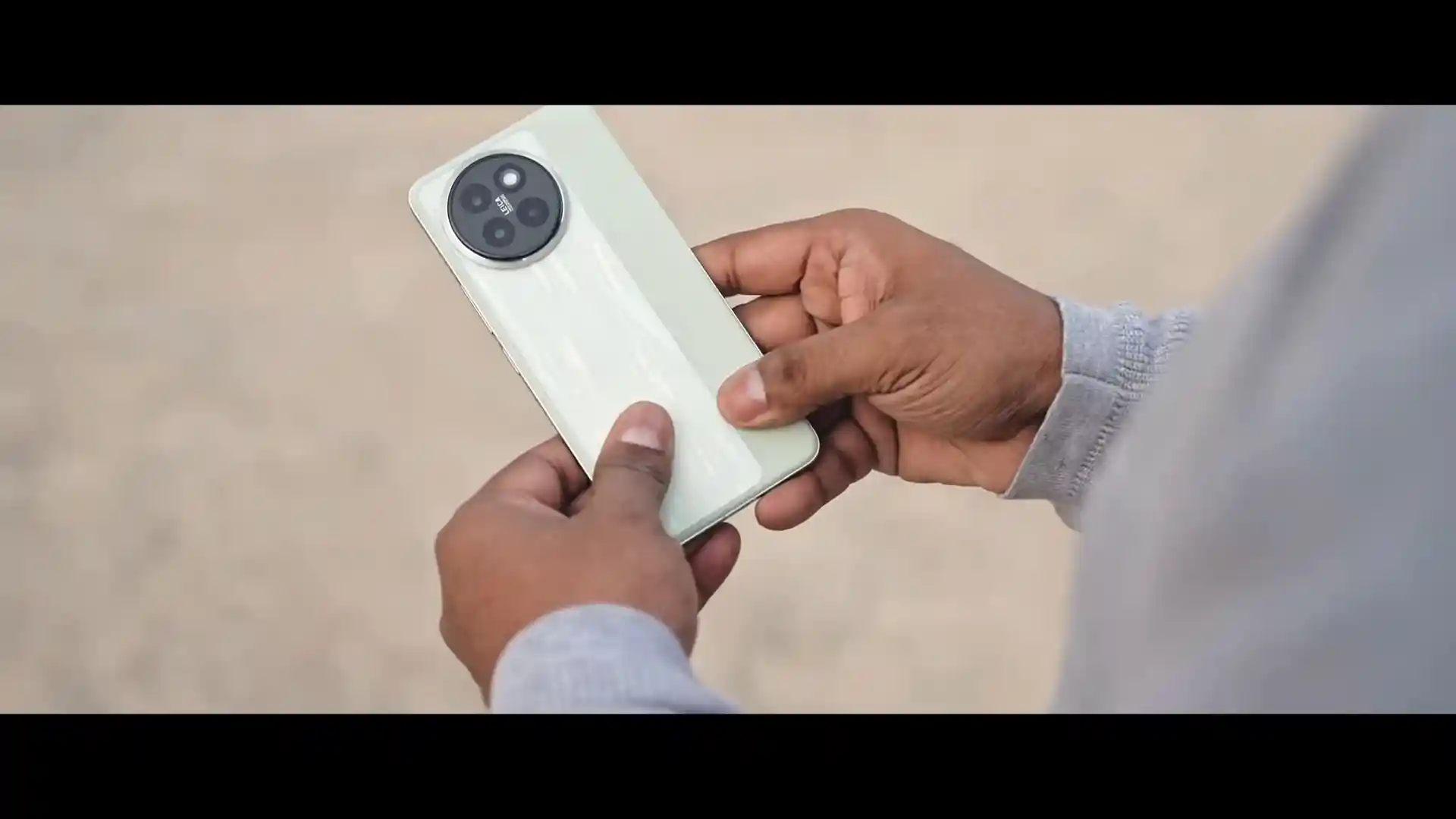
Before you flash: Flashing firmware will erase all data on your device. Back up contacts, photos, and apps before proceeding. FlashGuideHub is not responsible for any damage caused by following this guide.
About the Xiaomi 14 Civi / Xiaomi Civi 4 Pro
This workshop guide provides step-by-step bench instructions to flash official stock Fastboot firmware to the Xiaomi 14 Civi / Xiaomi Civi 4 Pro (June 2024) using Mi Flash Tool. Writing multi-gigabyte system and dynamic super partitions to Qualcomm's Qualcomm Snapdragon 8s Gen 3 (SM8635) platform over UFS 4.0 storage requires stable USB driver handshakes and correct batch script selection.
Whether your phone is trapped in a startup bootloop, recovering from corrupted partitions, or returning to clean official HyperOS 3.0 (Android 16.0), follow the verified prerequisites, 4,700 mAh battery precautions, and step-by-step flashing procedures detailed below.
Which Flash Mode Should You Use?
Xiaomi Mi Flash Fastboot Flashing (Recommended)
Standard official method for restoring stock HyperOS firmware using an unlocked bootloader and Mi Flash Tool in Fastboot mode.
Qualcomm EDL 9008 Deep Flash Mode
Emergency download mode accessed via motherboard test points to revive hard-bricked devices unable to enter Fastboot.
Recovery Sideload & Local Update
Official recovery interface used for installing signed recovery update packages directly over USB or on-device storage.
What You Need Before Flashing
Fastboot flashing requires an officially unlocked bootloader via the Xiaomi Mi Unlock utility.
A 64-bit Windows PC with Qualcomm USB drivers and updated Android SDK Platform Tools installed.
Ensure the 4,700 mAh battery has at least 50% charge to prevent shutdown during 8GB+ sparse partition writes.
Use a certified USB Type-C data sync cable plugged directly into a rear motherboard USB port.
Flashing stock Fastboot firmware with "clean all" completely wipes internal storage and applications.
Decompress the .tgz archive twice using 7-Zip until flash_all.bat is exposed in a clean root directory.
How to Flash the Xiaomi 14 Civi / Xiaomi Civi 4 Pro — Quick Overview
A quick 5-step overview built specifically for the Xiaomi 14 Civi / Xiaomi Civi 4 Pro. The full Mi Flash Tool guide adds screenshots, progress tracking, and fixes for common errors.
-
Unlock bootloader with Mi Unlock
-
Decompress Fastboot TGZ archive twice
-
Enter Fastboot mode
-
Configure Mi Flash Tool with "clean all"
-
Flash firmware and await first boot
Firmware Package for Snapdragon 8s Gen 3 (flash_all.bat)
Official Fastboot firmware packages for the Xiaomi 14 Civi and Xiaomi Civi 4 Pro are distributed as multi-gigabyte .tgz archives containing raw partition binaries (boot.img, init_boot.img, vendor_boot.img, dtbo.img, vbmeta.img, and sparse super.img dynamic partitions) written via flash_all.bat and Qualcomm Fastboot protocols across the Snapdragon 8s Gen 3 UFS 4.0 storage controller.
flash_all.bat
Official Xiaomi 14 Civi and Civi 4 Pro firmware is distributed as multi-gigabyte .tgz archives. Extract the archive twice using 7-Zip until the folder containing "flash_all.bat" and the raw partition images is visible.
Fastboot Flashing Rule: Always select "clean all" (flash_all.bat) when using Mi Flash Tool on imported hardware to avoid triggering the "The system has been destroyed" lock brick.
Xiaomi 14 Civi / Xiaomi Civi 4 Pro Firmware Versions
Official stock firmware downloads for the Xiaomi 14 Civi / Xiaomi Civi 4 Pro. Verify your hardware model variant before downloading.
| Version | Region | Android Version | Size | MD5 | Download |
|---|---|---|---|---|---|
OS3.0.303.0.WNJINXM (HyperOS 3.0) |
India (IN) | Android 16.0 | 8.8 GB | ebc45a76aa9b9643d9370fe4fe1aeeb9 |
⬇️ Download |
OS3.0.309.0.WNJCNXM (HyperOS 3.0) |
China (CN) | Android 16.0 | 8.6 GB | d0efb2bfb4a9edb8a4a4a0a3eaffffbd |
⬇️ Download |
This phone has 19 additional regional, recovery, and custom recovery builds in the full archive. Browse the complete archive on AndroidFirmwareFile.com →
Xiaomi 14 Civi / Xiaomi Civi 4 Pro — Important Notes
The Xiaomi 14 Civi and Xiaomi Civi 4 Pro house a 4,700 mAh internal battery supporting 67W fast charging. Writing full HyperOS 3.0 dynamic super partition images takes approximately 3 to 5 minutes over UFS 4.0. Confirm that your battery has at least 50% charge before beginning the flashing process to prevent unexpected shutdowns during partition writes.
Troubleshooting Xiaomi 14 Civi & Civi 4 Pro Flashing & HyperOS Errors
Fastbootd Super Partition Chunk Streaming Stalled: "FAILED (remote: 'data too large' or write timeout during 8GB+ super.img)"
When flashing dynamic super partitions on the Snapdragon 8s Gen 3 platform, the phone automatically transitions from bootloader Fastboot into userspace fastbootd. If host USB 3.2 ports with aggressive power-saving governors take longer than 10 seconds to re-enumerate the fastbootd interface, the flash script aborts. Workshop technicians suggest connecting directly to a rear motherboard USB port, running Mi Flash Tool as Administrator, and temporarily disabling Windows USB selective suspend.
Bootloader Cross-Regional Lockout: "The system has been destroyed / dm-verity failed after flash_all_lock.bat"
Selecting "clean all and lock" (flash_all_lock.bat) when flashing Indian firmware onto a Chinese domestic Civi 4 Pro model (24053PY09C) triggers an immediate bootloader lockout. The Snapdragon bootloader checks the signed vbmeta hash against regional hardware efuses; if mismatched, it refuses to boot. Technicians advise always selecting "clean all" (flash_all.bat) without relocking.
Mi Flash Error: "FAILED (remote: 'Flashing is not allowed in Lock State')"
Attempting to flash official Fastboot firmware while the device bootloader is locked. You must unlock the bootloader using the official Xiaomi Community Mi Unlock tool before flashing Fastboot packages, or use stock Mi Recovery / Mi Assistant to install recovery ZIP updates without unlocking.
For solving common Mi Flash Tool timeout codes, fastbootd transition delays, and HyperOS recovery issues: Xiaomi Flashing Error Directory →
Frequently Asked Questions — Xiaomi 14 Civi / Xiaomi Civi 4 Pro
Snapdragon 8s Gen 3 devices feature dynamic super partition images exceeding 8GB split into large sparse chunks. If Mi Flash reports errors such as "write to device failed" or freezes during super partition flashing, update your fastboot binary to Google Android SDK Platform-Tools v35.0.0 or higher. Older fastboot executables lack large buffer streaming support and fail on modern UFS 4.0 partitions.
On the Snapdragon 8s Gen 3 (SM8635) platform, Emergency Download (EDL 9008) mode allows low-level communication directly with the Primary Boot Loader (PBL) over the Qualcomm Sahara protocol. However, modern Xiaomi bootloader security enforces signed Firehose programmer verification (prog_firehose_ddr.elf). Flashing factory rawprogram XML files in EDL 9008 requires an authenticated Mi Authorized Service Account token verified by Xiaomi's security server. Standard offline tools cannot flash directly in EDL on chenfeng without this server handshake.
Put the device into Fastboot mode, open a command terminal on your PC, and run "fastboot getvar anti". Compare the returned numerical value against the anti-rollback index listed inside the firmware's android-info.txt file. Flashing a package with an ARB index lower than the device's hardware fuse will be rejected or cause an irreversible hard brick.
This occurs because cryptographic File-Based Encryption (FBE) metadata left from previous user sessions fails to mount with the new system keys. To resolve this, boot into stock Mi Recovery by holding Volume Up and Power, select "Wipe Data", choose "Wipe All Data", and confirm with the Power button to reformat userdata before rebooting.
Ready to Flash?
Follow the full step-by-step Mi Flash Tool guide with interactive progress tracking, prerequisite checklist, and complete troubleshooting.