

Before you flash: Flashing firmware will erase all data on your device. Back up contacts, photos, and apps before proceeding. FlashGuideHub is not responsible for any damage caused by following this guide.
About the Xiaomi Mi 8 Pro
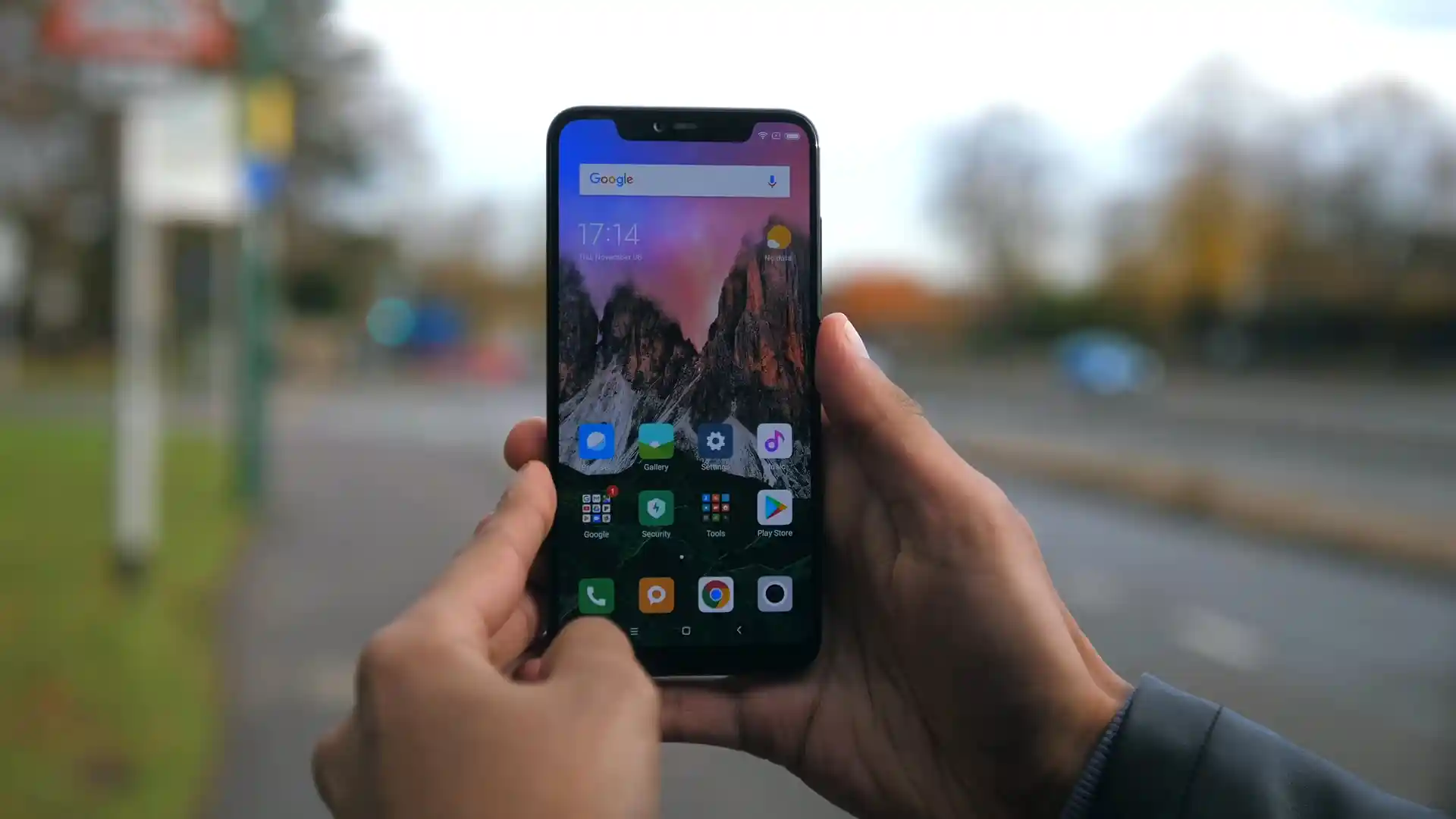
The Xiaomi Mi 8 Pro was launched in September 2018, built on the Qualcomm Snapdragon 845 platform. Known under codename equuleus (models M1807E8A and M1807E8S), the handset features a 6.21-inch Super AMOLED display, an in-display optical fingerprint scanner, up to 8 GB of LPDDR4X RAM, and a distinctive transparent glass chassis.
Flashing official Fastboot firmware recovers devices from bootloops, unbricks damaged partition tables, and restores clean factory MIUI software. Follow the verified package links and bench steps below to flash your phone safely.
Which Flash Mode Should You Use?
Xiaomi Mi Flash Fastboot Flashing (Recommended)
Standard official method for restoring stock MIUI firmware using an unlocked bootloader and Mi Flash Tool in Fastboot mode.
Qualcomm EDL 9008 Deep Flash Mode
Emergency download mode accessed via motherboard test points to revive hard-bricked devices unable to enter Fastboot.
Recovery Sideload & Local Update
Official recovery interface used for installing signed recovery update packages directly over USB or on-device storage.
What You Need Before Flashing
Fastboot flashing requires an officially unlocked bootloader via the Xiaomi Mi Unlock utility.
A 64-bit Windows PC with Mi Flash Tool (2018.05.28+) and Qualcomm HS-USB drivers installed.
Ensure the 3000 mAh battery has at least 50% charge to prevent shutdown during partition flashing.
Use a quality USB Type-C data cable plugged directly into a rear motherboard USB 2.0 port.
Flashing stock Fastboot firmware with "clean all" completely wipes internal storage and applications.
Decompress the .tgz archive twice using 7-Zip until flash_all.bat is exposed in a clean directory.
How to Flash the Xiaomi Mi 8 Pro — Quick Overview
A fast reference for flashing the Xiaomi Mi 8 Pro (Snapdragon 845) using Mi Flash Tool. For the complete walkthrough with images and error troubleshooting, see the full guide.
-
Unlock bootloader with Mi Unlock
-
Decompress Fastboot TGZ archive twice
-
Enter Fastboot mode
-
Configure Mi Flash Tool with "clean all"
-
Flash firmware and await first boot
Firmware Package for Snapdragon 845 (flash_all.bat)
Official Fastboot firmware packages for the Xiaomi Mi 8 Pro are distributed as multi-gigabyte .tgz archives containing raw partition images (system.img, vendor.img, boot.img, dsp.img, modem.img) written via flash_all.bat and Qualcomm Fastboot protocols.
flash_all.bat / rawprogram0.xml
Official Xiaomi Mi 8 Pro firmware is distributed as multi-gigabyte .tgz archives. Extract the archive twice using 7-Zip until the folder containing "flash_all.bat" and the raw partition images is visible.
Fastboot Flashing Rule: Always select "clean all" (flash_all.bat) when using Mi Flash Tool on cross-regional hardware to avoid triggering the "This MIUI version can't be installed on this device" lock brick.
Xiaomi Mi 8 Pro Firmware Versions
Official stock firmware downloads for the Xiaomi Mi 8 Pro. Verify your hardware model variant before downloading.
| Version | Region | Android Version | Size | MD5 | Download |
|---|---|---|---|---|---|
V12.0.2.0.QECMIXM |
Global (MI / UK) | Android 10.0 (MIUI 12.0) | 2.58 GB | ead4b63bb6b91f85736a1fe93696c56d |
⬇️ Download |
This phone family has 7 additional regional builds, recovery ROMs, and TWRP packages. Browse the complete archive on AndroidFirmwareFile.com →
Xiaomi Mi 8 Pro — Important Notes
The Xiaomi Mi 8 Pro houses a 3000 mAh internal lithium-polymer battery. Writing full MIUI 12 system partition images takes approximately 3 to 5 minutes. Confirm that your battery has at least 50% charge before beginning the flashing process to prevent unexpected shutdowns during partition writes.
Troubleshooting Xiaomi Mi 8 Pro Flashing & MIUI Errors
Qualcomm EDL 9008 Authorization Rejection: "Unauthorized account" or "cannot receive hello packet"
The Snapdragon 845 bootloader enforces Xiaomi server EDL authorization. When attempting to flash in 9008 mode without an authorized service technician account, Mi Flash Tool rejects the programmer hello packet. Technicians recommend restoring via Fastboot with flash_all.bat whenever possible, as Fastboot mode does not require server authorization.
Anti-Rollback (ARB) Protection Trap & Cross-Regional Bootloader Brick
The Mi 8 Pro enforces Anti-Rollback (ARB index 4). Attempting to flash older Android 8.1 or Android 9.0 firmware onto an Android 10 device permanently locks execution in EDL mode. Furthermore, flashing Global firmware onto a Chinese domestic model (M1807E8S) and selecting "clean all and lock" triggers "This MIUI version can't be installed on this device". Technicians recommend strictly using "clean all" (flash_all.bat) and never downgrading below ARB4 builds.
Optical Under-Display Fingerprint Failure: "Fingerprint enrollment error" after dirty flashing or persist loss
Flashing incompatible dipper firmware or wiping the persist partition corrupts optical fingerprint calibration tables. Repair forum technicians advise flashing the official equuleus Fastboot image with flash_all.bat to restore matching DSP and modem binaries, followed by optical re-calibration if hardware repairs were performed.
For solving common Mi Flash Tool timeout codes, EDL authorization errors, and MIUI recovery issues: Xiaomi & Qualcomm Flashing Error Directory →
Frequently Asked Questions — Xiaomi Mi 8 Pro
To enter Fastboot mode: Power off the phone completely, then hold Volume Down and Power simultaneously until the device vibrates and displays the Fastboot logo. To enter Recovery mode: Turn off the phone, hold Volume Up and Power together until the Mi splash screen appears, then release Power while holding Volume Up until the MIUI Recovery interface displays.
For hard-bricked devices unable to access Fastboot mode, remove the back glass cover (carefully heating perimeter adhesive to protect the transparent graphic layer), disconnect the battery flex connector, and locate the two gold test point contacts adjacent to the metal shield near the camera module. Bridge the two contacts with fine tweezers while inserting the USB Type-C cable to force Qualcomm HS-USB QDLoader 9008 mode.
Press and hold Volume Down and Power buttons simultaneously for 15 seconds without releasing. This triggers a hardware power cutoff through the Qualcomm PMIC, immediately catching the primary bootloader before Android kernel initialization and dropping the handset straight into Fastboot mode for recovery flashing.
Extract TWRP-3.3.1-1002-XIAOMI8UD-CN-wzsx150-fastboot.zip, boot the handset into Fastboot mode, and execute the automated script "recovery-check.bat" (or run "fastboot flash recovery recovery.img && fastboot boot recovery.img"). Once booted into TWRP, if installing custom ROMs such as Xiaomi.eu, tap Wipe > Format Data and type "yes" to remove File-Based Encryption (FBE) headers; otherwise, internal storage will mount as 0 MB.
Ready to Flash?
Follow the full step-by-step Mi Flash Tool guide with interactive progress tracking, prerequisite checklist, and complete troubleshooting.