

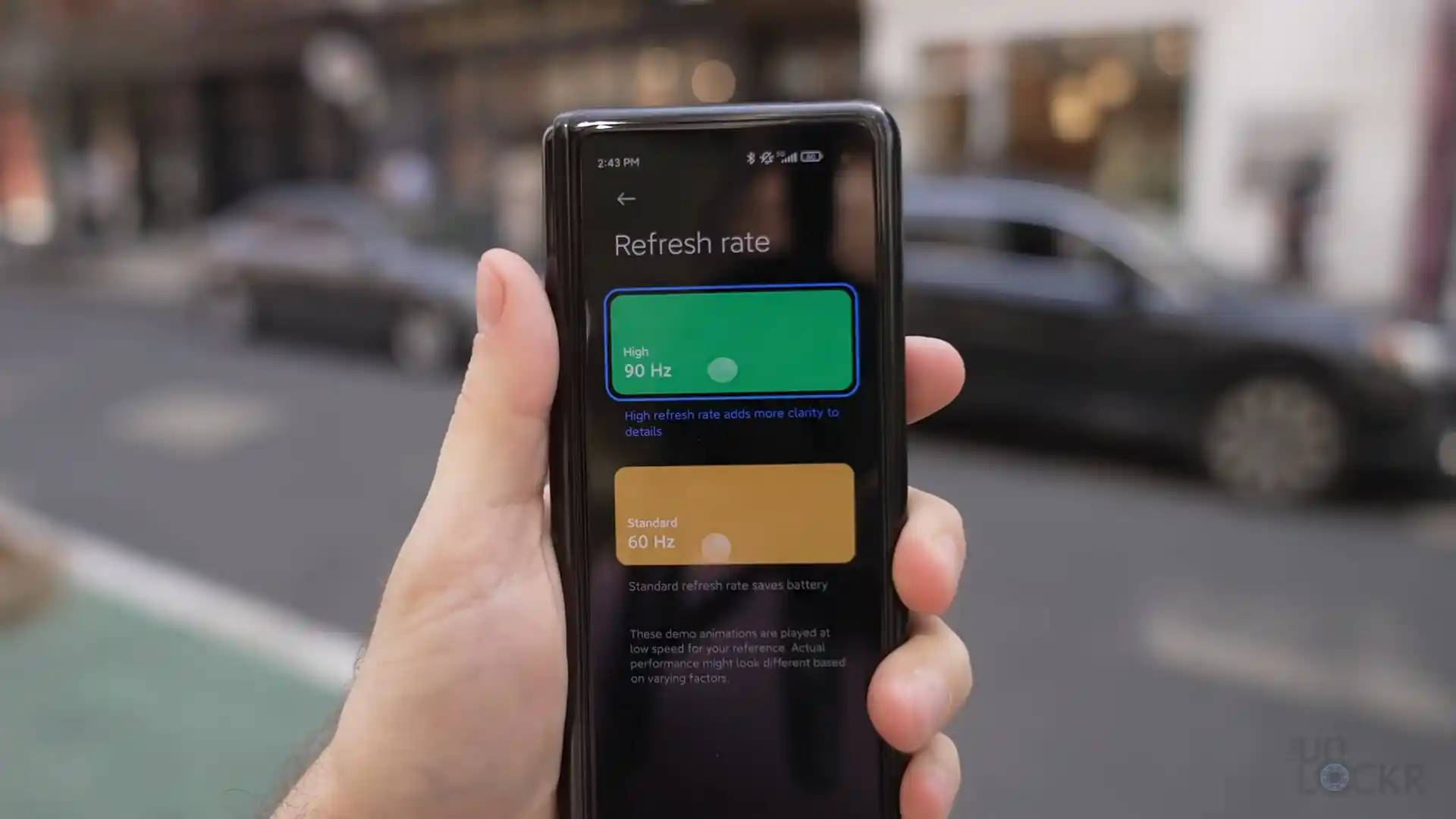
Before you flash: Flashing firmware will erase all data on your device. Back up contacts, photos, and apps before proceeding. FlashGuideHub is not responsible for any damage caused by following this guide.
About the Xiaomi Mi MIX Fold
The Xiaomi Mi MIX Fold (hardware codename cetus, model M2011J18C) was launched in April 2021, built on the Qualcomm Snapdragon 888 5G (SM8350, 5nm) processor. As Xiaomi's first commercially released foldable smartphone, this hardware platform integrates an Adreno 660 GPU, an 8.01-inch flexible inner AMOLED display, a 6.52-inch 90Hz cover panel, 67W wired fast charging, and an innovative 8 MP liquid lens camera driven by Xiaomi's in-house Surge C1 image processor.
This walkthrough provides step-by-step instructions for flashing official stock Fastboot firmware and Recovery packages on the Xiaomi Mi MIX Fold. Whether you are unbricking a phone stuck in a bootloop, clearing system errors after an update, or restoring clean factory HyperOS software, follow these verified instructions to restore your device safely.
Which Flash Mode Should You Use?
Xiaomi Mi Flash Tool (Fastboot)
Official flashing utility for unlocked Xiaomi handsets. Writes partition images directly to storage over Fastboot mode.
Stock Recovery / Local Update
Official on-device recovery update method for installing signed Recovery ZIP packages without wiping personal data.
Qualcomm EDL 9008 Mode
Low-level hardware recovery mode for completely bricked devices unable to boot into Fastboot or recovery.
Pre-Flash Hardware Setup & Foldable Handling Checks for cetus
A 64-bit Windows 10/11 computer with official Qualcomm USB drivers and current Android SDK Platform Tools.
An officially unlocked bootloader via the Xiaomi Mi Unlock desktop utility is required for Fastboot flashing.
Ensure the 5020 mAh dual-cell battery retains at least 50% charge to prevent shutdowns during 5GB+ super partition writes.
Use an authentic data sync cable connected directly to a rear motherboard USB 2.0 port to prevent communication drops.
5-Step Mi Flash & Fastboot Walkthrough for Mi MIX Fold
A fast reference for flashing the Xiaomi Mi MIX Fold (Snapdragon 888) using Mi Flash Tool. For the complete walkthrough with images and error troubleshooting, see the full guide.
-
Download and decompress cetus_images_OS1.0.8.0.TJTCNXM_20250929.0000.00_13.0_cn_e765c66aa2.tgz with 7-Zip to C:\cetus_fw
-
Fold phone shut, power off, and hold Volume Down + Power for 8 seconds until FASTBOOT appears on the cover screen
-
Connect via USB 2.0 cable to PC and confirm connection using "fastboot devices" in command prompt
-
Open Mi Flash Tool, select the extracted folder, and strictly select the "clean all" radio button
-
Click Flash to write super partition images to UFS 3.1 storage and allow 5 to 8 minutes for reboot
Fastboot Flashing Scripts & Mode Selection
Official Fastboot firmware packages for the Xiaomi Mi MIX Fold contain raw image partitions and automated flasher batch scripts tailored for Snapdragon 888 UFS 3.1 storage: flash_all.bat (clean flash), flash_all_except_storage.bat (preserve user data), and flash_all_lock.bat (clean flash and relock bootloader). For general unbricking and restoring stock HyperOS, selecting flash_all.bat writes images cleanly across dynamic super partitions.
flash_all.bat
Official Fastboot packages for the Xiaomi Mi MIX Fold contain batch flasher scripts for distinct repair requirements. Understanding their behavior helps you choose the correct option in Mi Flash Tool.
Flashing Safety Rule: Always confirm that "clean all" (flash_all.bat) is selected in Mi Flash Tool before flashing. Because the Mi MIX Fold is a Chinese domestic hardware model (M2011J18C), never choose "clean all and lock" when installing modified files, as relocking foreign or altered signatures triggers an immediate hard brick.
Xiaomi Mi MIX Fold Firmware Versions
Below are tested factory Fastboot and official Recovery update packages for the Xiaomi Mi MIX Fold. For older MIUI releases and additional archival packages, browse the master archive.
| Version | Region | Android Version | Size | MD5 | Download |
|---|---|---|---|---|---|
OS1.0.8.0.TJTCNXM (HyperOS 1.0) |
China (CN Official) — M2011J18C | Android 13.0 | 5.6 GB | e765c66aa248a9332b91e80ce959ce2c |
⬇️ Download |
OS1.0.8.0.TJTCNXM (Stock Recovery) |
China (CN Official) — M2011J18C | Android 13.0 | 5.0 GB | b73cff445f25d1730c685c409d88a319 |
⬇️ Download |
OS1.0.1.0.TJTCNXM (Initial HyperOS) |
China (CN Official) — M2011J18C | Android 13.0 | 8.0 GB | aea3816cf16a3c94d93708bb8742bca4 |
⬇️ Download |
Need additional packages like earlier MIUI builds or archival images? Browse the full Xiaomi Mi MIX Fold archive on AndroidFirmwareFile.com →
Snapdragon 888 Dynamic Partitions & Cover Display Fastboot Protocol
The Qualcomm Snapdragon 888 platform utilizes dynamic partitions with a non-A/B System-as-Root structure. Flashing packages like cetus_images_OS1.0.8.0.TJTCNXM_20250929.0000.00_13.0_cn_e765c66aa2.tgz writes logical partitions (system, vendor, product, odm, system_ext) inside a 5GB+ super container. Always maintain an uninterrupted connection to a rear motherboard USB 2.0 port throughout the entire 5 to 8 minute installation, and keep the phone folded shut to protect the inner screen.
Troubleshooting Xiaomi Mi MIX Fold Flashing Errors
Dynamic super partition write timeout: "error: cannot load 'super.img': data too large or timeout"
The 5GB+ dynamic super partition container can time out when transferring over front PC case ports, USB 3.0 hubs, or third-party cables. Connect the phone directly to a native motherboard USB 2.0 port on the rear of your PC, use an authentic high-speed Type-C cable, and ensure you are using current Android SDK Platform Tools.
Camera ISP initialization error: liquid lens focus failure after flashing persist partition
Occurs if the persist partition is erased or overwritten during manual command-line flashing. The persist partition contains unique factory calibration tables for the custom Surge C1 ISP, the 8 MP liquid lens motor actuators, and dual OIS gyroscopes. Official scripts like flash_all.bat intentionally bypass persist. Never erase or overwrite persist.
Mi Flash script parsing error: "update sparse crc list failed" or "check-crc error"
Older versions of Xiaomi Mi Flash Tool fail to parse the CRC checksum validation block in newer HyperOS flash_all.bat scripts. Open flash_all.bat in a text editor like Notepad++, remove the lines checking CRC values, save the file, and re-run the flashing process in Mi Flash.
Bootloader locked write rejection: "FAILED (remote: 'Erase is not allowed in Lock State')"
Fastboot rejects write commands because the bootloader remains locked. Boot into Android, enable Developer Options, turn on OEM Unlocking and USB Debugging, bind your Xiaomi Account under Mi Unlock Status, and complete the official unlocking process using the desktop Xiaomi Mi Unlock tool before flashing.
Encountering issues during flashing? Review these verified workshop troubleshooting notes for the Xiaomi Mi MIX Fold. Troubleshooting & Common Errors →
Workshop Troubleshooting & Partition Recovery Mechanics
The Xiaomi Mi MIX Fold utilizes Google's dynamic partition architecture on a non-A/B System-as-Root structure with a dedicated physical recovery partition. However, because the Mi MIX Fold is a foldable device with custom display switching frameworks, major custom recovery projects like official TWRP and OrangeFox do not maintain official builds for cetus. If using community-compiled recovery test builds, boot them temporarily using "fastboot boot recovery.img" to test touchscreen and display response before writing them permanently to the recovery partition.
Keeping the Mi MIX Fold closed protects the flexible 8.01-inch internal AMOLED panel from accidental physical impact, cable tension, and workbench contact during flashing. In Fastboot mode, the Snapdragon 888 bootloader routes display output exclusively to the outer 6.52-inch cover AMOLED screen, allowing you to monitor flashing status and device states clearly without opening the chassis.
If an interrupted flash corrupts the primary bootloader, the Snapdragon 888 SoC enters Qualcomm Emergency Download (EDL 9008) mode. Hardware EDL test points are positioned on the mainboard beneath the rear ceramic or glass cover, adjacent to the quad-camera module and liquid lens housing. Shorting these test pads to ground while connecting the USB cable forces EDL recognition; however, flashing raw partition images in EDL mode requires an authorized Xiaomi service account.
Ready to Flash?
Follow the full step-by-step Mi Flash Tool guide with interactive progress tracking, prerequisite checklist, and complete troubleshooting.