

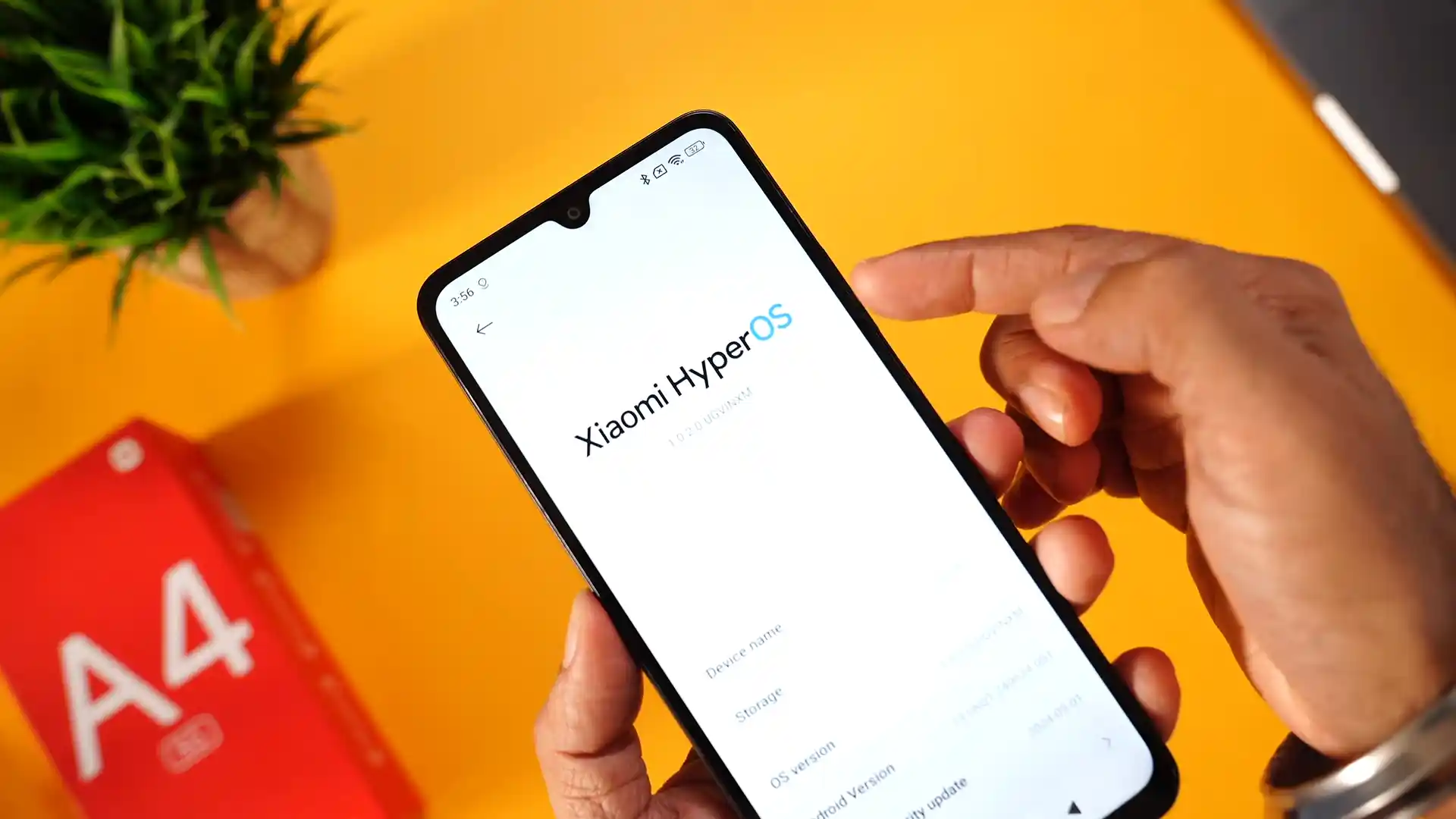
Before you flash: Flashing firmware will erase all data on your device. Back up contacts, photos, and apps before proceeding. FlashGuideHub is not responsible for any damage caused by following this guide.
About the Xiaomi Redmi A4 5G / POCO C75 5G
The Xiaomi Redmi A4 5G / POCO C75 5G (codename: warm) launched in November 2024 on Qualcomm's Qualcomm Snapdragon 4s Gen 2 (4nm) platform with UFS 2.2 storage and Virtual A/B dynamic partitions.
Whether you are restoring Android 16 HyperOS 3.0 via warm_in_global_images_OS3.0.305.0.WGVINXM_20261016.0000.00_16.0_in_e11e71ea01.tgz or recovering from an update loop, follow the checks and steps below carefully.
Which Flash Mode Should You Use?
Mi Flash Tool (Fastboot + fastbootd Restore)
Writes full factory HyperOS images (boot, vendor_boot, modem, and super.img) cleanly on unlocked warm hardware.
Mi Assistant (Stock Recovery Sideload)
Installs signed Recovery OTA ZIP files on locked bootloaders when Mi Recovery still responds.
Qualcomm EDL 9008 (Authorized Service Only)
Hardware emergency download interface used when Fastboot and Recovery are completely unresponsive.
Pre-Flash Setup for Snapdragon 4s Gen 2 (warm)
Mi Flash Fastboot mode requires an unlocked bootloader; locked units must use Mi Assistant Recovery sideload.
The 5.67 GB .tgz Fastboot archive unpacks beyond 10 GB and exceeds FAT32's 4 GB single-file limit.
Prevents timeouts when warm re-connects from bootloader Fastboot into userspace fastbootd.
Keeps power steady during UFS 2.2 dynamic partition writes so preloader/xbl headers stay intact.
Never manually erase persist, modemst1, or modemst2—they hold fingerprint and 5G RF calibration.
Mi Flash & fastbootd Walkthrough for Redmi A4 5G & POCO C75 5G
A fast reference for flashing the Xiaomi Redmi A4 5G / POCO C75 5G (Snapdragon 4s Gen 2) using Mi Flash Tool. For the complete walkthrough with images and error troubleshooting, see the full guide.
-
Confirm Unlocked Bootloader and Check Anti-Rollback (ARB) Before Flashing
-
Extract warm_in_global_images_OS3.0.305.0.WGVINXM_20261016.0000.00_16.0_in_e11e71ea01.tgz Twice to C:\warm_fw\
-
Enter Fastboot Mode (Volume Down + Power) and Plug Into a Rear Motherboard USB Port
-
Select "clean all" (flash_all.bat) in Mi Flash Tool on SM4635 Hardware
-
Wait Through fastbootd Partition Writes and 5–8 Minute First HyperOS 3.0 Startup
Inside the SM4635 Fastboot Archive (flash_all.bat)
Qualcomm Snapdragon 4s Gen 2 (SM4635) Fastboot packages on warm use flash_all.bat and userspace fastbootd scripts rather than MediaTek scatter files:
flash_all.bat
Extract warm_in_global_images_OS3.0.305.0.WGVINXM_20261016.0000.00_16.0_in_e11e71ea01.tgz twice with 7-Zip onto C:\warm_fw\ to reveal flash_all.bat beside the images directory.
Codename warm covers ONLY the 5G Redmi A4 5G (24116RNC1I) and POCO C75 5G (24116PCC1I)—never the 4G MediaTek POCO C75.
Keep "clean all" (flash_all.bat) selected in Mi Flash Tool.
Check 'fastboot getvar anti' before downgrading from Android 16 (WGVINXM) to Android 15 (VGVINXM) or Android 14 (UGVINXM).
Xiaomi Redmi A4 5G / POCO C75 5G Firmware Versions
Recommended HyperOS 3.0 Fastboot build for the unified Xiaomi Redmi A4 5G / POCO C75 5G (warm) hardware platform. Need earlier Android 15 (HyperOS 2.0), Android 14 (HyperOS 1.0), or Recovery OTA ZIP packages? Browse all 12 builds below.
| Version | Region | Android Version | Size | MD5 | Download |
|---|---|---|---|---|---|
OS3.0.305.0.WGVINXM (India Fastboot) |
India (IN) | Android 16.0 (HyperOS 3.0) | 5.67 GB | 59663b363d2064312d2d292a63767634 |
⬇️ Download |
Looking for HyperOS 2.0, HyperOS 1.0, or Recovery OTA ZIPs? Browse all 12 warm firmware packages on AndroidFirmwareFile.com →
Android 14–16 ARB Rules, 4G/5G Separation & Recovery Notes
Fastboot vs Locked-Bootloader Recovery on warm: Unlocked phones should unpack warm_in_global_images_OS3.0.305.0.WGVINXM_20261016.0000.00_16.0_in_e11e71ea01.tgz twice onto an NTFS drive and flash with Mi Flash Tool set to clean all. If your phone is still bootloader-locked, grab the matching Recovery OTA ZIP from AndroidFirmwareFile and sideload it via Stock Recovery (“Connect with MIAssistant”).
Troubleshooting warm Filesystem Mount, CPU & ARB Rollback Issues
Recovery Loop: "Couldn't mount file system" or "The system has been destroyed" After Reset / OTA
Owners of warm units report the phone looping straight into Fastboot or showing filesystem mount failures following interrupted OTAs or incomplete userdata/FRP wipes. Reflashing warm_in_global_images_OS3.0.305.0.WGVINXM_20261016.0000.00_16.0_in_e11e71ea01.tgz via Mi Flash ("clean all") followed by a stock recovery Wipe All Data clears mismatched encryption metadata.
HyperOS Background Bug: "com.android.phone" High CPU Heat & Boot Sluggishness on Early Builds
Community threads on budget POCO C75 and Redmi A4 units document rare com.android.phone CPU spikes (causing 45°C+ warmth and rapid battery drain) or multi-minute startup stalls on older HyperOS 1.0/2.0 builds. Clean-flashing the latest Android 16 OS3.0.305.0.WGVINXM Fastboot package replaces damaged system/telephony caches.
EDL 9008 Auth Block & Anti-Rollback Rejection (Android 16 WGVINXM → Android 14 UGVINXM)
Snapdragon 4s Gen 2 (SM4635) enforces signed Xiaomi Firehose loaders over EDL 9008 and anti-rollback index checks in Fastboot. Unauthenticated QFIL flashes fail immediately, and forcing a downgrade with "clean all and lock" from Android 16 back to Android 14 can lock the phone out of booting.
Need help with additional Fastboot or Snapdragon driver codes? Mi Flash & Qualcomm EDL Error Directory →
Magisk Boot Patching, Slot Switching & Locked Recovery Q&A
Depending on your active Android release on warm (Android 14 UGVINXM through Android 16 WGVINXM), check inside the extracted images folder of your matching Fastboot archive: if init_boot.img is present, patch and flash init_boot; if only boot.img exists, patch boot.img and run fastboot flash boot magisk_patched.img. Always pull the image from the exact build currently running on the phone.
Because warm uses Virtual A/B partitions, an interrupted OTA update can leave the newly targeted slot unbootable. Connect in Fastboot mode, run fastboot getvar current-slot to see whether slot a or b is active, and execute fastboot --set-active=a (or b) to return to the working slot without wiping user data.
Never run fastboot erase persist or wipe modemst1 / modemst2 / fsg on warm. Those blocks hold side-mounted fingerprint, accelerometer, and 5G RF calibration tables; flash_all.bat intentionally leaves them intact when restoring the OS.
If Xiaomi Community unlock quota prevents using Mi Flash Fastboot mode, power off and hold Volume Up + Power to enter Stock Mi Recovery, choose "Connect with MIAssistant", and sideload the matching signed Recovery ZIP (such as warm_in_global-ota_full-OS3.0.305.0.WGVINXM-user-16.0-08df763f8a.zip) over USB.
Ready to Flash?
Follow the full step-by-step Mi Flash Tool guide with interactive progress tracking, prerequisite checklist, and complete troubleshooting.