

Before you flash: Flashing firmware will erase all data on your device. Back up contacts, photos, and apps before proceeding. FlashGuideHub is not responsible for any damage caused by following this guide.
About the Xiaomi Redmi Note 11 5G / Redmi Note 11T 5G
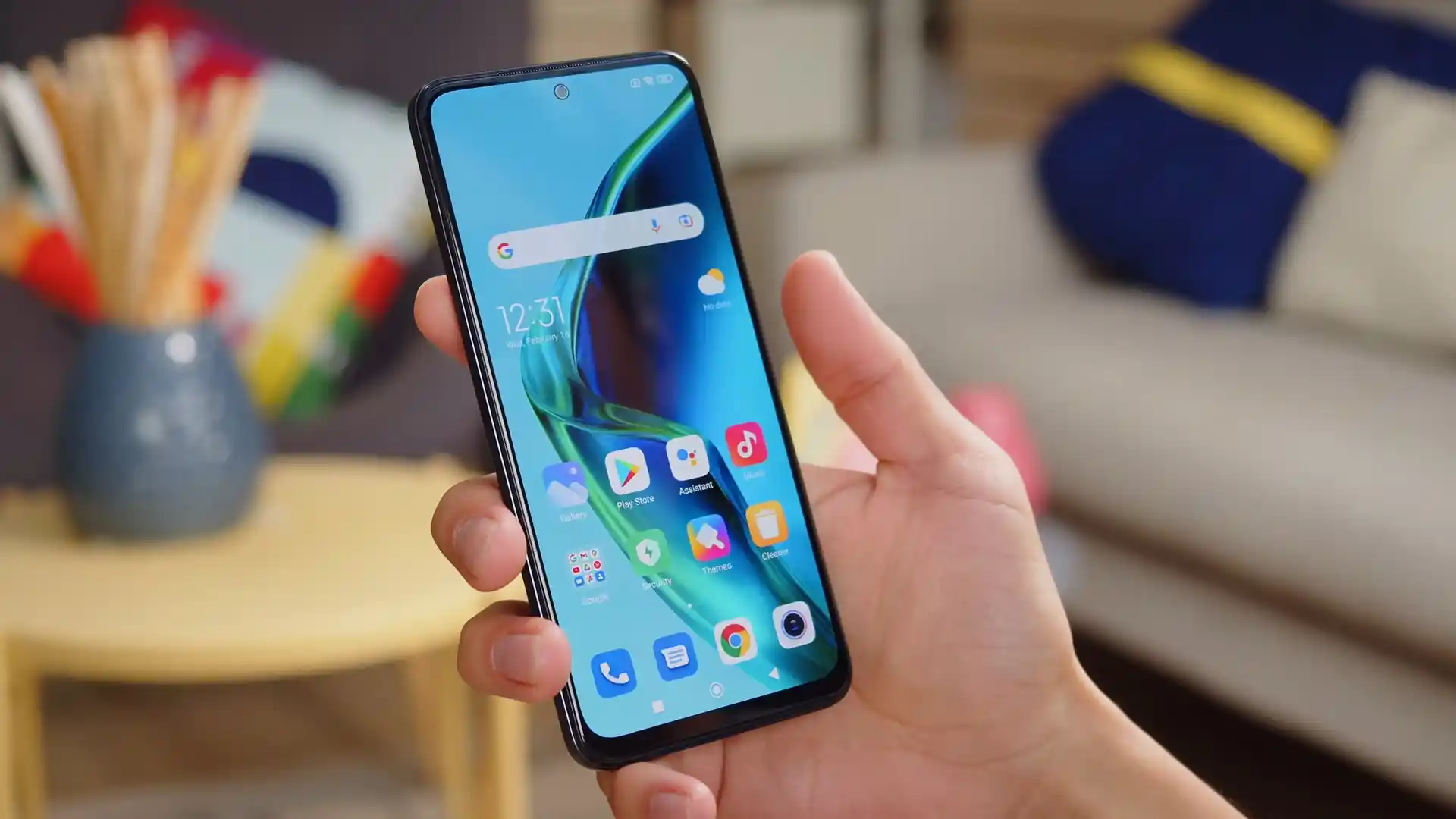
The Xiaomi Redmi Note 11 5G / Redmi Note 11T 5G was launched in November 2021, built on the MediaTek Dimensity 810 5G MT6833P (6nm TSMC) processor. Known under hardware codename evergo (and regional identifier evergo_in), this platform powers the Redmi Note 11 5G and Redmi Note 11T 5G with up to 8GB of LPDDR4X RAM, a 6.6-inch 90Hz DotDisplay, and a 50MP camera setup.
Flashing official Fastboot firmware recovers devices from bootloops, unbricks damaged partition tables, and restores clean factory software. Follow the verified package downloads and step-by-step restoration instructions below to flash your phone safely.
Which Flash Mode Should You Use?
Xiaomi Mi Flash Fastboot Flashing (Recommended)
Standard official method for restoring stock HyperOS firmware using an unlocked bootloader and Mi Flash Tool in Fastboot mode.
Stock Recovery (System Updater)
Official on-device recovery method for installing signed Recovery OTA ZIP archives without wiping user files.
Custom Recovery Flashing (OrangeFox Recovery)
Advanced installation method for flashing custom ROMs, Magisk root, and system modifications via OrangeFox.
Pre-Flash Hardware Checks & MediaTek Driver Setup
Fastboot partition flashing requires an officially unlocked bootloader via the Xiaomi Mi Unlock utility.
A 64-bit Windows PC with updated MediaTek USB VCOM drivers, Google USB drivers, and Android SDK Platform-Tools.
Ensure the 5000 mAh battery has at least 50% charge to prevent unexpected shutdown during super.img partition writing.
Connect directly to a native motherboard USB 2.0 port to prevent communication drops during multi-gigabyte transfers.
Flashing stock Fastboot firmware with clean all formats internal storage; save all essential personal files beforehand.
5-Step Fastboot & Mi Flash Walkthrough for evergo
A quick 5-step overview built specifically for the Xiaomi Redmi Note 11 5G / Redmi Note 11T 5G. The full Mi Flash Tool guide adds screenshots, progress tracking, and fixes for common errors.
-
Unlock bootloader via official Mi Unlock tool using linked Xiaomi account
-
Extract evergo_in_global_images_OS1.0.1.0.TGBINXM_20240307.0000.00_13.0_in_bab47e0b8a.tgz with 7-Zip
-
Boot handset into Fastboot mode and verify MediaTek Bootloader Interface in Device Manager
-
Confirm clean all script is selected in Mi Flash Tool to avoid locking foreign hardware
-
Flash UFS 2.2 dynamic partitions and resolve BROM handshake timeouts via battery flex reset
Firmware Package for MediaTek Dimensity 810 (flash_all.bat)
Official Fastboot firmware packages for the Xiaomi Redmi Note 11 5G and Note 11T 5G (evergo) are distributed as .tgz archives containing raw partition images executed via flash_all.bat across the MediaTek Dimensity 810 MT6833P UFS 2.2 storage controller.
flash_all.bat
Official stock Fastboot package containing the flash_all.bat flasher script, raw partition images, and MT6833P bootloader binaries.
Hardware Sibling Alert: Do NOT flash firmware meant for the global POCO M4 Pro 5G (codename evergreen) onto evergo hardware. While both share the Dimensity 810, regional bootloader signatures differ; cross-flashing can cause baseband dropouts and bootloops.
Verified Fastboot & Recovery Packages (evergo)
Official stock firmware downloads for the Xiaomi Redmi Note 11 5G / Redmi Note 11T 5G. Make sure to check your exact model variant before downloading.
| Version | Region | Android Version | Size | MD5 | Download |
|---|---|---|---|---|---|
OS1.0.1.0.TGBINXM (India Fastboot) |
India (IN) | Android 13.0 | 4.8 GB | bab47e0b8a93e61de27f129fa7f3480f |
⬇️ Download |
OS1.0.1.0.TGBINXM (India Recovery) |
India (IN) | Android 13.0 | 3.7 GB | 64950b1fe9031dbbaae4b566c29b7a13 |
⬇️ Download |
OS1.0.1.0.TGBCNXM (China Fastboot) |
China (CN) | Android 13.0 | 4.9 GB | — | ⬇️ Download |
Need all historical builds, custom recoveries, or China packages? Browse the complete evergo archive on AndroidFirmwareFile.com →
Dimensity 810 Partition Architecture & Unbrick Guidelines
The Redmi Note 11T 5G houses a 5000 mAh internal lithium-polymer battery supporting 33W Pro fast charging input. Flashing complete system and vendor partition images takes approximately 4 to 6 minutes over UFS 2.2 storage. Ensure your battery has at least 50% charge before beginning the flashing process to prevent unexpected shutdowns.
Troubleshooting Redmi Note 11T 5G Flashing Errors
STATUS_BROM_CMD_FAIL (0xC0060005) / SLA Challenge Rejected
Occurs during low-level BootROM flasher handshakes when the MT6833P chip rejects unauthenticated Download Agent packets. Run an MTK auth bypass utility before initializing SP Flash Tool.
error: cannot load flash_all.bat / Path Length Limitation
Mi Flash cannot locate flasher scripts when the extracted firmware folder is nested within multiple folders or contains spaces in its file path. Move the folder to C:\evergo_fw.
The system has been destroyed (dm-verity hash mismatch)
Triggered when the kernel detects modified system partitions while the bootloader is locked or after an interrupted flash. Boot to Fastboot mode and run flash_all.bat with clean all.
FAILED (remote: Anti-rollback check failed)
Occurs when attempting to downgrade from HyperOS 1.0 (Android 13) to early Android 11 builds with a lower rollback index. Verify your ARB index using fastboot getvar anti.
Encountering issues during flashing? Review these verified workshop solutions for the MediaTek Dimensity 810 platform. Troubleshooting & Common Errors →
Flashing Workshop & Driver Troubleshooting FAQ
The persist partition houses hardware calibration baselines for the 50MP camera sensor, digital compass, and Wi-Fi MAC address. Standard flash_all.bat scripts purposefully exclude persist to protect factory calibrations from being erased.
Because evergo employs dynamic partitions where system, vendor, and product logical blocks reside inside super.img, custom recoveries like OrangeFox must be installed to the dedicated recovery partition via fastboot flash recovery. Writing to logical partitions directly requires fastbootd userspace mode.
If the 5000 mAh battery drops below 3.3V, high current draw during partition writing triggers an internal brownout reset. The Dimensity 810 SoC falls back to low-level BootROM mode. Connect the phone to a 33W wall charger for fifteen minutes to stabilize battery voltage before flashing.
Ready to Flash?
Follow the full step-by-step Mi Flash Tool guide with interactive progress tracking, prerequisite checklist, and complete troubleshooting.