

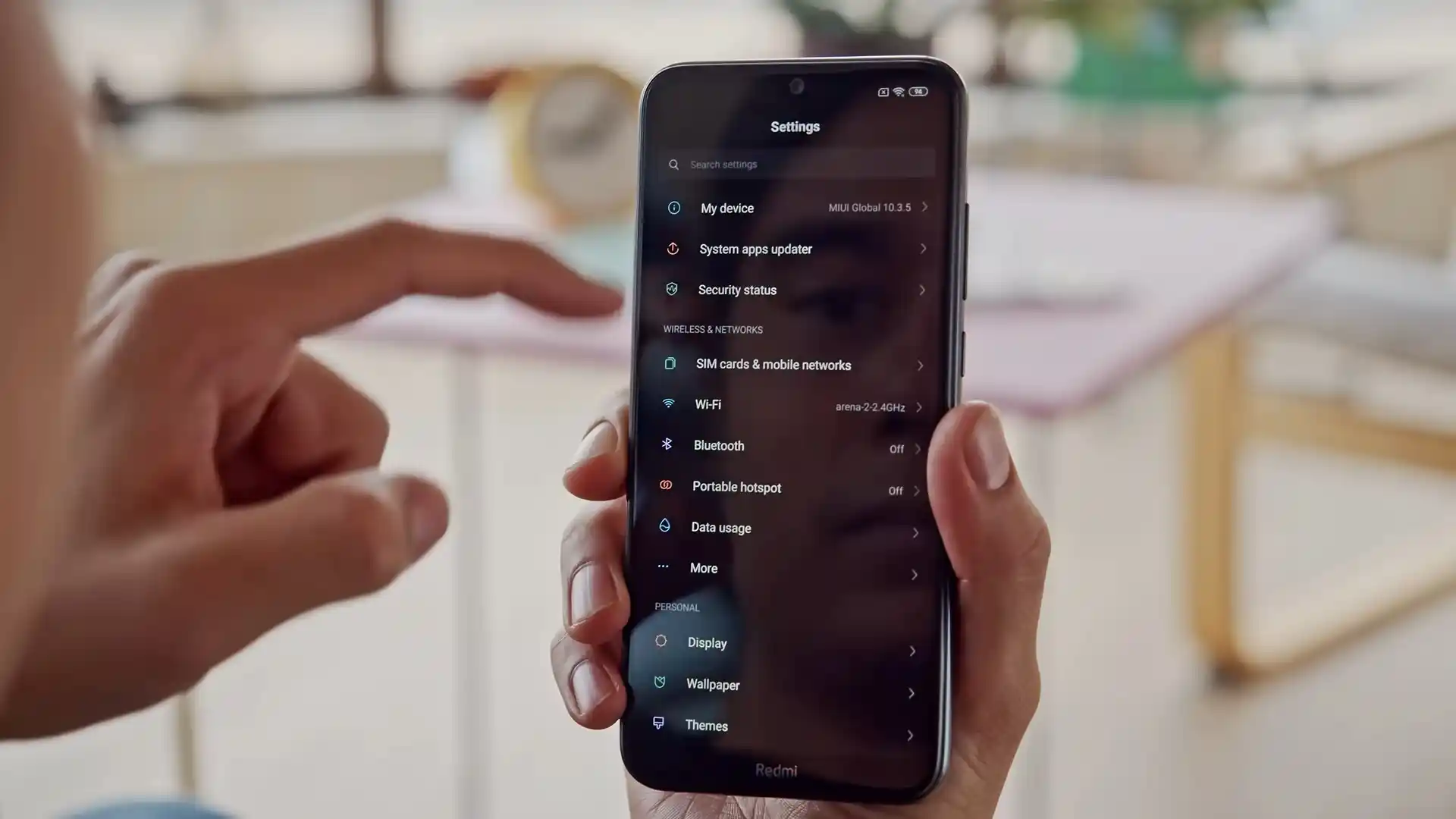
Before you flash: Flashing firmware will erase all data on your device. Back up contacts, photos, and apps before proceeding. FlashGuideHub is not responsible for any damage caused by following this guide.
About the Xiaomi Redmi Note 8T
This workshop manual provides tested stock firmware flashing procedures for the Xiaomi Redmi Note 8T (November 2019), built on Qualcomm's Qualcomm Snapdragon 665 SM6125 (11nm FinFET) platform with a Non-A/B physical partition architecture. Whether recovering from a bootloop or restoring official factory software, this guide details verified Fastboot procedures.
The willow platform incorporates an NXP PN553 NFC controller alongside eMMC 5.1 storage. Following the step-by-step flashing instructions and checking firmware package checksums ensures your device reboots reliably into clean MIUI 12.5.
Which Flash Mode Should You Use?
Fastboot Mode
Standard bootloader flashing mode for Mi Flash Tool and command-line fastboot operations.
Stock Recovery Mode
Built-in recovery menu used for applying official recovery ZIP update packages and performing factory wipes.
Qualcomm EDL 9008 Mode
Low-level Emergency Download Mode for recovering hard-bricked devices unable to enter Fastboot.
Custom Recovery (TWRP / OrangeFox)
Custom recovery environment for flashing custom ROMs like Xiaomi.eu, rooting with Magisk, and performing full partition backups.
Pre-Flash Hardware Checks & Qualcomm Driver Setup
Ensure your phone holds at least 50% charge to prevent unexpected shutdown during system partition flashing.
Connect to a native rear USB 2.0 motherboard port to prevent Fastboot communication dropouts common on USB 3.0 hubs.
Use a reliable USB-C data cable to ensure steady data throughput across large partition write cycles.
Fastboot flashing via Mi Flash Tool requires an officially unlocked bootloader through Xiaomi's official Mi Unlock software.
Extract the .tgz archive twice using 7-Zip until flash_all.bat and the images directory are accessible in a short root folder.
When flashing custom recoveries or custom ROMs, flash vbmeta with disabled verification flags to bypass AVB 2.0 bootloops.
5-Step Fastboot & Mi Flash Walkthrough for willow
A quick 5-step overview built specifically for the Xiaomi Redmi Note 8T. The full Mi Flash Tool guide adds screenshots, progress tracking, and fixes for common errors.
-
Check bootloader unlock state and verify Anti-Rollback index via fastboot getvar anti
-
Unpack willow_global_images_V12.5.6.0.RCXMIXM_20220623.0000.00_11.0_global_f58e9a4cc8.tgz twice using 7-Zip
-
Boot willow into Fastboot mode by holding Volume Down and Power buttons together
-
Connect to rear USB 2.0 port and confirm device detection in Mi Flash Tool
-
Select clean all (flash_all.bat) script and monitor partition flashing progress
Fastboot Script & Qualcomm Partition Architecture
Official Fastboot ROM packages for the Xiaomi Redmi Note 8T (willow) utilize flash_all.bat to write system partitions over USB in Fastboot mode. For emergency unbrick procedures in Qualcomm 9008 mode, the rawprogram0.xml and patch0.xml files map the physical eMMC flash memory sectors.
flash_all.bat
Xiaomi Fastboot archives include automated batch scripts for Windows and shell scripts for Linux. In Mi Flash Tool, selecting flash_all.bat flashes all stock partitions without locking the bootloader.
Verify that your device reports codename willow via fastboot getvar product before flashing. Never flash packages meant for the non-NFC Redmi Note 8 (ginkgo) or MediaTek-based Redmi Note 8 2021 (biloba).
Verified Firmware Packages for Redmi Note 8T (willow)
Official Fastboot packages and verified Xiaomi.eu custom ROM builds for the Redmi Note 8T (willow) are listed below. Each package is tested for clean restoration.
| Version | Region | Android Version | Size | MD5 | Download |
|---|---|---|---|---|---|
V12.5.6.0.RCXMIXM (Global Fastboot) |
Global — M1908C3XG | Android 11.0 | 3.99 GB | f58e9a4cc82d8800d091d3ca1cdeafdf |
⬇️ Download |
V12.5.5.0.RCXEUXM (EEA Fastboot) |
EEA (Europe) — M1908C3XG | Android 11.0 | 4.04 GB | 72d415294d8562cb59fd5e29da777646 |
⬇️ Download |
V12.5.6.0.RCXMIXM (Custom ROM) |
Xiaomi.eu Multilingual (Recovery) | Android 11.0 | 2.58 GB | 93f10da2268f043f989f9160c1ce8a62 |
⬇️ Download |
Looking for additional regional packages, historical MIUI builds, or recovery toolkits? Browse the complete archive on AndroidFirmwareFile
Non-A/B Partition Map & Custom Recovery Guidelines
The Xiaomi Redmi Note 8T (willow) utilizes a standard Non-A/B partition layout with a dedicated hardware recovery partition. Fastboot packages such as willow_global_images_V12.5.6.0.RCXMIXM_20220623.0000.00_11.0_global_f58e9a4cc8.tgz flash individual system, vendor, and boot partitions sequentially. Connecting through a reliable rear USB 2.0 port prevents transfer timeouts during the writing process.
Troubleshooting Redmi Note 8T Flashing Issues
FAILED (remote: 'Anti-rollback check failed')
Anti-rollback protection prevents flashing firmware with a security index lower than what is currently programmed into the hardware fuses. Query your current counter using fastboot getvar anti and flash a package matching or exceeding your current index.
FAILED (remote: 'Flashing is not allowed in Lock State')
Fastboot flashing via Mi Flash Tool requires an officially unlocked bootloader. Ensure your Xiaomi account is authorized in Developer Options under Mi Unlock status, then complete unlocking via the official Mi Unlock desktop tool.
NFC Hardware Failure / Crash After Flashing Ginkgo Firmware
Flashing standard Redmi Note 8 (ginkgo) ROMs onto Redmi Note 8T (willow) causes the kernel to omit the NXP PN553 NFC driver. To restore NFC functionality and prevent modem conflicts, reflash official willow Fastboot firmware using flash_all.bat.
Qualcomm EDL 9008 Sahara Protocol Handshake Timeout (0x1000)
Occurs during deep emergency flashing when the USB controller drops connection or the Sahara protocol handshake times out. Install certified Qualcomm QDLoader drivers, connect to a rear USB 2.0 port, and ensure the battery flex is disconnected while shorting test points.
Encountered an issue during flashing? Review tested resolutions for common Redmi Note 8T flashing and recovery errors below. Troubleshooting & Error Guide →
Flashing Workshop & Driver Troubleshooting FAQ
Android Verified Boot (AVB 2.0) on the Snapdragon 665 platform validates partition integrity against cryptographic hashes stored inside the vbmeta container. Installing a custom recovery or modifying the stock system triggers dm-verity verification failure, causing the device to bootloop into Fastboot or recovery. To prevent this, flash a patched vbmeta image with disabled flags before booting custom recovery: "fastboot --disable-verity --disable-verification flash vbmeta vbmeta.img".
Stock MIUI utilizes Android's hardware-backed File-Based Encryption (FBE) tied to the Qualcomm cryptographic keystore. When switching to Xiaomi.eu or custom AOSP ROMs, the foreign encryption keys prevent the system from mounting the user data partition, leading to bootloops into recovery. In TWRP or OrangeFox, navigate to Wipe > Format Data, type "yes", and swipe to confirm before the initial system reboot.
The persist partition (/dev/block/bootdevice/by-name/persist) contains critical factory calibration data, including the NXP PN553 NFC secure element keys, optical fingerprint sensor baselines, and primary 48 MP camera sensor parameters. Never execute "fastboot erase persist" or flash an empty persist image. Official stock Fastboot flash scripts (flash_all.bat) deliberately skip flashing persist to protect these unique board-level calibration baselines.
Stock MIUI kernels contain an automated recovery restoration routine that detects custom recoveries and overwrites the recovery partition with the stock image during normal system boot. To ensure custom recovery persists, boot directly into recovery immediately after flashing by holding Volume Up and Power, or issue "fastboot reboot" while holding Volume Up. Once in TWRP, installing Magisk or flashing a custom ROM disables this automated restoration check.
Ready to Flash?
Follow the full step-by-step Mi Flash Tool guide with interactive progress tracking, prerequisite checklist, and complete troubleshooting.