

Before you flash: Flashing firmware will erase all data on your device. Back up contacts, photos, and apps before proceeding. FlashGuideHub is not responsible for any damage caused by following this guide.
About the OnePlus 10R
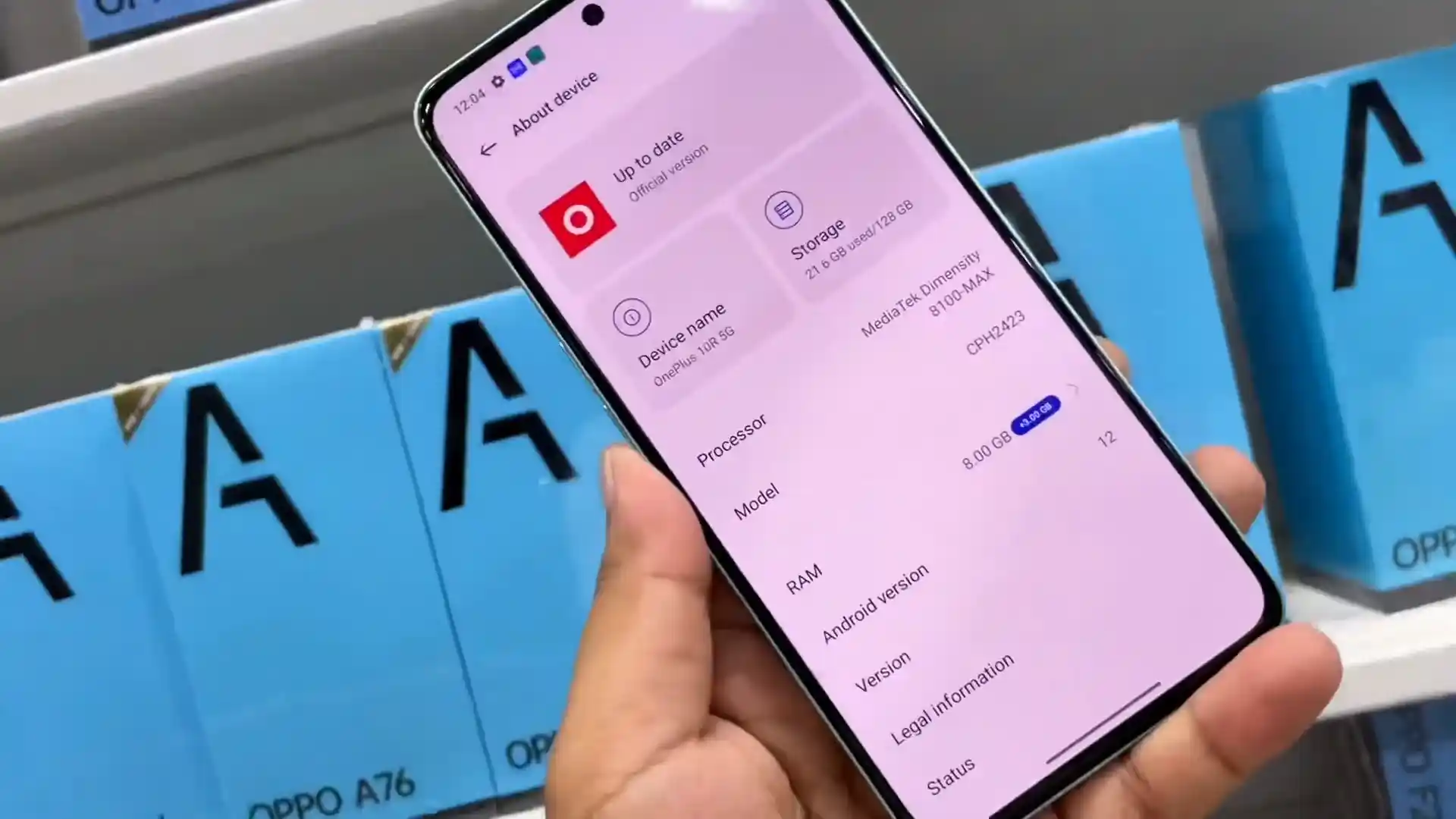
The OnePlus 10R (codename pickle / ossi, models CPH2411 150W and CPH2423 80W) launched in April 2022, powered by the MediaTek Dimensity 8100-Max (MT6895) chipset paired with a 6.7-inch 120Hz Fluid AMOLED display.
Because the OnePlus 10R uses MediaTek MT6895 Virtual A/B dynamic partitions and OPlus factory security checks, unbricking requires either an authorized OPlus EDL Tool session or MTKClient / SP Flash Tool with MT6895_Android_scatter.txt and matching DA authentication.
Which Flash Mode Should You Use?
OPlus EDL Tool (Factory DownloadTool)
Official OPlus factory flashing utility for OnePlus/OPPO MediaTek devices. Required for OxygenOS 14 (14.0.0.650EX01) packages.
MTKClient (BROM Unbrick & Partition Tool)
Open-source MediaTek BROM utility for backing up nvram/persist and recovering OnePlus 10R units stuck in bootloops.
Before You Flash OnePlus 10R: Drivers, Auth & Battery Checks
Install MediaTek USB VCOM drivers so Windows detects the MT6895 Preloader/BROM COM port reliably.
Keep at least 50% charge before flashing; both the 150W dual-cell (CPH2411) and 80W (CPH2423) batteries are sealed.
Connect directly to a rear motherboard USB port to prevent mid-flash dropouts while writing super.img.
OxygenOS 14 builds require authorized OPlus credentials or a valid MT6895 Download Agent auth bypass.
OPlus EDL & MTKClient Walkthrough for CPH2411 & CPH2423
These 5 steps are tailored to the OnePlus 10R (Dimensity 8100-Max). For screenshots, an interactive checklist, and troubleshooting, open the full OPlus EDL Tool (OPPO/OnePlus/Realme) guide.
-
Download CPH2411export_11_14.0.0.650EX01_2024120914540164.zip (or CPH2423export_11_14.0.0.650EX01_2024120914560177.zip) and extract to C:\10r_fw
-
Install MediaTek USB VCOM drivers and confirm MT6895 Preloader/BROM detection in Device Manager
-
Launch OPlus DownloadTool (or open MTKClient / SP Flash Tool with MT6895_Android_scatter.txt)
-
Power off the OnePlus 10R completely, hold Volume Up + Volume Down, and plug in the USB-C cable
-
Wait for the flash to complete, unplug the cable, and allow 5–8 minutes for the first OxygenOS boot
Locating MT6895_Android_scatter.txt for OnePlus 10R
OnePlus 10R factory packages extract into an OFP/scatter folder layout containing partition images and the MediaTek scatter map:
MT6895_Android_scatter.txt
Extract the downloaded CPH2411export_11 or CPH2423export_11 ZIP to a short path on your C: drive. Inside the extracted images folder, locate MT6895_Android_scatter.txt before opening SP Flash Tool or MTKClient, or point OPlus DownloadTool directly at the extracted package folder.
Always verify your archive matches your exact hardware variant: CPH2411 (150W, 4500mAh) or CPH2423 (80W, 5000mAh). Never cross-flash between CPH2411 and CPH2423 or load China OnePlus Ace (PGKM10) files without matching partition trees.
OnePlus 10R Firmware Versions
Recommended stock OxygenOS 14 factory packages for both OnePlus 10R hardware variants (CPH2411 150W and CPH2423 80W).
| Version | Region | Android Version | Size | MD5 | Download |
|---|---|---|---|---|---|
14.0.0.650EX01 |
CPH2411 (150W), Global / India (OxygenOS) | Android 14 (OxygenOS 14.0) | 6.70 GB | — | ⬇️ Download |
14.0.0.650EX01 |
CPH2423 (80W), Global / India (OxygenOS) | Android 14 (OxygenOS 14.0) | 6.70 GB | — | ⬇️ Download |
Need earlier Android 12 (A.04, A.06, A.08, A.11) or 14.0.0.620EX01 builds and MediaFire mirrors? View all 10 OnePlus 10R builds on AndroidFirmwareFile.com →
MT6895 Board & OxygenOS 14 Flashing Notes
If your OnePlus 10R is already running Android 14 (CPH2411export_11_14.0.0.650EX01_2024120914540164.zip or CPH2423export_11_14.0.0.650EX01_2024120914560177.zip), flash the matching OxygenOS 14 branch rather than downgrading to Android 12 (A.04–A.11), as MT6895 anti-rollback fuses can block older preloader images.
Troubleshooting OnePlus 10R OPlus EDL & MT6895 BROM Errors
OPlus DownloadTool: Server Login / Auth Failure on OxygenOS 14 (14.0.0.650EX01)
Factory packages built on Android 14 (such as 14.0.0.650EX01) enforce server-side OPlus account authentication in DownloadTool. Community repair discussions indicate standard offline tools cannot bypass this check without an authorized service login or an updated MT6895 DA bypass.
BROM ERROR: S_SECURITY_SLA_FAIL (6004) in SP Flash Tool
The MediaTek MT6895 BootROM rejected an unauthenticated SP Flash Tool connection. Ensure you load the matching MT6895 Download Agent (DA) and auth file, or run MTKClient / an MTK auth bypass utility before starting the transfer.
dm-verity / "The current image (vbmeta) have been destroyed" Warning
XDA owners report this warning after flashing mismatched Magisk-patched images, wrong Android versions, or converting between ColorOS (PGKM10) and OxygenOS. Connect via MediaTek BROM mode with MTKClient to restore stock vbmeta and super images for your exact model.
For the full MediaTek and OPlus flashing error reference: OPlus EDL & MediaTek BROM Error Directory →
OnePlus 10R Flashing & Unbrick Troubleshooting FAQ
Hold Power + Volume Up + Volume Down together for roughly 10 seconds until the screen goes completely black. Immediately release the Power button while keeping Volume Up + Volume Down pressed, then plug the USB-C cable into a rear PC port so Windows catches the MediaTek BROM port before the phone restarts.
Always select Download Only mode rather than Format All + Download, and keep nvram, nvdata, proinfo, and persist unchecked unless you are restoring a verified backup taken from your own unit.
If the phone stalls after flashing, enter Fastboot mode (Volume Down + Power) and run fastboot getvar current-slot. If the wrong slot is selected, switch it with fastboot set_active a (or b) and restart.
Ready to Flash?
Follow the full step-by-step OPlus EDL Tool (OPPO/OnePlus/Realme) guide with interactive progress tracking, prerequisite checklist, and complete troubleshooting.