

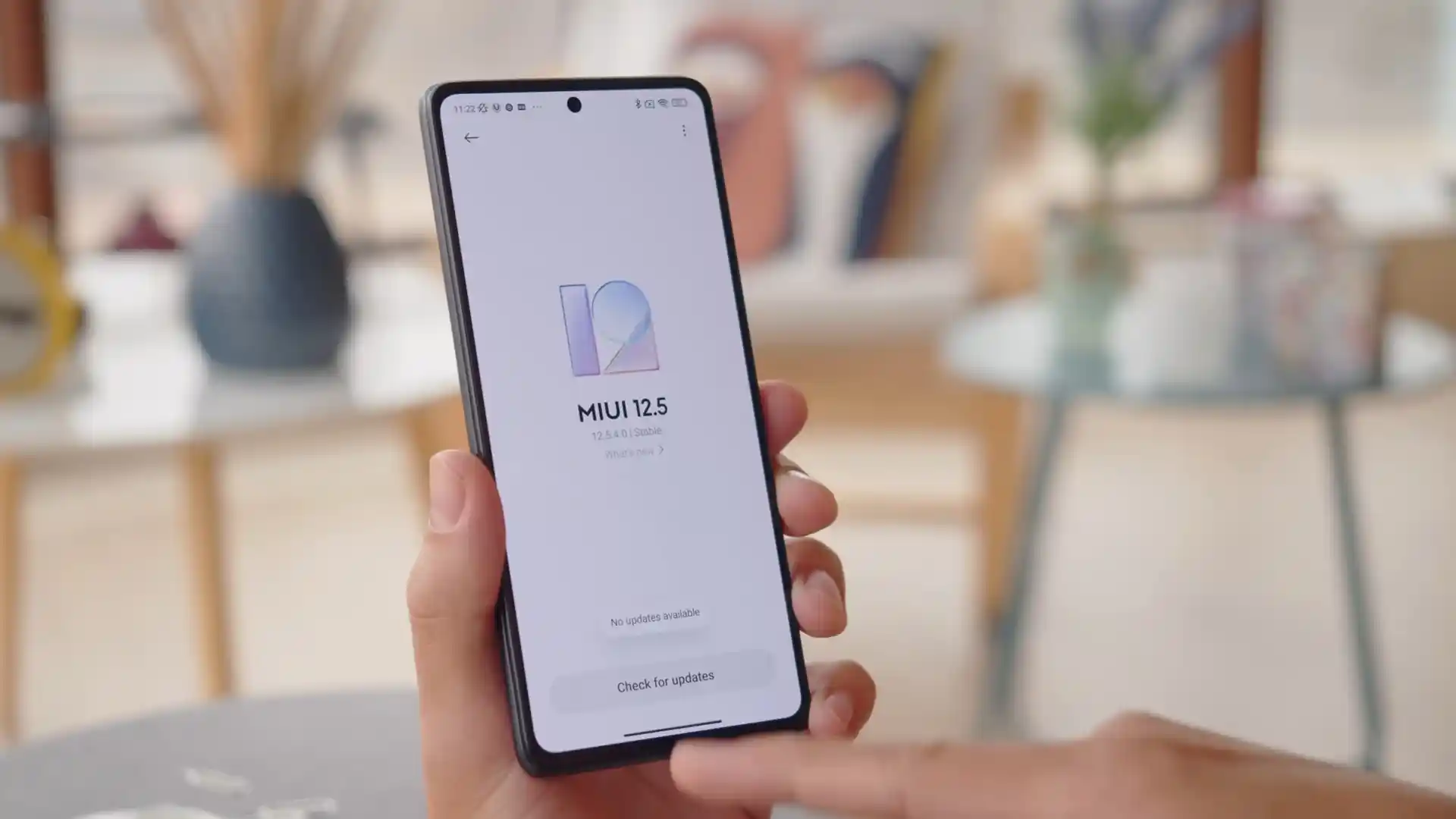
Before you flash: Flashing firmware will erase all data on your device. Back up contacts, photos, and apps before proceeding. FlashGuideHub is not responsible for any damage caused by following this guide.
About the Xiaomi 11T
The Xiaomi 11T, launched in September 2021 / October 2021 on MediaTek's MediaTek MT6893 Dimensity 1200-Ultra (6nm TSMC) processor, delivers reliable performance with a 120Hz Flat AMOLED display, Dolby Atmos stereo audio, and 67W Turbo Charge. Whether you need to recover your phone from an update bootloop, fix system errors, or return to clean stock HyperOS software, this guide provides verified Fastboot flashing steps.
Official flashing on the Xiaomi 11T is performed using Xiaomi's Mi Flash Tool in Fastboot mode. Follow each preparatory step carefully to ensure flawless partition deployment without risking bootloader or baseband corruption.
Which Flash Mode Should You Use?
Fastboot Mode
Primary flashing environment used by Mi Flash Tool to write bootloader, radio, boot, and system partitions.
Recovery Mode
Stock recovery environment for OTA zip sideloading, factory data wipes, and Mi Assistant connections.
Custom Recovery Ramdisk (TWRP)
Touch recovery environment for flashing zip packages, rooting via Magisk, and partition backups.
MediaTek BROM / Preloader Mode
Hardware emergency recovery interface for unbricking hard-bricked units with corrupted bootloaders.
Essential Equipment & Pre-Flashing Preparation for agate
A computer running Windows 10 or 11 with MediaTek USB VCOM drivers and the latest Android SDK Platform Tools installed.
An officially unlocked bootloader via the Xiaomi Mi Unlock utility. Flashing stock Fastboot images on locked devices will fail.
Use the original Xiaomi 6A cable or a certified USB data cable plugged directly into a rear motherboard USB 2.0 port.
Ensure the 5,000 mAh battery holds at least 50% capacity to prevent power interruption during the 5-minute flash operation.
Fastboot .tgz packages require two extractions (tar.gz -> tar -> folder) using 7-Zip to extract the images directory properly.
Step-by-Step Mi Flash Flashing Walkthrough for Xiaomi 11T
A condensed step-by-step summary specific to the Xiaomi 11T. Follow the full Mi Flash Tool guide for screenshots, an interactive progress checklist, and complete troubleshooting.
-
Authorize bootloader unlocking via Mi Unlock with bound Xiaomi account
-
Unpack agate_eea_global_images_OS1.0.19.0.UKWEUXM_20250901.0000.00_14.0_eea_74ddb29735.tgz twice
-
Put Dimensity 1200 board into Fastboot and verify with fastboot getvar product
-
Check Virtual A/B active slot state using fastboot getvar current-slot
-
Execute flash_all.bat in Mi Flash Tool using clean all to flash HyperOS 1.0
Understanding the Fastboot Flash Script on Xiaomi 11T
On the Xiaomi 11T (agate), official Fastboot flashing is managed by the flash_all.bat batch script rather than a standalone MediaTek scatter file. The script automates GPT partition table mapping, writes boot and radio firmware, and coordinates the sequential transfer of dynamic super partition sparse chunks.
flash_all.bat
Although agate is powered by a MediaTek Dimensity 1200-Ultra chipset, Xiaomi packages its official factory firmware in the Fastboot TGZ format managed by flash_all.bat. The script provisions GPT partition tables, writes essential modem and boot images to the active slot, and transfers the multi-gigabyte dynamic super partition via fastboot and fastbootd protocols.
Always confirm that "clean all" (flash_all.bat) is selected in Mi Flash Tool. Selecting "clean all and lock" on cross-regional firmware builds will lock the bootloader against mismatched security certificates and brick the phone. Furthermore, never flash Qualcomm firmware intended for the Xiaomi 11T Pro ("vili") onto agate.
Tested Firmware Packages for Xiaomi 11T
Tested and recommended official stock Fastboot firmware builds for the Xiaomi 11T. Select the package matching your specific hardware model variant.
| Version | Region | Android Version | Size | MD5 | Download |
|---|---|---|---|---|---|
OS1.0.19.0.UKWEUXM (Android 14.0) |
EEA (Europe) | Android 14.0 (HyperOS 1.0) | 6.2 GB | 74ddb297356caaf9f358d8944288e1b0 |
⬇️ Download |
OS1.0.17.0.UKWMIXM (Android 14.0) |
Global (MI) | Android 14.0 (HyperOS 1.0) | 6.4 GB | 19866f833e440cf82c7dbc5678cf7c90 |
⬇️ Download |
Kernel 5.4 Community Port |
Universal / Custom Recovery | Android 12.0 - 14.0 Compatible | 64.0 MB | Community Release |
⬇️ Download |
Looking for additional regional channels or recovery archives? Browse the full archive on AndroidFirmwareFile.com →
MediaTek Dimensity 1200-Ultra Flashing Architecture & Script Notes
USB Connection Stability: Dynamic super partition chunks total over 6GB on HyperOS 1.0. Connect the device directly to a native motherboard USB 2.0 port. Front panel USB hubs and third-party USB 3.2 controllers can drop connection during the userspace fastbootd handoff when flashing packages such as agate_eea_global_images_OS1.0.19.0.UKWEUXM_20250901.0000.00_14.0_eea_74ddb29735.tgz.
Battery Safety Threshold: Ensure the internal single-cell 5,000 mAh battery holds at least 50% capacity before proceeding. If power is lost while flashing the super partition, the device will fall into a preloader loop requiring MediaTek BROM authorization to recover.
Decompression Hierarchy: Xiaomi Fastboot archives (.tgz) contain a nested tar archive. Always use 7-Zip to extract the file twice until the images folder and flash_all.bat batch script appear in the primary directory.
Troubleshooting Xiaomi 11T Flashing Issues
No Dedicated Recovery Partition: "FAILED (remote: 'Partition doesn't exist')"
Attempting to flash custom recovery with the traditional command "fastboot flash recovery recovery.img" fails immediately because agate utilizes a Virtual A/B architecture where recovery code lives within the boot partition. Repair forum discussions advise booting the recovery into memory via "fastboot boot <recovery_filename>.img" and performing recovery ramdisk injection within the TWRP Advanced menu.
Android Verified Boot dm-verity Bootloop: "Your device is corrupted and cannot be trusted"
This dm-verity failure occurs when system or boot partitions are modified on a locked bootloader or without disabling AVB 2.0 verification flags. To resolve this loop, enter Fastboot mode and flash the stock vbmeta partition with verity flags disabled: "fastboot --disable-verity --disable-verification flash vbmeta vbmeta.img", or flash clean stock Fastboot firmware via flash_all.bat.
MediaTek BROM SLA/DA Authorization Rejection: "STATUS_SEC_AUTH_FILE_NEEDED (0xC0020005)"
When attempting low-level SP Flash Tool restoration on a dead Dimensity 1200-Ultra board, the boot ROM demands a signed SLA/DA security token. Without this handshake, the download agent terminates immediately with error 0xC0020005. Community developers recommend utilizing Fastboot mode with an unlocked bootloader whenever possible, or using authorized service tools to clear the preloader handshake.
11T vs 11T Pro Cross-Flashing Brick: "Qualcomm 'vili' Firmware Flashed to MediaTek 'agate'"
Flashing firmware intended for the Qualcomm Snapdragon 888 Xiaomi 11T Pro ("vili") onto the MediaTek Dimensity 1200 Xiaomi 11T ("agate") overwrites MediaTek preloader and partition tables with Qualcomm ELF binaries. This bricks the handset into an unresponsive BROM state requiring authorized EDL servicing. Always verify your device reports "agate" before flashing.
Fix common flashing interruptions, Fastboot handshake errors, and bootloop issues encountered on the Xiaomi 11T. Troubleshooting & Error Resolutions →
Workshop Troubleshooting & Flashing Safety FAQ
Because the Xiaomi 11T lacks a physical /recovery partition, executing standard recovery flash commands fails. To run custom recovery, connect in Fastboot mode and boot the ramdisk temporarily using "fastboot boot twrp-3.7.0_12-agate.img". Once the TWRP interface boots on screen, navigate to Advanced > Install Recovery Ramdisk, select the recovery image from internal storage or a USB OTG drive, and swipe to patch the ramdisk directly into the active boot slot.
MediaTek devices under Android Verified Boot (AVB 2.0) verify partition cryptographic hashes at boot time against public keys in the vbmeta partition. If you modify the boot partition (such as patching Magisk or injecting a recovery ramdisk) without disabling verification flags, the bootloader triggers a dm-verity corruption error and bootloops. To prevent this, flash a modified vbmeta image using "fastboot --disable-verity --disable-verification flash vbmeta vbmeta.img" before rebooting.
Connect the handset to a native motherboard USB 2.0 port and open Windows Device Manager. Under the "Android Phone" category, verify that the entry reads "Android Bootloader Interface" without any yellow exclamation warnings. Open Command Prompt, run "fastboot devices" to confirm the serial number is detected, and execute "fastboot getvar product" to ensure the handset returns "agate".
Ready to Flash?
Follow the full step-by-step Mi Flash Tool guide with interactive progress tracking, prerequisite checklist, and complete troubleshooting.