

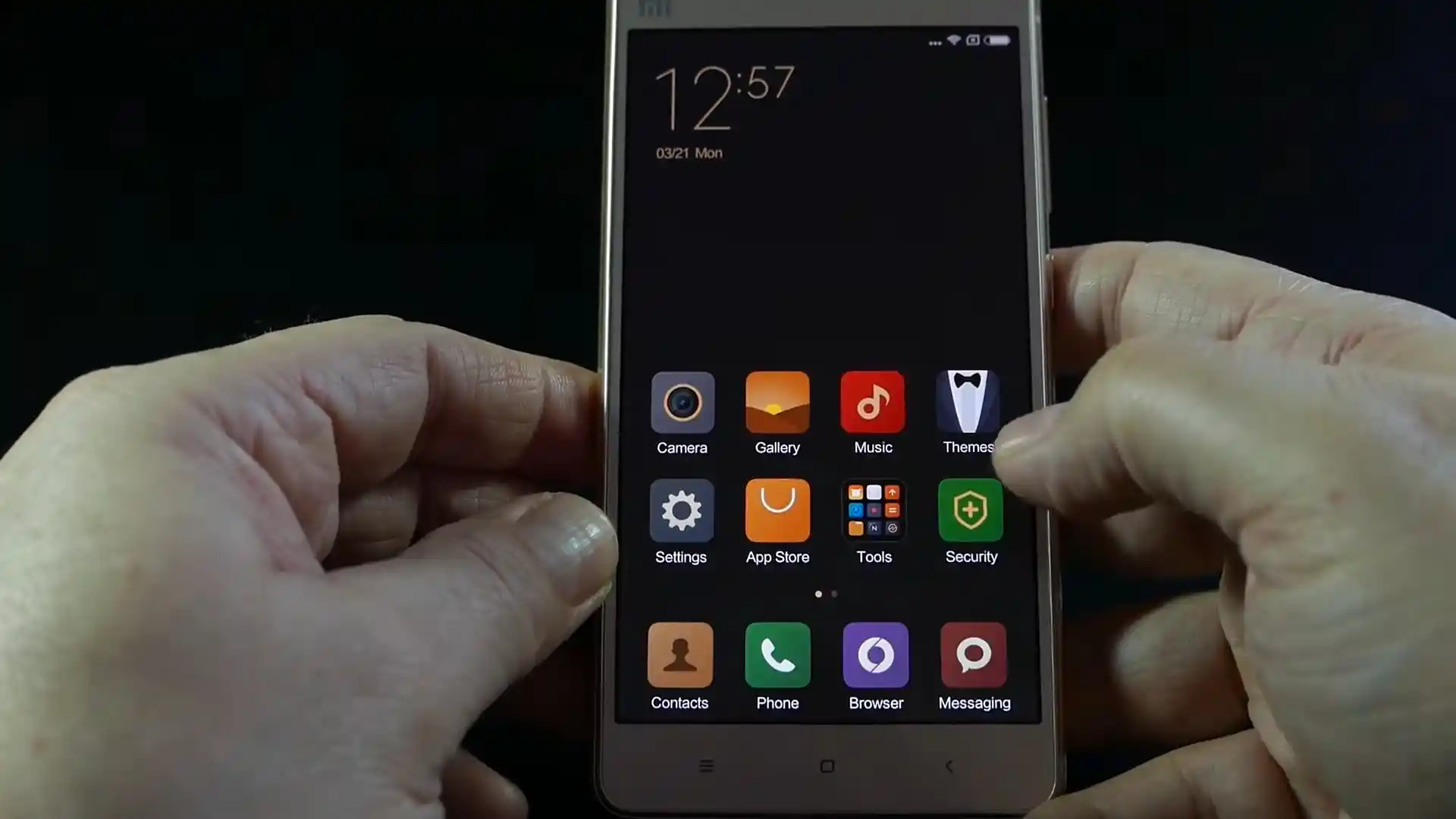
Before you flash: Flashing firmware will erase all data on your device. Back up contacts, photos, and apps before proceeding. FlashGuideHub is not responsible for any damage caused by following this guide.
About the Xiaomi Mi 4s
This workshop guide provides step-by-step bench instructions to flash official stock Fastboot firmware to the Xiaomi Mi 4s (March 2016) using Mi Flash Tool. Writing system and partition binaries to Qualcomm's Qualcomm Snapdragon 808 (MSM8992) platform over eMMC 5.0 storage requires stable USB driver handshakes and correct batch script selection.
Whether your phone is trapped in a startup bootloop, recovering from corrupted partitions, or returning to clean official MIUI 10.1 (Android 7.0 Nougat), follow the verified prerequisites, battery precautions, and step-by-step flashing procedures detailed below.
Which Flash Mode Should You Use?
Xiaomi Mi Flash Fastboot Flashing (Recommended)
Standard official method for restoring stock MIUI firmware using an unlocked bootloader and Mi Flash Tool in Fastboot mode.
Qualcomm EDL 9008 Emergency Unbrick
Low-level hardware unbrick mode for flashing raw partition images directly to eMMC storage when Fastboot mode is inaccessible.
Custom Recovery (TWRP Installation)
Custom recovery environment used for installing multi-language community packages like xiaomi.eu or managing root access.
What You Need Before Flashing
Fastboot flashing requires an officially unlocked bootloader via the Xiaomi Mi Unlock utility.
A 64-bit Windows PC with Qualcomm QDLoader 9008 drivers and updated Android SDK Platform Tools installed.
Ensure the 3,260 mAh battery has at least 50% charge to prevent shutdown during eMMC partition writes.
Use a certified USB Type-C data sync cable plugged directly into a rear motherboard USB port.
Flashing stock Fastboot firmware with "clean all" completely wipes internal storage and applications.
Decompress the .tgz archive twice using 7-Zip until flash_all.bat is exposed in a clean root directory.
How to Flash the Xiaomi Mi 4s — Quick Overview
These 5 steps are tailored to the Xiaomi Mi 4s (Snapdragon 808). For screenshots, an interactive checklist, and troubleshooting, open the full Mi Flash Tool guide.
-
Unlock bootloader with Mi Unlock
-
Decompress Fastboot TGZ archive twice
-
Enter Fastboot mode
-
Configure Mi Flash Tool with "clean all"
-
Flash firmware and await first boot
Firmware Package for Snapdragon 808 (flash_all.bat)
Official Fastboot firmware packages for the Xiaomi Mi 4s are distributed as .tgz archives containing raw partition binaries (boot.img, recovery.img, system.img, cache.img, userdata.img, emmc_appsboot.mbn) written via flash_all.bat or Qualcomm EDL rawprogram0.xml across the Snapdragon 808 eMMC 5.0 storage controller.
flash_all.bat
Official Xiaomi Mi 4s firmware is distributed as a compressed .tgz archive. Extract the archive twice using 7-Zip until the folder containing "flash_all.bat" and the raw partition images is visible.
Fastboot Flashing Rule: Always select "clean all" (flash_all.bat) when using Mi Flash Tool on imported hardware to avoid locking the bootloader against custom or community firmware.
Xiaomi Mi 4s Firmware Versions
Official stock firmware downloads for the Xiaomi Mi 4s. Verify your hardware model variant before downloading.
| Version | Region | Android Version | Size | MD5 | Download |
|---|---|---|---|---|---|
V10.1.1.0.NAJCNFI (MIUI 10.1) |
China (CN) | Android 7.0 | 1.3 GB | 0fda38c3897ca0281366a4e77872c825 |
⬇️ Download |
This phone has 2 additional multi-language and custom recovery packages in the full archive. Browse the complete archive on AndroidFirmwareFile.com →
Xiaomi Mi 4s — Important Notes
The Xiaomi Mi 4s houses a 3,260 mAh internal lithium-ion battery supporting Qualcomm Quick Charge 2.0. Writing full MIUI 10.1 partition images takes approximately 2 to 4 minutes over eMMC 5.0. Confirm that your battery has at least 50% charge before beginning the flashing process to prevent unexpected shutdowns during partition writes.
Troubleshooting Xiaomi Mi 4s Flashing & MIUI Errors
Bootloader Locked Fastboot Rejection: "FAILED (remote: 'device is locked. Cannot flash images')"
Attempting to flash partitions via flash_all.bat in Fastboot mode while the bootloader remains in its locked factory state triggers this error. Workshop technicians recommend either running the official Mi Unlock utility to complete authorized unlocking, or putting the phone into Qualcomm EDL 9008 mode where partitions can be written without bootloader status checks.
Qualcomm 9008 Communication Dropout: "Write packet failed / Device not found in EDL mode"
When flashing large system.img files over Qualcomm EDL 9008, loose USB cable seating or front-panel computer USB hub ports can cause serial packet drops. Workshop technicians advise connecting the phone directly to a rear motherboard USB 2.0 port, using a certified USB Type-C sync cable, and running Mi Flash Tool as Administrator.
Stock Recovery Overwrite Trap: "Phone boots into stock Mi-Recovery instead of TWRP"
Allowing the phone to boot into MIUI immediately after executing "fastboot flash recovery twrp.img" triggers MIUI's automated install-recovery.sh service, restoring the stock recovery image. Technicians suggest holding Volume Up + Power immediately after the flash command finishes to boot directly into TWRP before the Android system service can trigger.
For solving common Mi Flash Tool timeout codes, Qualcomm 9008 connection drops, and TWRP recovery issues: Xiaomi Flashing Error Directory →
Frequently Asked Questions — Xiaomi Mi 4s
Yes. Unlike modern Xiaomi chipsets that require authorized service account credentials to execute firehose commands, the Qualcomm Snapdragon 808 (MSM8992) platform on the Mi 4s features unrestricted Emergency Download (EDL 9008) mode. If the device cannot enter Fastboot or is trapped in a hard bootloop, entering EDL mode via hardware test points or a deep flash cable allows Mi Flash Tool to write the raw partition binaries (rawprogram0.xml and patch0.xml) directly to eMMC 5.0 storage without server authentication.
While the Mi 4s originally launched with an unlocked bootloader on early MIUI 7.0 builds, subsequent updates (starting from MIUI 7.1.5 and 7.2) introduced Xiaomi's locked bootloader framework. If your phone is running Android 7.0 on MIUI 9 or 10, executing fastboot commands requires completing official bootloader unlocking via Mi Unlock, or flashing the stock package in EDL mode which bypasses bootloader state checks.
When connecting the Mi 4s in EDL mode, open Windows Device Manager and check under Ports (COM & LPT). The phone must identify cleanly as "Qualcomm HS-USB QDLoader 9008 (COMx)". If it shows as "QHSUSB_BULK" with a yellow warning triangle, Windows lacks the signed Qualcomm driver. Installing the official Qualcomm driver package and disabling driver signature enforcement allows Mi Flash Tool to establish a reliable serial handshake.
Stock MIUI builds include an automated recovery restoration script (/system/bin/install-recovery.sh) that runs during normal boot, restoring stock Mi-Recovery over custom recovery images. After flashing TWRP via "fastboot flash recovery twrp.img", do not allow the phone to reboot into MIUI. Immediately disconnect the cable, hold Volume Up and Power together until the TWRP splash screen appears, and swipe to allow system modifications.
Ready to Flash?
Follow the full step-by-step Mi Flash Tool guide with interactive progress tracking, prerequisite checklist, and complete troubleshooting.