

Before you flash: Flashing firmware will erase all data on your device. Back up contacts, photos, and apps before proceeding. FlashGuideHub is not responsible for any damage caused by following this guide.
About the Xiaomi Mi 9T Pro / Redmi K20 Pro
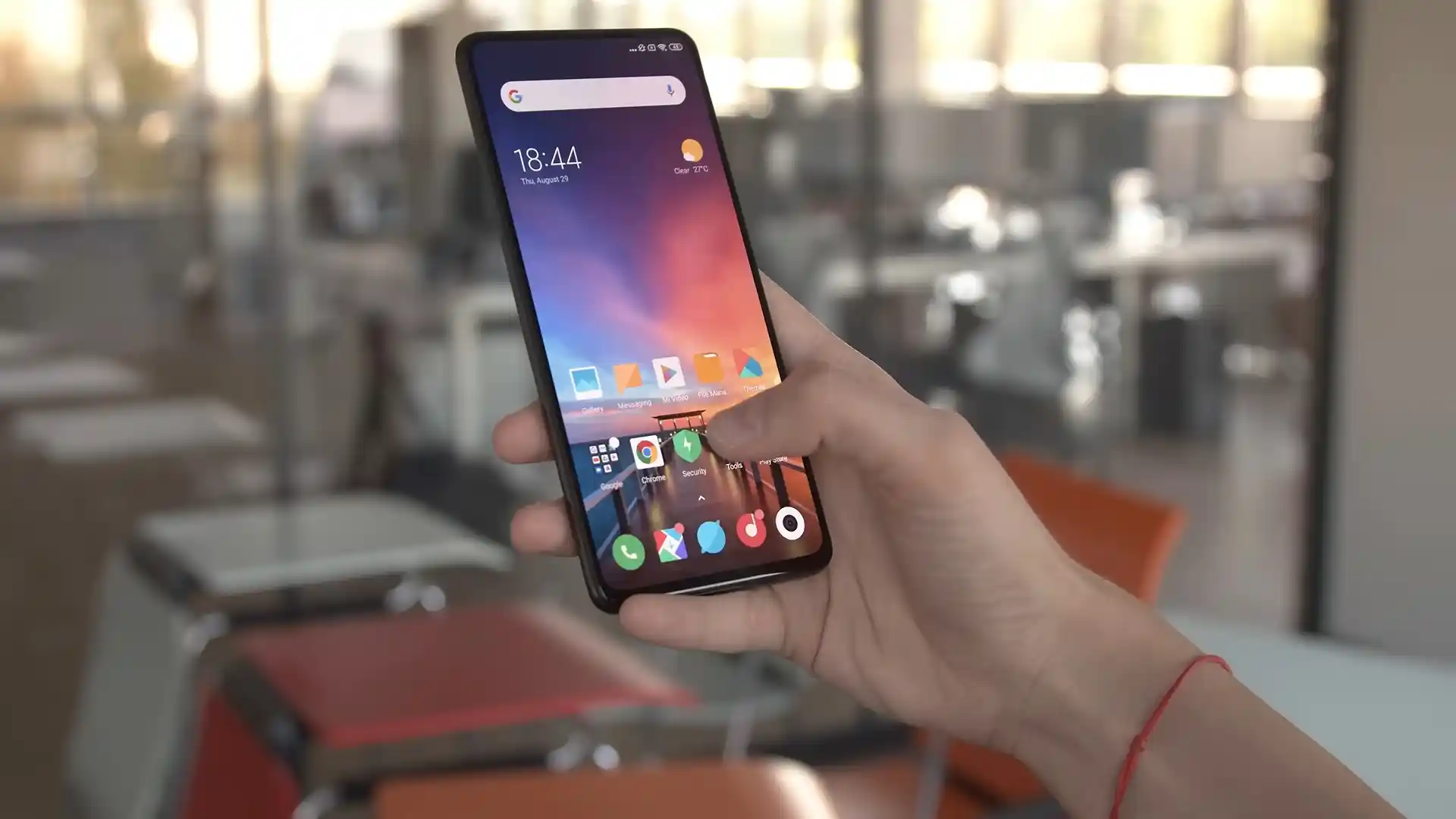
The Xiaomi Mi 9T Pro / Redmi K20 Pro was released in August 2019 on the Qualcomm Snapdragon 855 SM8150 (7nm N7, 64-bit Octa-core: 1x 2.84 GHz Kryo 485 Prime + 3x 2.42 GHz Kryo 485 Gold + 4x 1.80 GHz Kryo 485 Silver) platform. Featuring an uninterrupted 6.39-inch Super AMOLED notchless display, motorized pop-up 20 MP selfie camera, and a 4000 mAh battery with 27W fast charging, the device established itself as an iconic flagship worldwide.
Flashing official factory Fastboot firmware using Xiaomi Mi Flash Tool repairs corrupted system partitions, fixes persistent bootloops, and restores official MIUI stability. Follow the verified steps below to flash your device safely.
Which Flash Mode Should You Use?
Fastboot Mode (Bootloader Flashing)
Official flashing interface for bootloader-unlocked handsets. Writes partition blocks via Mi Flash Tool or flash_all.bat scripts.
Custom Recovery Mode (OrangeFox / TWRP)
Interface for flashing community custom ROMs (such as Xiaomi.eu), ZIP mods, or performing partition-level storage wipes.
Stock Recovery / Local Update
Official on-device recovery method for installing signed regional MIUI update packages without a PC.
Qualcomm HS-USB QDLoader 9008 (EDL Mode)
Emergency download mode accessed via motherboard test points. Requires authorized Xiaomi service credentials on Snapdragon 855.
Essential Workshop Equipment & Mi Flash Requirements
A PC running 64-bit Windows with Xiaomi Mi Flash Tool and official Qualcomm USB drivers installed.
Download and unpack the official raphael Fastboot archive twice with 7-Zip until flash_all.bat is visible.
Ensure the 4000 mAh battery holds at least 50% charge to ensure stable power delivery throughout the flashing process.
Connect an authentic USB Type-C data cable directly into a rear USB 2.0 port on the computer motherboard.
In Mi Flash Tool, select "clean all" at the bottom right. Never select "clean all and lock" on modified devices.
5-Step Mi Flash Walkthrough for Xiaomi Mi 9T Pro
A quick 5-step overview built specifically for the Xiaomi Mi 9T Pro / Redmi K20 Pro. The full Mi Flash Tool guide adds screenshots, progress tracking, and fixes for common errors.
-
Extract raphael_eea_global_images_V12.5.1.0.RFKEUXM TGZ archive twice using 7-Zip
-
Power down phone and hold Volume Down + Power until orange Fastboot bunny displays
-
Connect via native rear motherboard USB 2.0 port to prevent Snapdragon 855 packet drops
-
Load unpacked image directory and select "clean all" (flash_all.bat) in Mi Flash Tool
-
Click Flash and allow 5 to 10 minutes on first boot as user data encryption completes
Fastboot Rawprogram XML & Firmware Package for SM8150
Official Fastboot firmware packages for the Xiaomi Mi 9T Pro and Redmi K20 Pro (raphael / raphaelin / raphaels) utilize rawprogram0.xml and patch0.xml partition configurations executed through flash_all.bat. When loaded into Xiaomi Mi Flash Tool, these scripts write boot, recovery, system, vendor, and cust partitions directly to the Snapdragon 855 UFS 2.1 flash memory controller.
rawprogram0.xml
Official factory Fastboot firmware for the Xiaomi Mi 9T Pro and Redmi K20 Pro utilizes rawprogram0.xml and patch0.xml executed through flash_all.bat. In Mi Flash Tool, select the root extracted folder containing these scripts.
The Xiaomi Mi 9T Pro and Redmi K20 Pro share the Qualcomm Snapdragon 855 platform with 6GB, 8GB, or 12GB LPDDR4X RAM, UFS 2.1 storage, and a 4000 mAh battery supporting 27W fast charging.
Always verify whether your phone is international raphael (M1903F11G) or Indian raphaelin (M1903F11I) before flashing. Never flash firmware designed for the standard Mi 9T / Redmi K20 (codename davinci on Snapdragon 730).
Xiaomi Mi 9T Pro / Redmi K20 Pro Firmware Versions
Tested stock firmware packages for confirmed hardware variants of the Xiaomi Mi 9T Pro / Redmi K20 Pro. Always confirm your model codename (raphael vs raphaelin) before flashing.
| Version | Region | Android Version | Size | MD5 | Download |
|---|---|---|---|---|---|
V12.5.1.0.RFKEUXM (20210626) |
EEA / Europe Stable (EUXM) | Android 11.0 (MIUI 12.5) | 3.29 GB | 8ee14b40c44fb009309898769b46fbb3 |
⬇️ Download |
V12.5.2.0.RFKMIXM (20210809) |
Global Stable (MIXM) | Android 11.0 (MIUI 12.5) | 3.23 GB | 71aaa1f8dd9e6409a27570e831d6f03e |
⬇️ Download |
V12.5.1.0.RFKINXM (20210629) |
India Stable (INXM) | Android 11.0 (MIUI 12.5) | 3.05 GB | 7c0b37828630700523b855f972c4c431 |
⬇️ Download |
V12.5.6.0.RFKCNXM (20211025) |
China Stable (CNXM) | Android 11.0 (MIUI 12.5 Enhanced) | 4.28 GB | b9074ff524bd88d55f97630bae366428 |
⬇️ Download |
V12.5.6.0.RFKCNXM (v12-11) |
Xiaomi.eu Multilingual (Recovery) | Android 11.0 (MIUI 12.5 Enhanced) | 3.08 GB | fee778fbd3773fbe1fcab535ca19216c |
⬇️ Download |
This device family includes 15 verified packages across EEA, Global, China, Russia, India, Xiaomi.eu, TWRP, and OrangeFox releases. Browse the complete 15-package archive on AndroidFirmwareFile.com →
Snapdragon 855 Fastboot Partition Layout & Hardware Notes
Flashing official Fastboot firmware like raphael_eea_global_images_V12.5.1.0.RFKEUXM_20210626.0000.00_11.0_eea_8ee14b40c4.tgz through Xiaomi Mi Flash Tool repairs corrupted partitions, recovers phones stuck in bootloops, and restores the factory MIUI operating system cleanly.
Because emergency download (EDL 9008) recovery on the Qualcomm Snapdragon 855 requires authorized Xiaomi service credentials, keeping your bootloader officially unlocked and preserving Fastboot access is your primary repair path.
Troubleshooting Xiaomi Mi 9T Pro & Redmi K20 Pro Flashing & Mi Flash Errors
Anti-Rollback Rejection: "FAILED (remote: 'Anti-rollback check error')"
This error occurs when attempting to flash a Fastboot ROM with an Anti-Rollback (ARB) index lower than the one fused to your Snapdragon 855 processor. Check your current hardware index by running "fastboot getvar anti". Always select a firmware package matching or exceeding your device's current ARB version.
Cross-Region Bootloader Re-lock Hard Brick: "The system has been destroyed"
This brick occurs when selecting "clean all and lock" (flash_all_lock.bat) while flashing Global or EEA software onto Chinese hardware (M1903F11C/E/A). The bootloader detects mismatched regional root keys and triggers an immediate security lock. If this occurs, boot back into Fastboot mode with Volume Down + Power and use the Mi Unlock tool to unlock the bootloader, then re-flash using "clean all".
EDL Firehose Authentication Timeout: "Sahara protocol error / Only read 0 bytes"
This error displays when attempting to flash emergency raw images via Qualcomm QDLoader 9008 mode without Xiaomi authorized server authentication. Snapdragon 855 firehose programmers enforce cryptographically signed tokens. If you trigger EDL mode accidentally, hold Volume Down and Power for 15 to 20 seconds to force a cold restart back into standard Fastboot mode.
For in-depth Xiaomi Fastboot error codes, EDL testpoint pinouts, and driver troubleshooting: Mi Flash Tool Error Directory →
Workshop Flashing & Troubleshooting FAQ
On the Android 11 baseline, Android Verified Boot (AVB 2.0) validates the integrity of the physical recovery partition. When a custom recovery image replaces the stock Mi recovery, AVB detects signature mismatches and forces an emergency bootloop back to the bootloader. To resolve this, flash the stock vbmeta image with verification neutralized before booting: fastboot --disable-verity --disable-verification flash vbmeta vbmeta.img.
The persist partition stores unique hardware calibration offsets for the Goodix optical under-display fingerprint sensor and motorized pop-up selfie camera stepper motor limits. Official Fastboot flashing with Mi Flash Tool using the "clean all" script (flash_all.bat) safely excludes persist. Never wipe or overwrite persist.img with a binary from another handset, as optical fingerprint enrollment will fail in settings.
Fastboot mode operates through an unlocked bootloader and accepts standard partition flashing commands. In contrast, Qualcomm HS-USB QDLoader 9008 (EDL mode) is a low-level hardware fallback used when the bootloader is corrupt. On the Snapdragon 855 platform, Xiaomi firehose loaders require authorized Xiaomi service account credentials to write partitions in EDL mode; keeping your bootloader officially unlocked preserves Fastboot mode as your primary unbrick route.
Following a clean installation using Mi Flash Tool, the Qualcomm Snapdragon 855 processor must initialize File-Based Encryption (FBE) cryptographic keys across the internal UFS 2.1 storage and build the initial Dalvik/ART runtime cache. This first boot sequence typically takes 5 to 10 minutes. Do not disconnect power or force-reboot while the animated Mi logo is on screen.
Ready to Flash?
Follow the full step-by-step Mi Flash Tool guide with interactive progress tracking, prerequisite checklist, and complete troubleshooting.