

Before you flash: Flashing firmware will erase all data on your device. Back up contacts, photos, and apps before proceeding. FlashGuideHub is not responsible for any damage caused by following this guide.
About the Xiaomi Mi Mix 3
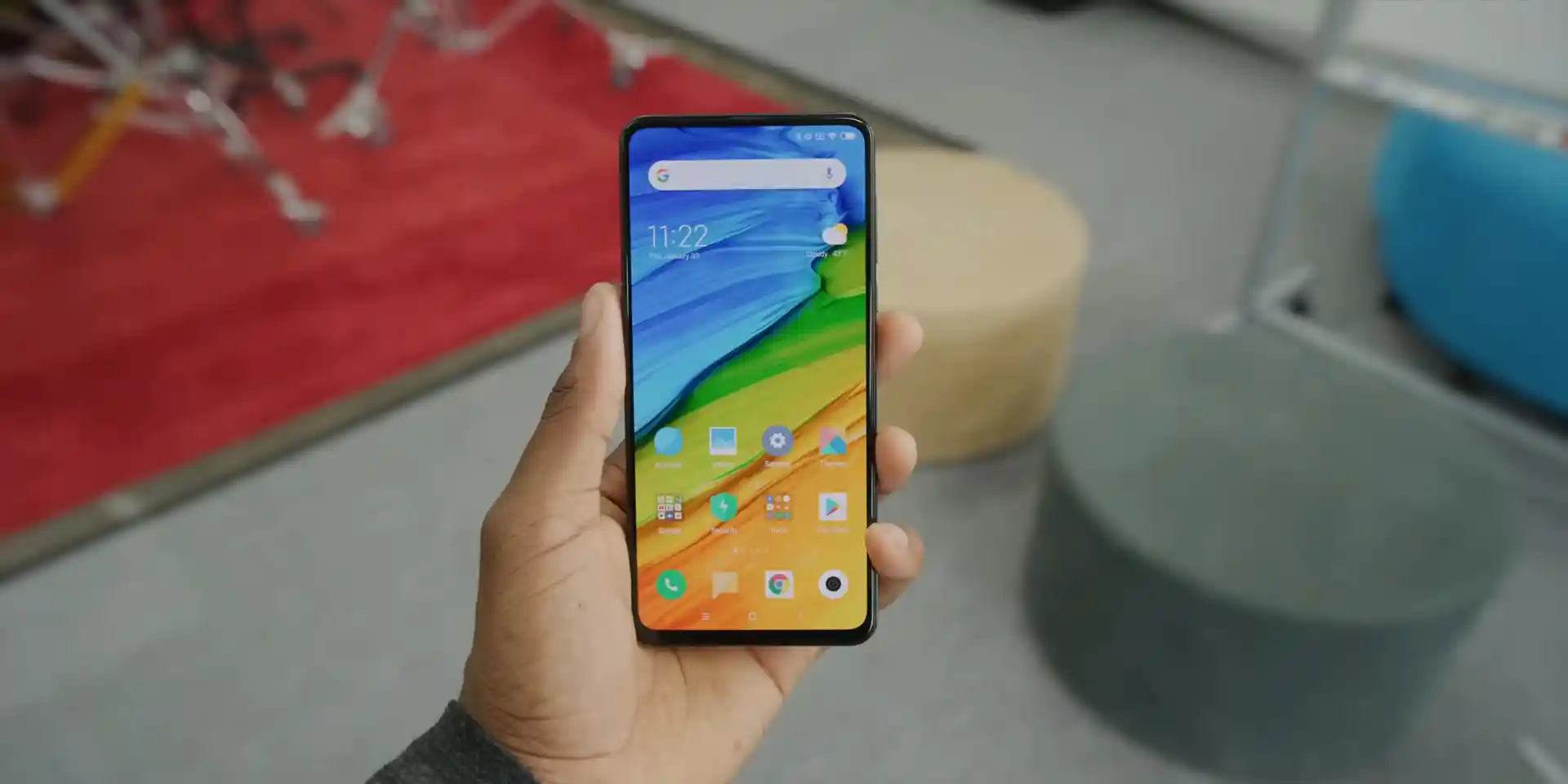
The Xiaomi Mi Mix 3 (codename: perseus) launched in November 2018 on Qualcomm's Qualcomm Snapdragon 845 SDM845 (10nm) chip with an A-only single-slot UFS 2.1 layout and dedicated /recovery partition.
Whether restoring stock Global MIUI 12.0 with perseus_global_images_V12.0.2.0.QEEMIXM_20201116.0000.00_10.0_global_bc07f81c47.tgz or moving to Xiaomi.eu MIUI 12.5 via TWRP 3.7.0, follow the steps below.
Which Flash Mode Should You Use?
Mi Flash Tool (Fastboot Mode — Unlocked)
Flashes official China V12.5.1.0, Global V12.0.2.0, or Russia V12.0.3.0 factory images cleanly via flash_all.bat.
Official TWRP 3.7.0_9-0 Recovery
Installs Xiaomi.eu MIUI 12.5 (V12.5.1.0.QEECNXM), handles Format Data decryption, and takes full EFS/persist backups.
Pre-Flash Setup for Mi Mix 3 (perseus) Snapdragon 845
Ensure solid charge before writing UFS 2.1 images in Fastboot or formatting data in TWRP.
Plug directly into a rear PC motherboard USB socket so 3 GB Fastboot transfers stay uninterrupted.
Confirm unlocked state via Mi Unlock and inspect "fastboot getvar anti" before switching MIUI builds.
Back up EFS and persist inside TWRP 3.7.0 so slider hall-sensor and camera calibration stay intact.
Mi Flash & ARB-Safe Walkthrough for Mi Mix 3 (perseus)
A condensed step-by-step summary specific to the Xiaomi Mi Mix 3. Follow the full Mi Flash Tool guide for screenshots, an interactive progress checklist, and complete troubleshooting.
-
Install Mi Flash Tool, Google Platform-Tools & Confirm "perseus" Codename
-
Extract perseus_global_images_V12.0.2.0.QEEMIXM_20201116.0000.00_10.0_global_bc07f81c47.tgz Twice to C:\perseus\
-
Boot Into Fastboot (Hold Volume Down + Power) and Check Anti-Rollback State
-
Select "clean all" in Mi Flash (Never Lock Bootloader on Cross-Region Hardware)
-
Click Flash and Wait Up to 10 Minutes for Android 10 MIUI 12 Startup
Finding flash_all.bat & UFS Images Inside SDM845 Packages
Snapdragon 845 Fastboot packages on Xiaomi Mi Mix 3 (perseus) use flash_all.bat alongside rawprogram0.xml and prog_ufs_firehose_sdm845_ddr.elf inside the images folder:
flash_all.bat
Extracting perseus_global_images_V12.0.2.0.QEEMIXM_20201116.0000.00_10.0_global_bc07f81c47.tgz twice with 7-Zip exposes flash_all.bat beside the images directory.
Codename perseus covers ONLY the 4G Snapdragon 845 Xiaomi Mi Mix 3 (M1810E5A). Never flash Mi Mix 3 5G (andromeda / Snapdragon 855) files onto perseus.
Keep clean all selected when cross-flashing China vs Global firmware, and note that Snapdragon 845 enforces online EDL authorization.
Xiaomi Mi Mix 3 Firmware Versions
Verified Fastboot packages for Global, China, and Russia alongside Official TWRP 3.7.0_9-0 for Xiaomi Mi Mix 3 (perseus). Browse all 8 packages—including Recovery OTA ZIPs and Xiaomi.eu MIUI 12.5—below.
| Version | Region | Android Version | Size | MD5 | Download |
|---|---|---|---|---|---|
V12.0.2.0.QEEMIXM (Global Fastboot) |
Global Stable (MI) | Android 10.0 (Q / MIUI 12.0) | 2.66 GB | bc07f81c477ef7c18ecd4c2e7f1cdd14 |
⬇️ Download |
V12.5.1.0.QEECNXM (China Fastboot) |
China Stable (CN) | Android 10.0 (Q / MIUI 12.5) | 3.07 GB | 1d961fefc45adf4c2dbe8718e03d9f47 |
⬇️ Download |
V12.0.3.0.QEERUXM (Russia Fastboot) |
Russia Stable (RU) | Android 10.0 (Q / MIUI 12.0) | 2.66 GB | b824f1064f450299aa7f7581a3da191e |
⬇️ Download |
Official TWRP 3.7.0_9-0 |
Custom Recovery IMG | Android 10 / Universal | 64.00 MB | 33560fb3c52f199f11df698cceeeb245 |
⬇️ Download |
Browse all 8 MIUI 12.5/12.0, Xiaomi.eu & Official TWRP files on AndroidFirmwareFile.com → View complete Xiaomi Mi Mix 3 archive on AndroidFirmwareFile.com →
MIUI 12.5 Xiaomi.eu Conversion & Official TWRP Notes
Stock Global MIUI 12.0 vs Xiaomi.eu MIUI 12.5 on perseus: Because Global retail support stopped at perseus_global_images_V12.0.2.0.QEEMIXM_20201116.0000.00_10.0_global_bc07f81c47.tgz while China reached MIUI 12.5, enthusiasts often unlock the bootloader, install twrp-3.7.0_9-0-perseus.img, format data to reset encryption cleanly, and flash xiaomi.eu_multi_MIMix3_V12.5.1.0.QEECNXM_v12-10.zip.
Remember that OrangeFox and PitchBlack Recovery Project have no official ports for perseus—stick to Official TWRP 3.7.0_9-0.
Fixing Mi Mix 3 (perseus) vbmeta, TWRP Decrypt, ARB & EDL Errors
Bootloop After "fastboot flash recovery twrp-3.7.0_9-0-perseus.img" Without vbmeta Disable
Android 10 Verified Boot (AVB) rejects modified recovery or boot hashes on perseus unless vbmeta verification flags are cleared or TWRP is booted straight away cleanly. Community threads recommend flashing with verification disabled on vbmeta or holding Volume Up + Power immediately after Fastboot write.
Decrypt Prompt Shows Scrambled Folder Names in TWRP 3.7.0 on MIUI 12
If switching branches or changing lockscreen PINs leaves /data unreadable inside Official TWRP 3.7.0_9-0, tap Wipe > Format Data (type "yes") rather than a simple Wipe Data, then copy your ZIP over MTP cleanly.
Fastboot Error: "FAILED (remote: Anti-Rollback Check Error)" on QEE* Downgrades
MIUI 12/12.5 on Snapdragon 845 enforces Xiaomi Anti-Rollback fuse checks; attempting to downgrade to an older Android 9 image with a lower anti index blocks Fastboot. Flash an equal or newer QEE* Fastboot release.
Mi Flash Demands Authorized Account Over EDL 9008 Test Points
Snapdragon 845 enforces server-side EDL Firehose signature checks. Hard-bricked perseus phones with dead Fastboot require either an authorized Xiaomi Service Account in 9008 mode or Mi Assistant recovery sideloading if Mi Recovery still responds.
Looking for another Snapdragon Fastboot or TWRP code solution? Mi Flash & TWRP Error Directory →
Slider Calibration, Region Scripts & A-Only Partition FAQ
Never wipe or flash over the persist partition when switching between China and Global ROMs. On perseus, persist holds calibration profiles for the magnetic hall sensor (detecting when you slide open the 24 MP front camera), stereo sensors, and Wi-Fi MAC tables.
Always keep flash_all.bat ("clean all") selected whenever flashing Global QEEMIXM software onto a Mainland China M1810E5A or vice versa—relocking the bootloader on foreign region software halts boot in stock recovery with an integrity mismatch error.
Unlock the bootloader officially, flash twrp-3.7.0_9-0-perseus.img, reboot directly into recovery via Volume Up + Power, format internal data (type "yes") to clear encryption keys cleanly, transfer xiaomi.eu_multi_MIMix3_V12.5.1.0.QEECNXM_v12-10.zip over USB, and install the ZIP.
The Xiaomi Mi Mix 3 (perseus) uses a traditional single-slot A-only partition structure with dedicated /system, /vendor, and /recovery partitions rather than Virtual A/B slot_a/slot_b—so recovery flashes directly to recovery via fastboot flash recovery.
Ready to Flash?
Follow the full step-by-step Mi Flash Tool guide with interactive progress tracking, prerequisite checklist, and complete troubleshooting.