

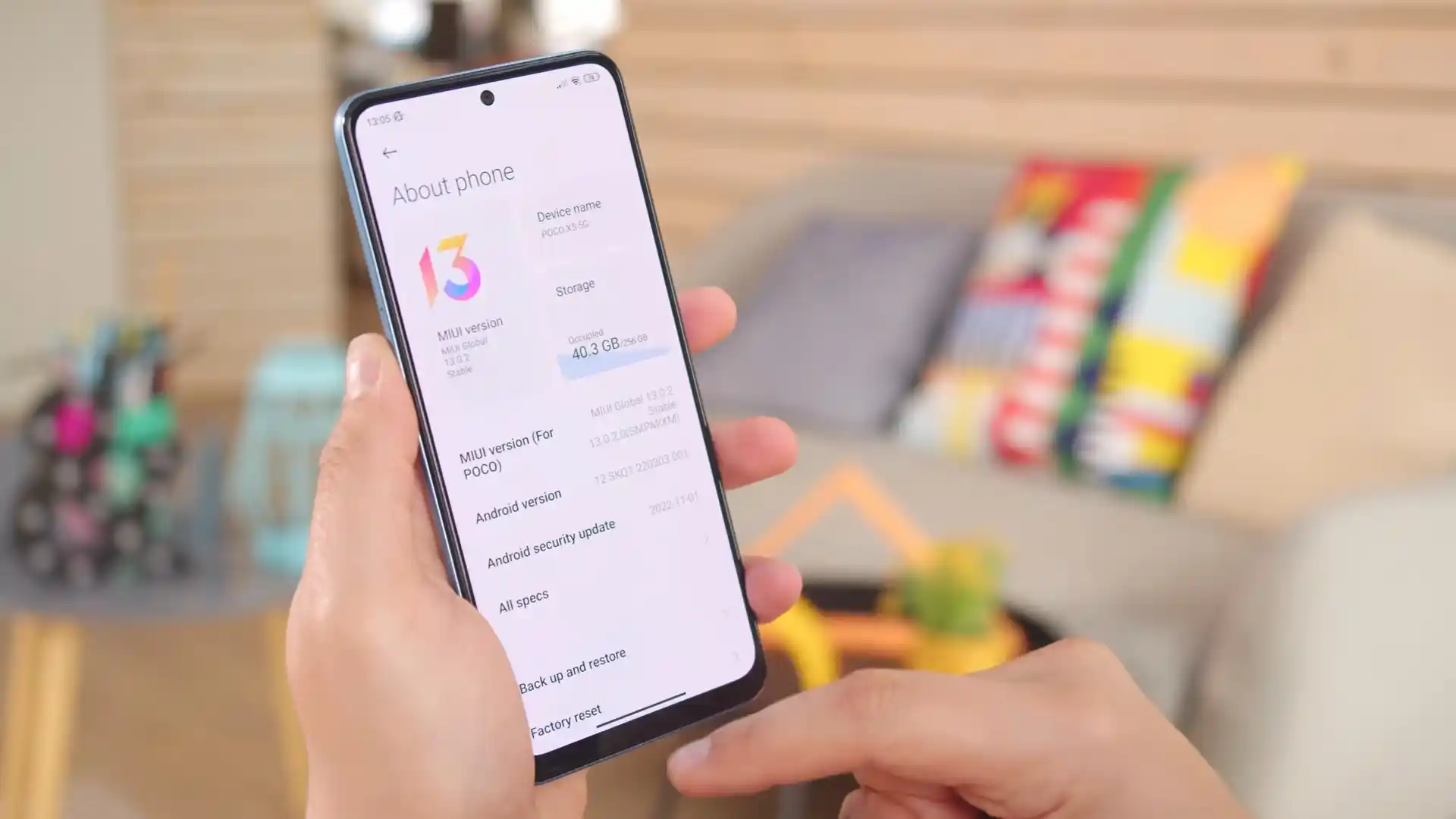
Before you flash: Flashing firmware will erase all data on your device. Back up contacts, photos, and apps before proceeding. FlashGuideHub is not responsible for any damage caused by following this guide.
About the Xiaomi POCO X5 5G
The Xiaomi POCO X5 5G (codename: moonstone) launched in February 2023 on Qualcomm's Qualcomm SM6375 Snapdragon 695 5G (6nm) platform with a 6.67-inch 120Hz Super AMOLED display, 5,000 mAh battery with 33W charging, and a 3.5mm headphone jack.
Whether you are restoring a UK/EEA handset with moonstone_eea_global_images_OS1.0.25.0.UMPEUXM_20251224.0000.00_14.0_eea_c417dce61c.tgz, recovering an Indian 22111317PI unit, or installing twrp-3.7.0_12-1-moonstone.img via boot ramdisk, follow the steps below carefully.
Which Flash Mode Should You Use?
Mi Flash Tool (Fastboot .tgz Factory Restore)
Executes flash_all.bat over Fastboot and fastbootd to write HyperOS 1.0 Android 14 system, vendor, modem, and super partitions cleanly on unlocked phones.
Boot-Ramdisk Custom Recovery (TWRP / OrangeFox / PBRP)
Flash twrp-3.7.0_12-1-moonstone.img to the active boot slot, use Install Recovery Ramdisk, and flash xiaomi.eu_MOONSTONE_OS1.0.26.0.UMPMIXM_14.zip or OrangeFox R12.0.
Qualcomm EDL 9008 (Authorized Service Unbrick)
Low-level SM6375 recovery mode when Fastboot is unreachable after an interrupted flash or accidental relock. Requires authorized Xiaomi EDL login.
Pre-Flash Setup for Xiaomi POCO X5 5G (moonstone)
Confirm Mi Unlock status and match UMPEUXM / UMPMIXM (Global/UK) or UMPINXM (India) to your hardware board.
Current Fastboot binaries prevent userspace fastbootd dropouts during dynamic super partition writes.
Avoid front-panel hubs during 5.7 GB+ Fastboot flashes so USB power stays stable.
If the phone drained to 0% with a blinking battery icon, leave it on the 33W charger before entering Fastboot.
Running flash_all.bat or formatting /data for FBEv2 decryption erases all personal photos and apps.
Mi Flash & Boot-Ramdisk Walkthrough for Snapdragon 695 (moonstone)
5-step quick reference for the Xiaomi POCO X5 5G. Need visuals or troubleshooting help? The full Mi Flash Tool guide covers everything in detail.
-
Verify codename "moonstone" via fastboot getvar product and confirm Mi Unlock status
-
Double-extract moonstone_eea_global_images_OS1.0.25.0.UMPEUXM_20251224.0000.00_14.0_eea_c417dce61c.tgz to C:\moonstone_fw\
-
Hold Volume Down + Power for Fastboot and plug into a direct rear PC USB 2.0 port
-
Pick "clean all" (flash_all.bat) in Mi Flash Tool or flash twrp-3.7.0_12-1-moonstone.img to boot
-
Keep the USB-C cable connected through the fastbootd handoff until HyperOS 1.0 boots
Finding flash_all.bat & Rawprogram XML Maps in SM6375 Packages
On the Qualcomm %1$s platform, Mi Flash Tool executes %2$s alongside rawprogram XML maps rather than a MediaTek scatter file. Extracting the .tgz package twice with 7-Zip places %2$s in the outer folder next to the images directory:
flash_all.bat
Double-extracting moonstone_eea_global_images_OS1.0.25.0.UMPEUXM_20251224.0000.00_14.0_eea_c417dce61c.tgz with 7-Zip places flash_all.bat in the outer folder alongside the images directory containing prog_firehose_ddr.elf, super.img, modem.img, and boot.img. Select only the outer directory inside Mi Flash Tool.
Confirm your board reports 'moonstone' (22111317PG / 22111317PI) and never cross-flash Redmi Note 12 5G (sunstone) or POCO X5 Pro 5G (redwood) images.
Always choose the outer folder holding flash_all.bat in Mi Flash Tool (such as C:\moonstone_fw\) rather than the inner images directory.
Keep "clean all" selected; clicking "clean all and lock" on cross-regional firmware traps the phone in recovery.
Xiaomi POCO X5 5G Firmware Versions
One tested HyperOS 1.0 Fastboot build per primary hardware SKU for Xiaomi POCO X5 5G (EEA/UK 22111317PG, Global 22111317PG, and India 22111317PI). Visit AndroidFirmwareFile for ID, RU, TR, TW, OTA ZIPs, Xiaomi.eu Hybrid, and all 7 custom recoveries.
| Version | Region | Android Version | Size | MD5 | Download |
|---|---|---|---|---|---|
OS1.0.25.0.UMPEUXM |
Europe / UK EEA (EU) — POCO X5 5G (22111317PG) Fastboot | Android 14.0 (Dec 2025) | 5.7 GB | c417dce61c4f189f3919c90cff307cd5 |
⬇️ Download |
OS1.0.26.0.UMPMIXM |
Global (MI) — POCO X5 5G (22111317PG) Fastboot | Android 14.0 (Dec 2025) | 6.0 GB | 15a869d2d2df8d9de7a502326917a9f7 |
⬇️ Download |
OS1.0.22.0.UMPINXM |
India (IN) — POCO X5 5G (22111317PI) Fastboot | Android 14.0 (Nov 2025) | 5.1 GB | b7af53b1916695cadefde686a6c44a27 |
⬇️ Download |
Need Indonesia, Russia, Turkey, Taiwan, OTA ZIPs, Xiaomi.eu Hybrid, or TWRP/OrangeFox/PBRP? Browse all 22 moonstone builds on AndroidFirmwareFile.com → View full archive on AndroidFirmwareFile.com →
Fastboot, Boot-Ramdisk TWRP & Qualcomm EDL Options
Restoring a Xiaomi POCO X5 5G (moonstone) with Mi Flash Tool starts by picking the Fastboot package that matches your hardware SKU. UK and European 22111317PG phones run moonstone_eea_global_images_OS1.0.25.0.UMPEUXM_20251224.0000.00_14.0_eea_c417dce61c.tgz cleanly with Band 20 and NFC enabled, while Indian 22111317PI models use moonstone_in_global_images_OS1.0.22.0.UMPINXM_20251128.0000.00_14.0_in_b7af53b191.tgz.
If you are installing a custom recovery on an unlocked bootloader, remember that moonstone lacks a standalone recovery partition: flash twrp-3.7.0_12-1-moonstone.img (or twrp-3.7.1_12-1-moonstone-erwinabs.img) to boot, reboot to recovery, and run Advanced → Install Recovery Ramdisk before flashing xiaomi.eu_MOONSTONE_OS1.0.26.0.UMPMIXM_14.zip or OrangeFox.
Fixing POCO X5 5G (moonstone) TWRP Boot Errors, HyperOS Unlock Quotas & fastbootd Stalls
TWRP Boot Failure: "FAILED (remote: 'unknown command')" on fastboot boot twrp.img
XDA maintainers for moonstone note that the Snapdragon 695 bootloader blocks temporary "fastboot boot" execution and lacks a separate physical recovery partition. Community guides recommend flashing the recovery image to the active boot slot ("fastboot flash boot twrp-3.7.0_12-1-moonstone.img") or inactive slot (boot_a/boot_b), rebooting to recovery, and running Advanced -> Install Recovery Ramdisk.
HyperOS Unlock Quota Block: "Couldn't add. Please go to MIUI community"
Owners attempting to bind a Mi Account on HyperOS 1.0 (OS1.0.25.0 / OS1.0.26.0) frequently hit server-side Xiaomi Community unlock quota denials. Experienced users recommend applying through the Xiaomi Community app with an active regional account at UTC+8 reset time, keeping mobile data enabled on the inserted SIM, and waiting out the bind countdown before opening Mi Unlock.
Recovery Decryption & Touch Issues: 0 MB Internal Storage or Frozen Screen in TWRP / OrangeFox
Because several moonstone recoveries (twrp-3.7.0_12-1, OrangeFox-R12.0, PBRP-4.0) are built on the Android 12 (_12) tree, they can fail to decrypt Android 14 HyperOS File-Based Encryption (FBEv2) or show unresponsive touch on mismatched vendor DTBs. Community members suggest trying twrp-3.7.1_12-1-moonstone-erwinabs.img or formatting /data (Format Data -> yes) before sideloading or flashing ZIPs.
Mi Flash "Sahara Fail" or Userspace fastbootd "super.img" Write Stall
Interrupted 7-Zip extractions or front-panel USB hubs frequently cause Mi Flash Tool to drop the connection when moonstone reboots into userspace fastbootd to write the 5.7 GB+ super.img partitions. Repair threads recommend extracting the .tgz twice to a short path like C:\moonstone_fw\, using Android SDK Platform-Tools v35+, and connecting directly to a rear motherboard USB 2.0 port.
Looking up another Mi Flash error code or Fastboot failure? Snapdragon 695 Fastboot & Recovery Error Directory →
Virtual A/B Recovery, Xiaomi.eu Scripts & EDL 9008 Q&A
Because moonstone embeds recovery inside the boot ramdisk rather than using a dedicated recovery partition, back up your stock boot.img first, check your active slot with "fastboot getvar current-slot", and flash the recovery image to boot ("fastboot flash boot twrp-3.7.0_12-1-moonstone.img"). After booting into TWRP, open Advanced -> Install Recovery Ramdisk, select the .img file again, and reflash stock boot.img if needed so the recovery persists alongside your ROM.
No. On Qualcomm SM6375, Emergency Download mode (HS-USB QDLoader 9008) enforces Xiaomi server-side challenge-response authentication on Firehose programmers. Shorting motherboard EDL pads under the rear cover enters 9008 detection, but flashing partitions still requires an authorized Xiaomi service account.
When unpacking xiaomi.eu_MOONSTONE_OS1.0.26.0.UMPMIXM_14.zip for PC Fastboot flashing, run windows_fastboot_first_install_with_data_format.bat if coming from stock HyperOS/MIUI or switching Android versions. Use windows_fastboot_update_rom.bat only when dirty-upgrading from an earlier Xiaomi.eu build.
Running "fastboot getvar anti" reads the hardware anti-rollback counter from the bootloader. Before downgrading from HyperOS 1.0 (OS1.0.*) back to MIUI 14 (V14.0.6.0.TMPMIXM), confirm the target package does not carry a lower rollback index than your phone reports, and always keep "clean all" selected.
Ready to Flash?
Follow the full step-by-step Mi Flash Tool guide with interactive progress tracking, prerequisite checklist, and complete troubleshooting.