

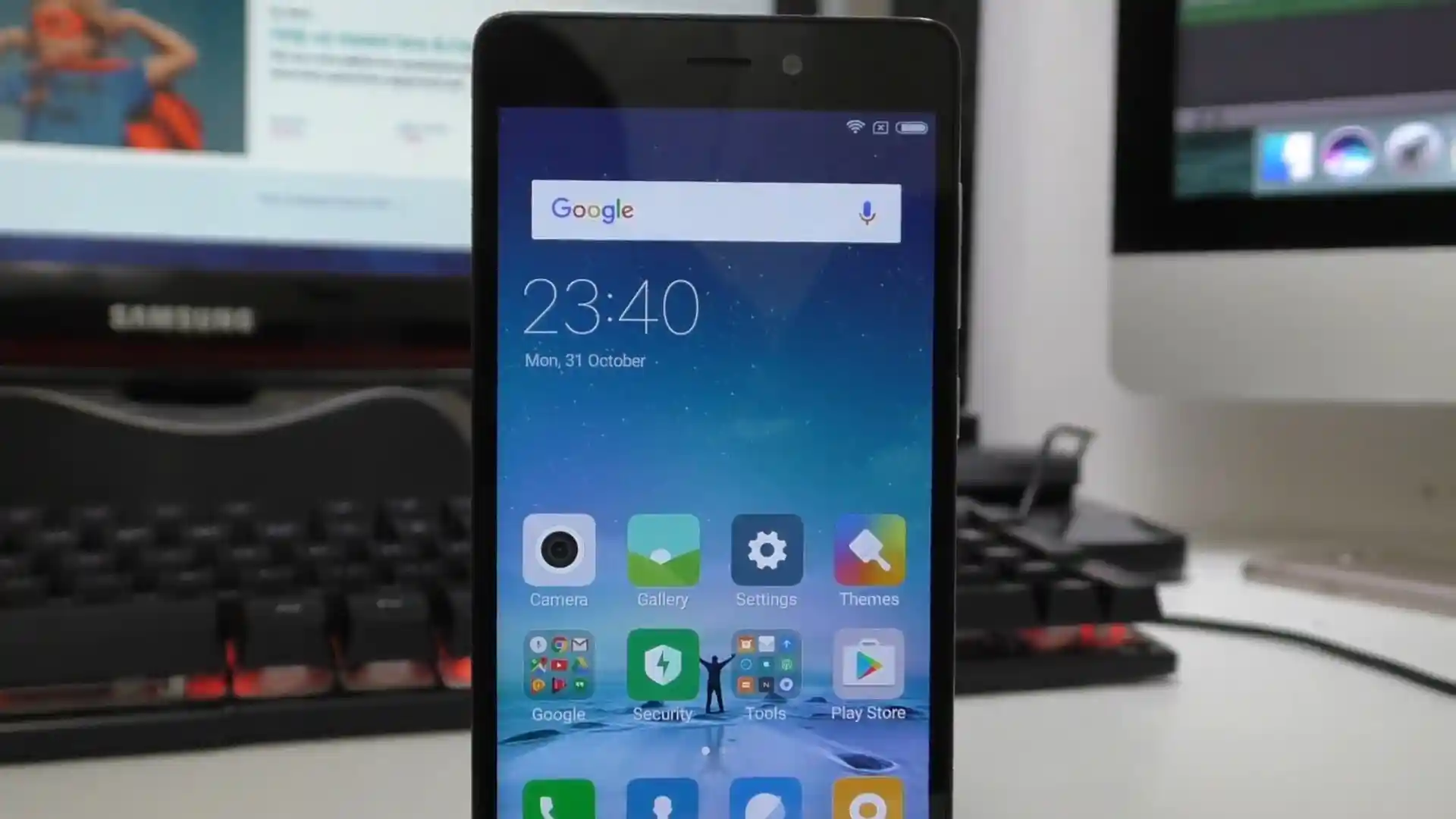
Before you flash: Flashing firmware will erase all data on your device. Back up contacts, photos, and apps before proceeding. FlashGuideHub is not responsible for any damage caused by following this guide.
About the Xiaomi Redmi 3S / Redmi 3S Prime / Redmi 3X
The Xiaomi Redmi 3S / Redmi 3S Prime / Redmi 3X series (codename: land) debuted in June 2016 (Redmi 3S) / August 2016 (3X) on Qualcomm's Qualcomm Snapdragon 430 MSM8937 (28nm) chip with Android 6.0 Marshmallow and a 4,100 mAh battery across 2016030, 2016031 (Band 20), and 2016037 variants.
Whether you are fixing a bootloop over Qualcomm EDL 9008 using land_global_images_V10.2.2.0.MALMIXM_20190423.0000.00_6.0_global_68faa236bb.tgz or setting up custom recovery with twrp-3.6.2_9-0-land.img, follow the steps below.
Which Flash Mode Should You Use?
Mi Flash Tool — EDL 9008 Mode (Locked or Bricked)
Pushes factory eMMC images directly through Qualcomm QDLoader 9008 without requiring an unlocked bootloader.
Mi Flash Tool / Fastboot CLI (Unlocked Bootloader)
Executes flash_all.bat or installs standalone recovery images like twrp-3.6.2_9-0-land.img directly via Fastboot.
TWRP / PBRP / Local Updater (Recovery ZIP)
Installs signed stock OTA ZIP packages on running Global systems or flashes Xiaomi.eu and PBRP-land-3.1.0-20210511-1059-OFFICIAL.zip inside custom recovery.
Essential Setup Before Flashing Redmi 3S / 3X (land)
Use a 64-bit Windows PC and 64-bit Mi Flash release so Qualcomm 9008 Firehose transfers do not run out of memory.
Older MicroUSB 2.0 ports lose tension over years of use. Plug a tight, shielded data cable straight into a rear motherboard USB 2.0 port.
Extract the .tgz archive twice with 7-Zip directly to C:\land_fw\ without spaces so flash_all.bat runs without path errors.
Ensure the 4,100 mAh battery holds at least 40% charge (or verify battery cable seating on test-point rescues) before writing partitions.
Flashing flash_all.bat wipes internal eMMC user data completely. Save photos beforehand, and back up /persist if unlocking for custom ROMs.
Mi Flash & Qualcomm 9008 Steps for Snapdragon 430
A fast reference for flashing the Xiaomi Redmi 3S / Redmi 3S Prime / Redmi 3X (Snapdragon 430) using Mi Flash Tool. For the complete walkthrough with images and error troubleshooting, see the full guide.
-
Install 64-bit Mi Flash Tool and Qualcomm HS-USB QDLoader 9008 drivers
-
Extract land_global_images_V10.2.2.0.MALMIXM_20190423.0000.00_6.0_global_68faa236bb.tgz twice to C:\land_fw\
-
Enter EDL 9008 (adb reboot edl / test points) if locked, or Fastboot (Vol Down + Power) if unlocked
-
Confirm COM port or Fastboot ID in Mi Flash Tool and set bottom-right option to "clean all"
-
Click Flash immediately after entering EDL so the 8937 Firehose handshake completes cleanly
Locating flash_all.bat & 8937 Firehose Files in Snapdragon 430 Packages
Official Xiaomi Redmi 3S / 3X Fastboot packages arrive as double-compressed .tgz files. Extract the archive twice using 7-Zip so flash_all.bat sits at the top folder while rawprogram0.xml, patch0.xml, and the Qualcomm Firehose loader sit inside the images folder:
flash_all.bat
After unpacking land_global_images_V10.2.2.0.MALMIXM_20190423.0000.00_6.0_global_68faa236bb.tgz twice with 7-Zip, flash_all.bat appears at the root level alongside an images folder holding rawprogram0.xml, persist.img, and the MSM8937 Firehose loader. Select the outer root directory inside Mi Flash Tool.
Codename land applies strictly to Snapdragon 430 units (Redmi 3S, Redmi 3S Prime, Redmi 3X — models 2016030, 2016031, and 2016037). Never flash files meant for the older Snapdragon 616 Redmi 3 (ido).
Select the outer directory holding flash_all.bat inside Mi Flash Tool (for example C:\land_fw\), never the inner images subfolder.
Always choose "clean all" (flash_all.bat); never select "clean all and lock" if running cross-regional software or modified partitions.
Xiaomi Redmi 3S / Redmi 3S Prime / Redmi 3X Firmware Versions
Verified Global Stable, China Stable, Official TWRP, and PBRP files tested for the Xiaomi Redmi 3S / Redmi 3S Prime / Redmi 3X (land). For Xiaomi.eu V10.1.1.0.MALCNFI, China Recovery ZIP, and standalone PBRP recovery.img links, browse the full archive below.
| Version | Region | Android Version | Size | MD5 | Download |
|---|---|---|---|---|---|
V10.2.2.0.MALMIXM |
Global (MI / HM3SGlobal) — MIUI 10.2 | Android 6.0 (Marshmallow), May 2019 | 1.47 GB | 68faa236bba86fcd78503e2ce28bc4d5 |
⬇️ Download |
V10.2.2.0.MALMIXM (OTA) |
Global Recovery ZIP | Android 6.0 (Marshmallow), May 2019 | 1.27 GB | 919500358f6b23fd6f70a88622ab7f8e |
⬇️ Download |
V10.2.2.0.MALCNXM |
China (CN / HM3S) — MIUI 10.2 | Android 6.0 (Marshmallow), May 2019 | 1.68 GB | dab80a5326677d0b9e8a3802b11530c7 |
⬇️ Download |
TWRP 3.6.2_9-0 |
Official Custom Recovery (land) | Fastboot / TWRP IMG | 25.93 MB | ead124d01aac0b7d4450d63443a21293 |
⬇️ Download |
PBRP 3.1.0 Official |
PitchBlack Recovery ZIP (land) | Custom Recovery ZIP | 50.12 MB | ef51e8ea9ef89aa4881628af037b9f5a |
⬇️ Download |
Browse all 8 MIUI 10, Xiaomi.eu, TWRP & PBRP files for Redmi 3S / 3X on AndroidFirmwareFile.com → View full archive on AndroidFirmwareFile.com →
Choosing Between EDL 9008, Fastboot & Custom Recovery
The Xiaomi Redmi 3S, Redmi 3S Prime, and Redmi 3X (codename land) are powered by Qualcomm's Snapdragon 430 (MSM8937). Using land_global_images_V10.2.2.0.MALMIXM_20190423.0000.00_6.0_global_68faa236bb.tgz, you can restore locked units through Qualcomm EDL 9008 or flash unlocked handsets directly over Fastboot.
For intact devices already running Global MIUI, miui_HM3SGlobal_V10.2.2.0.MALMIXM_919500358f_6.0.zip installs cleanly via the System Updater, while unlocked enthusiasts can install twrp-3.6.2_9-0-land.img or PBRP-land-3.1.0-20210511-1059-OFFICIAL.zip for custom ROM management.
Fixing Redmi 3S (land) Hello-Packet, Driver & Persist Errors
Status: "Cannot receive hello packet" (Sahara Handshake Timeout)
Snapdragon 430 enters a timeout window if the phone sits in EDL 9008 mode too long before Mi Flash starts talking to prog_emmc_firehose_8937*.mbn. Hold Power for 10 to 12 seconds to exit 9008 mode, reboot straight back into EDL fresh, hit Refresh, and click Flash immediately.
Mi Flash Dialog: "Critical partition flashing is not allowed"
This appears when running Fastboot flashing against a Redmi 3S with a locked bootloader. Reboot into Qualcomm EDL 9008 mode instead (using "adb reboot edl", a deep-flash MicroUSB cable, or shorting the rear motherboard EDL test points) and run Mi Flash over the 9008 COM port.
Windows Device Manager Stuck on "QHSUSB__BULK" or Code 10 COM Port
Windows detected the MSM8937 hardware ID without valid Qualcomm 9008 signatures. Open Mi Flash Tool -> Driver -> Install on 64-bit Windows (or disable Driver Signature Enforcement temporarily) so it binds cleanly as Qualcomm HS-USB QDLoader 9008.
Dead Wi-Fi, Gyroscope, or Fingerprint Sensor After Formatting Partitions
Wiping or corrupting the hardware /persist partition breaks Redmi 3S Prime fingerprint calibration and Wi-Fi MAC initialization. Extract persist.img from your V10.2.2.0.MALMIXM images directory and restore it via TWRP or EDL partition flashing.
Need troubleshooting for another Qualcomm COM or Fastboot code? Mi Flash & Qualcomm EDL Error Directory →
EDL Access, Band 20 Modem, TWRP & PBRP Questions
Yes. Like other 2016 Qualcomm Xiaomi devices, the Redmi 3S / 3X (MSM8937) uses an unauthenticated Firehose loader (prog_emmc_firehose_8937*.mbn) bundled inside the Fastboot archive. Even if the bootloader is still locked, entering Qualcomm 9008 mode lets you restore V10.2.2.0.MALMIXM or V10.2.2.0.MALCNXM cleanly without Xiaomi service-center authorization.
No. Stock flash_all.bat and EDL rawprogram0.xml files update the NON-HLOS modem firmware cleanly without erasing the modemst1, modemst2, or fsg EFS partitions that hold your IMEI and QCN RF calibration. However, 2016031 International owners should always use Global V10.2.2.0.MALMIXM rather than China MALCNXM so European LTE bands remain active.
Xiaomi's Android 6.0 Marshmallow boot image includes dm-verity enforcement on the /system partition. If you swipe to allow system modifications inside TWRP or PBRP while staying on stock MIUI, the phone will hang on the boot logo unless you flash a no-verity-opt-encrypt ZIP immediately afterward (or install Xiaomi.eu V10.1.1.0.MALCNFI, which already removes dm-verity).
If your bootloader is unlocked and you are starting from stock Mi Recovery, use Fastboot with the standalone PBRP recovery.img ("fastboot flash recovery recovery.img") or twrp-3.6.2_9-0-land.img. The flashable .zip package (PBRP-land-3.1.0-20210511-1059-OFFICIAL.zip) is meant to be installed from inside an existing custom recovery to upgrade or switch over.
Ready to Flash?
Follow the full step-by-step Mi Flash Tool guide with interactive progress tracking, prerequisite checklist, and complete troubleshooting.