

Before you flash: Flashing firmware will erase all data on your device. Back up contacts, photos, and apps before proceeding. FlashGuideHub is not responsible for any damage caused by following this guide.
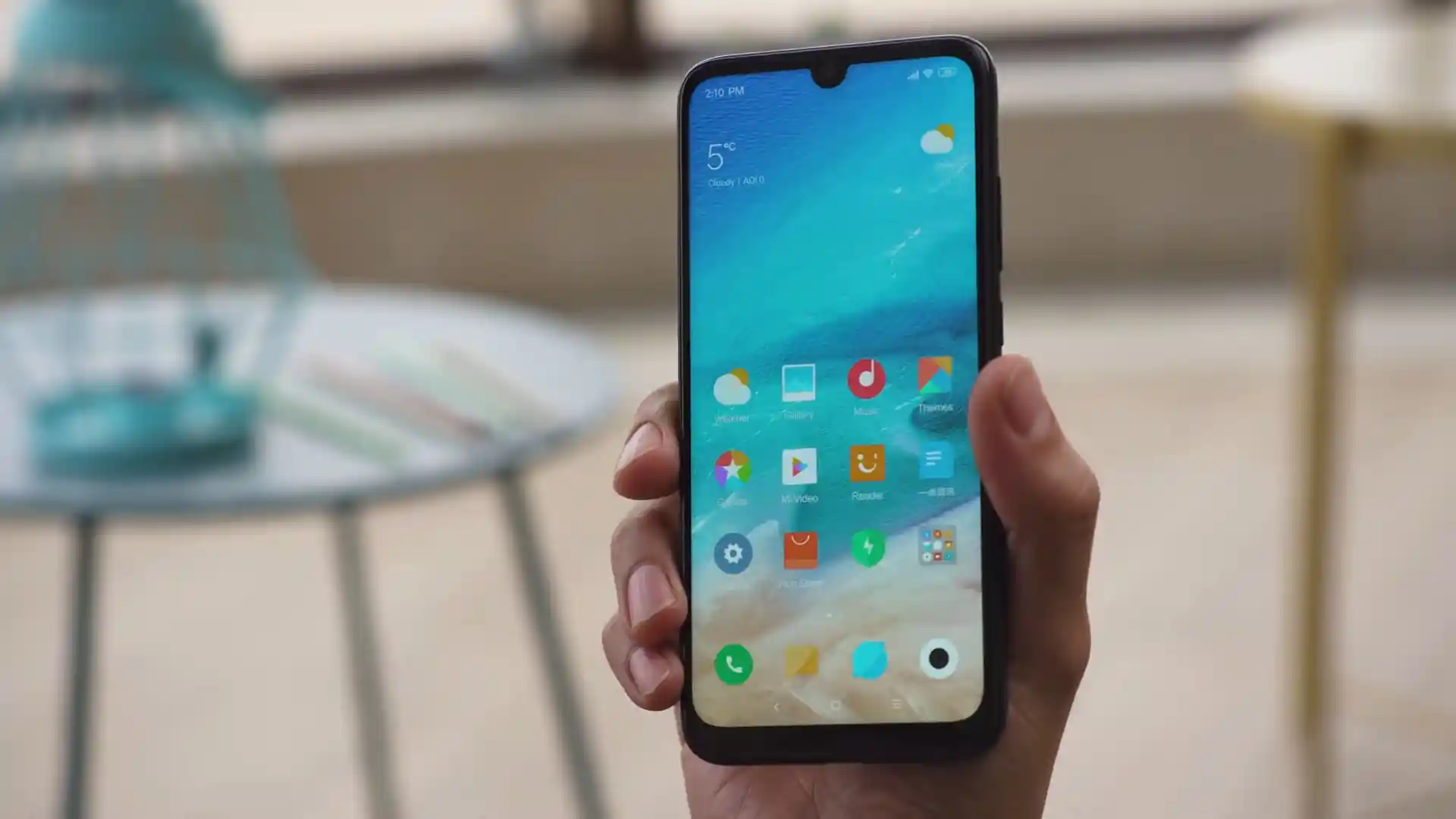
About the Xiaomi Redmi Note 7 / Redmi Note 7S
The Xiaomi Redmi Note 7 / Redmi Note 7S (codename: lavender) launched in February 2019 (Note 7) / May 2019 (Note 7S) on Qualcomm's Qualcomm Snapdragon 660 SDM660 (14nm) platform with single-slot eMMC 5.1 storage, Anti-Rollback protection, and dedicated /recovery partitioning.
Whether you are restoring European firmware via lavender_eea_global_images_V12.5.1.0.QFGEUXM_20210903.0000.00_10.0_eea_149fcdfb43.tgz or deploying OrangeFox R11.1_4_A12 for newer custom ROMs, follow the walkthrough below.
Which Flash Mode Should You Use?
Mi Flash Tool (Fastboot Mode — Unlocked)
Writes full MIUI 12.5 EEA, Global, China, India, or Russia partitions via flash_all.bat cleanly without EDL account authorization.
Custom Recovery (TWRP 3.7.0 / OrangeFox A12 / PBRP 3.0.0)
Installs Xiaomi.eu V12.5.7.0, handles Android 12+ encryption in OrangeFox R11.1_4, and backs up EFS/persist.
Pre-Flash Checks for Redmi Note 7 / 7S (lavender)
Ensure solid charge before writing 3 GB Fastboot archives or changing recovery.
Connect straight into a rear motherboard USB socket for uninterrupted Fastboot transfers.
Check "fastboot getvar unlocked" and "fastboot getvar anti" before flashing older firmware.
Never wipe persist inside recovery—back up EFS & persist before switching ROMs.
Mi Flash & ARB-Safe Walkthrough for lavender
A quick 5-step overview built specifically for the Xiaomi Redmi Note 7 / Redmi Note 7S. The full Mi Flash Tool guide adds screenshots, progress tracking, and fixes for common errors.
-
Install Mi Flash Tool, Platform-Tools & Verify Codename Reads "lavender"
-
Extract lavender_eea_global_images_V12.5.1.0.QFGEUXM_20210903.0000.00_10.0_eea_149fcdfb43.tgz Twice to C:\lavender\
-
Check Anti-Rollback Index ("fastboot getvar anti") Before Flashing
-
Pick "clean all" in Mi Flash Tool (Never Lock Cross-Region SKUs)
-
Click Flash and Wait Up to 10 Minutes for Android 10 MIUI 12.5 First Boot
Finding flash_all.bat & vbmeta.img Inside SDM660 Packages
Snapdragon 660 Fastboot archives on Redmi Note 7 & 7S (lavender) bundle flash_all.bat alongside rawprogram0.xml and the SDM660 programmer inside images:
flash_all.bat
Extracting lavender_eea_global_images_V12.5.1.0.QFGEUXM_20210903.0000.00_10.0_eea_149fcdfb43.tgz twice with 7-Zip reveals flash_all.bat beside the images folder holding vbmeta.img and system images.
Codename lavender covers ONLY Xiaomi Redmi Note 7 & India's Redmi Note 7S (Snapdragon 660). Never cross-flash Redmi Note 7 Pro (violet) builds.
Keep "clean all" selected on cross-region installs—Snapdragon 660 on lavender requires authorized Mi accounts for EDL 9008 recovery.
Xiaomi Redmi Note 7 / Redmi Note 7S Firmware Versions
Tested MIUI 12.5 Fastboot images for EEA, Global, China, and India Note 7/7S alongside OrangeFox R11.1_4_A12 for Xiaomi Redmi Note 7 / Redmi Note 7S (lavender). Browse all 14 builds—including Russia, Recovery OTAs, Xiaomi.eu, TWRP 3.7.0, and PBRP 3.0.0—below.
| Version | Region | Android Version | Size | MD5 | Download |
|---|---|---|---|---|---|
V12.5.1.0.QFGEUXM (EEA Fastboot) |
Europe / EEA (UK & EU) | Android 10.0 (Q / MIUI 12.5) | 2.79 GB | 149fcdfb43f9ac24cb964563532ea16f |
⬇️ Download |
V12.5.3.0.QFGMIXM (Global Fastboot) |
Global Stable (MI) | Android 10.0 (Q / MIUI 12.5) | 2.77 GB | 8dd551a637c3fb058b2b433269df3032 |
⬇️ Download |
V12.5.7.0.QFGCNXM (China Fastboot) |
China Stable (CN) | Android 10.0 (Q / MIUI 12.5) | 3.28 GB | 8b85782ef691926674297f955f6801f2 |
⬇️ Download |
V12.5.1.0.QFGINXM (India Note 7 / 7S) |
India Stable (IN) | Android 10.0 (Q / MIUI 12.5) | 2.47 GB | b4c288b06aefd625d3a92e5523edcc94 |
⬇️ Download |
OrangeFox R11.1_4_A12 |
Custom Recovery (Android 12+) | Android 12+ ZIP | 55.66 MB | 656fb960383be7a03eb5e6d5d1a9b427 |
⬇️ Download |
Browse all 14 MIUI 12.5, Xiaomi.eu, TWRP, OrangeFox & PBRP files on AndroidFirmwareFile.com → View complete Redmi Note 7 / 7S archive on AndroidFirmwareFile.com →
vbmeta Flags, OrangeFox A12 & Authorized EDL Notes
Recovering Safely & Choosing the Right Recovery ZIP: Extracting lavender_eea_global_images_V12.5.1.0.QFGEUXM_20210903.0000.00_10.0_eea_149fcdfb43.tgz exposes vbmeta.img alongside standard system images—keep that stock vbmeta.img handy if setting up custom recoveries cleanly on MIUI 12.5.
Stay on twrp-3.7.0_9-0-lavender.img or PBRP-lavender-3.0.0-20200729-0616-OFFICIAL.zip for xiaomi.eu_multi_HMNote7_V12.5.7.0.QFGCNXM_v12-10.zip, and switch up to OrangeFox-lavender-stable@R11.1_4_A12.zip before flashing Android 12+ custom ROMs.
Fixing Redmi Note 7 (lavender) ARB, vbmeta, FBE Decrypt & EDL Auth Errors
Fastboot Error: "Current Device Anti Rollback is greater than this Pkg"
Xiaomi enables ARB index checks on lavender. Attempting to downgrade onto an older Android 9 build triggers this block or a hard brick. Always flash Android 10 QFG* builds equal to or newer than your active anti index.
Bootloop Right After "fastboot flash recovery twrp-3.7.0_9-0-lavender.img"
Android Verified Boot (vbmeta) rejects unsigned recovery partitions unless verification is disabled cleanly or you flash OrangeFox/Magisk zip right after booting recovery. Community notes recommend pulling vbmeta.img from your stock Fastboot folder and running "fastboot --disable-verity --disable-verification flash vbmeta vbmeta.img" when moving to custom builds.
Storage Decryption Fails in TWRP 3.7.0 When Flashing Android 12+ Custom ZIPs
While twrp-3.7.0_9-0-lavender.img handles Android 10 MIUI 12.5 and Xiaomi.eu cleanly, newer Android 12/13/14 community ROMs use updated FBE encryption keys. Flash OrangeFox-lavender-stable@R11.1_4_A12.zip inside recovery before installing A12+ ROMs.
Mi Flash Blocks EDL 9008 With "Unauthorized Account for This Operation"
Unlike older 2017 phones, Snapdragon 660 on lavender requires signed Xiaomi Service Account authentication for EDL 9008 test points. Avoid forcing locked-bootloader wipes via "clean all and lock" on cross-region hardware.
Looking for another Snapdragon Fastboot or recovery code fix? Mi Flash & ARB Error Directory →
Camera Persist, Region Scripts & EFS Calibration FAQ
Never check or format persist inside TWRP or OrangeFox wipe menus. On lavender, persist holds factory sensor baselines for the 48 MP GM1/12 MP rear camera, proximity sensor, gyroscope, and Wi-Fi MAC tables—losing it causes camera startup hangs and rotation failures.
Keep flash_all.bat ("clean all") selected whenever flashing EEA QFGEUXM or Global QFGMIXM builds onto an imported Mainland China M1901F7C/M1901F7E handset—relocking the bootloader on mismatched region software stops boot in stock recovery with a version mismatch lock.
Neither OrangeFox R11.1_4 nor PBRP 3.0.0 ships as a direct Fastboot .img here—first boot or flash standalone twrp-3.7.0_9-0-lavender.img via Fastboot (or extract recovery.img from the ZIP), then swipe to install the full .zip archive inside recovery so its survival scripts unpack cleanly.
No — flash_all.bat updates radio firmware (NON-HLOS.bin) alongside system and userdata while keeping modemst1, modemst2, and fsg EFS calibration blocks safe. Back up EFS to a microSD card inside TWRP or OrangeFox beforehand anyway.
Ready to Flash?
Follow the full step-by-step Mi Flash Tool guide with interactive progress tracking, prerequisite checklist, and complete troubleshooting.