

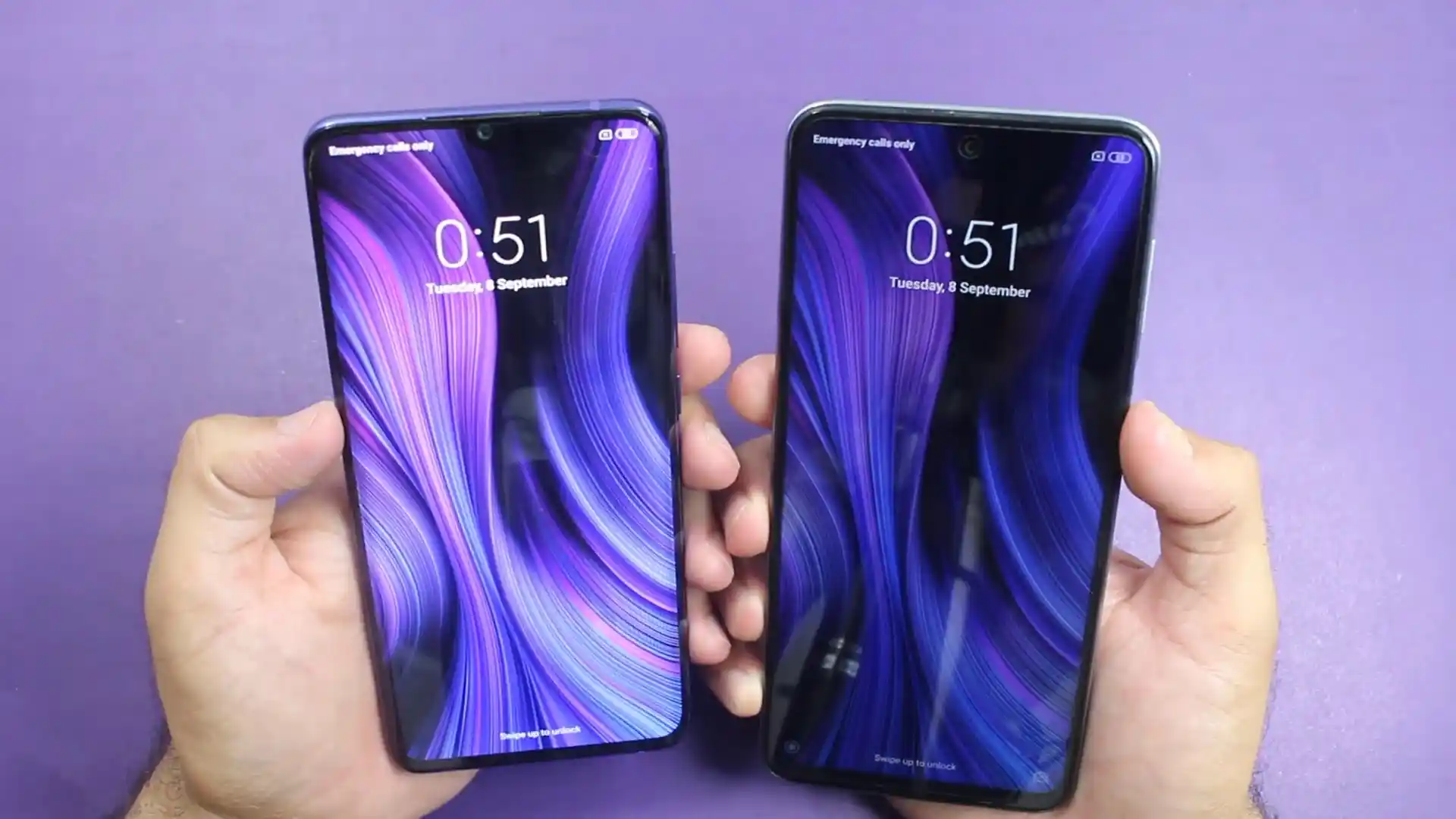
Before you flash: Flashing firmware will erase all data on your device. Back up contacts, photos, and apps before proceeding. FlashGuideHub is not responsible for any damage caused by following this guide.
About the Xiaomi Redmi Note 9S / Redmi Note 9 Pro (India) / Redmi Note 10 Lite
The Xiaomi Redmi Note 9S / Redmi Note 9 Pro (India) / Redmi Note 10 Lite was launched in March 2020 (Note 9S) / October 2021 (Note 10 Lite), built on the Qualcomm Snapdragon 720G SM7125 (8nm Samsung) processor. Known under hardware codename curtana, this platform powers the Redmi Note 9S, Indian Redmi Note 9 Pro, and Redmi Note 10 Lite with up to 6GB of LPDDR4X RAM, a 6.67-inch FHD+ DotDisplay, and a 48MP quad camera setup.
Flashing official Fastboot firmware recovers devices from bootloops, unbricks damaged partition tables, and restores clean factory software. Follow the verified package downloads and step-by-step restoration instructions below to flash your phone safely.
Which Flash Mode Should You Use?
Xiaomi Mi Flash Fastboot Flashing (Recommended)
Standard official method for restoring stock MIUI firmware using an unlocked bootloader and Mi Flash Tool in Fastboot mode.
Stock Recovery (System Updater)
Official on-device recovery method for installing signed Recovery OTA ZIP archives without wiping user files.
Custom Recovery Flashing (OrangeFox / TWRP)
Flashing method for installing multilingual Xiaomi.eu custom ROMs, custom kernels, and Magisk root packages.
Pre-Flash Hardware Checks & Qualcomm Driver Setup
Fastboot partition flashing requires an officially unlocked bootloader via the Xiaomi Mi Unlock utility.
A 64-bit Windows PC with updated Qualcomm USB QDLoader drivers, Google USB drivers, and Android SDK Platform-Tools.
Ensure the 5020 mAh battery has at least 50% charge to prevent unexpected shutdown during super.img partition writing.
Connect directly to a native motherboard USB 2.0 port to prevent communication drops during multi-gigabyte transfers.
Flashing stock Fastboot firmware with clean all formats internal storage; save all essential personal files beforehand.
5-Step Fastboot & Mi Flash Walkthrough for curtana
A quick 5-step overview built specifically for the Xiaomi Redmi Note 9S / Redmi Note 9 Pro (India) / Redmi Note 10 Lite. The full Mi Flash Tool guide adds screenshots, progress tracking, and fixes for common errors.
-
Unlock bootloader via official Mi Unlock tool using linked Xiaomi account
-
Extract curtana_eea_global_images_V14.0.4.0.SJWEUXM_20230406.0000.00_12.0_eea_71c87a68a7.tgz with 7-Zip
-
Boot handset into Fastboot mode and verify Qualcomm Android Bootloader Interface in Device Manager
-
Confirm clean all script is selected in Mi Flash Tool to avoid locking foreign hardware
-
Flash UFS 2.1 retrofit dynamic partitions and monitor super.img sparse chunks write
Firmware Package for Qualcomm Snapdragon 720G (flash_all.bat)
Official Fastboot firmware packages for the Xiaomi Redmi Note 9S and Note 10 Lite (curtana) are distributed as .tgz archives containing raw partition images executed via flash_all.bat across the Qualcomm Snapdragon 720G SM7125 UFS 2.1 storage controller.
flash_all.bat
Official stock Fastboot package containing the flash_all.bat flasher script, raw partition images, and SM7125 bootloader binaries.
Hardware Sibling Alert: Do NOT flash firmware meant for the Global Redmi Note 9 Pro (codename joyeuse) onto curtana hardware. While both share the Snapdragon 720G, joyeuse uses a 64MP sensor and includes NFC; cross-flashing causes camera panics and bootloops.
Verified Fastboot & Recovery Packages (curtana)
Official stock firmware downloads for the Xiaomi Redmi Note 9S / Redmi Note 9 Pro (India) / Redmi Note 10 Lite. Make sure to check your exact model variant before downloading.
| Version | Region | Android Version | Size | MD5 | Download |
|---|---|---|---|---|---|
V14.0.4.0.SJWEUXM (EEA Fastboot) |
EEA (Europe) | Android 12.0 | 4.9 GB | 71c87a68a7554fbd3eaa095b3940a8ed |
⬇️ Download |
V14.0.4.0.SJWEUXM (EEA Recovery) |
EEA (Europe) | Android 12.0 | 3.0 GB | 3fedd97c69062fba3c3c0a2dc065345a |
⬇️ Download |
V14.0.4.0.SJWMIXM (Global Fastboot) |
Global | Android 12.0 | 4.9 GB | 72c4e6fac80b973901ddf78177a245e5 |
⬇️ Download |
V14.0.3.0.SJWINXM (India Fastboot) |
India (IN) | Android 12.0 | 3.6 GB | 527ac277c8ea41350eeb7d0e3513657a |
⬇️ Download |
V14.0.6.0.SJWINRF (Note 10 Lite Fastboot) |
India (IN) | Android 12.0 | 3.7 GB | f06765fb7c4ee565a3a578f5f882fdce |
⬇️ Download |
Need all historical builds, custom recoveries, or Xiaomi.eu ROMs? Browse the complete curtana archive on AndroidFirmwareFile.com →
Retrofit Dynamic Partitions & Unbrick Guidelines
The Redmi Note 9S houses a 5020 mAh internal lithium-polymer battery supporting 18W fast charging input. Flashing complete system and vendor partition images takes approximately 4 to 6 minutes over UFS 2.1 storage. Ensure your battery has at least 50% charge before beginning the flashing process to prevent unexpected shutdowns.
Troubleshooting Redmi Note 9S Flashing Errors
FAILED (remote: Partition table does not exist / super sparse timeout)
Occurs when writing 4GB+ super.img dynamic partition sparse chunks over front-panel USB ports. Connect directly to a rear motherboard USB 2.0 port with an authentic USB-C cable.
error: cannot load flash_all.bat / Path Length Limitation
Mi Flash cannot locate flasher scripts when the extracted firmware folder is nested within multiple folders or contains spaces in its file path. Move the folder to C:\curtana_fw.
The system has been destroyed (dm-verity hash mismatch)
Triggered when the kernel detects modified system partitions while the bootloader is locked or after an interrupted flash. Boot to Fastboot mode and run flash_all.bat with clean all.
FAILED (remote: Anti-rollback check failed)
Occurs when attempting to downgrade from MIUI 14 (Android 12) to early Android 10 builds with a lower rollback index. Verify your ARB index using fastboot getvar anti.
Encountering issues during flashing? Review these verified workshop solutions for the Qualcomm Snapdragon 720G platform. Troubleshooting & Common Errors →
Flashing Workshop & Driver Troubleshooting FAQ
Android 12 implemented File-Based Encryption version 2 (FBEv2). Older custom recovery builds lacking updated FBEv2 keymaster modules cannot decrypt the user data partition. Installing an updated FBEv2 recovery build like OrangeFox R12.0 FBEv2 resolves storage decryption.
No. Because curtana employs retrofit dynamic partitions, system, vendor, and product logical partitions are packaged inside the physical super partition. Flashing individual logical partitions requires entering fastbootd (userspace fastboot) rather than standard bootloader fastboot.
When the 5020 mAh cell degrades or drops below 3.3V, high current draw during partition writing triggers an immediate power reset. If the handset bootloops before reaching fastboot, connect it to a wall charger for at least thirty minutes to stabilize baseline cell voltage.
Ready to Flash?
Follow the full step-by-step Mi Flash Tool guide with interactive progress tracking, prerequisite checklist, and complete troubleshooting.