

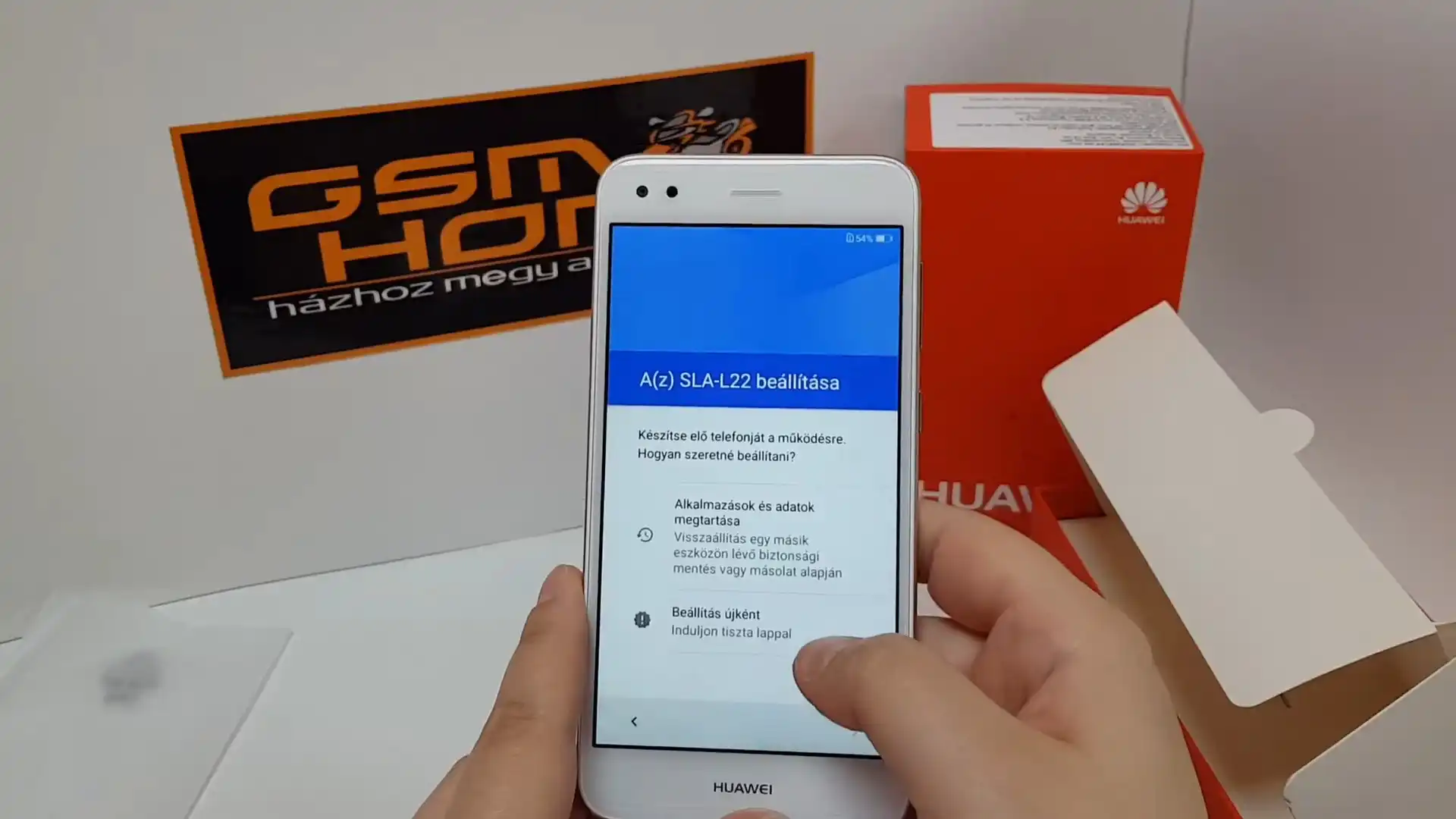
Before you flash: Flashing firmware will erase all data on your device. Back up contacts, photos, and apps before proceeding. FlashGuideHub is not responsible for any damage caused by following this guide.
About the Huawei P9 Lite Mini
The Huawei P9 Lite Mini was released in August 2017, built on the Qualcomm Snapdragon 425 (MSM8917) platform. Featuring a 5.0-inch HD display, a 3020 mAh battery, and a 13 MP rear camera, the Selina family includes single-SIM (SLA-L02, SLA-L03) and dual-SIM (SLA-L22, SLA-L23) hardware editions.
Flashing factory stock firmware via Huawei Dload recovers boot-looping phones, restores factory software integrity, and unbricks damaged systems. Follow the verified preparation steps and procedural guide below to service your phone safely.
Which Flash Mode Should You Use?
Huawei Dload 3-Button Mode (microSD / USB OTG)
Primary stock flashing method. Reads UPDATE.APP from a FAT32-formatted memory card to flash factory partitions. Does not require bootloader unlock.
Qualcomm QFIL / EDL 9008 Mode
Low-level Qualcomm hardware recovery method for unbricking dead phones. Writes partition images directly to eMMC via Emergency Download mode.
Huawei eRecovery Mode (Emergency Restore)
Emergency recovery interface built into the stock bootloader. Used to wipe user data or attempt automated Wi-Fi package recovery.
What You Need Before Flashing
An 8 GB or larger microSD card formatted with FAT32 file system and MBR partition layout. exFAT is not supported by Huawei stock recovery.
Download the package matching your exact model number and regional Cust tag (such as SLA-L22 C432 Europe). Check Settings or the regulatory label before flashing.
Ensure the non-removable 3020mAh battery holds at least 40% charge to prevent unexpected power failure during partition flashing.
Use a verified microUSB data cable connected directly to the device. Damaged or charge-only cables will interrupt data transfer.
Flashing stock firmware via Dload completely wipes user data, internal memory, and installed apps. Back up personal files before proceeding.
How to Flash the Huawei P9 Lite Mini — Quick Overview
These 5 steps are tailored to the Huawei P9 Lite Mini (Snapdragon 425). For screenshots, an interactive checklist, and troubleshooting, open the full Huawei UPDATE.APP guide.
-
Format a microSD card to FAT32 on your PC
-
Extract firmware and create "dload" directory
-
Insert the microSD card into the handset
-
Trigger 3-Button Dload recovery mode
-
Allow automated partition flashing to complete
Firmware Package for Snapdragon 425
Official Huawei stock packages for the P9 Lite Mini are delivered as container ZIP archives containing UPDATE.APP. When unzipped onto a FAT32 microSD card, the stock recovery partition reads UPDATE.APP to flash boot, system, vendor, and recovery images over the Dload interface.
UPDATE.APP
Official Huawei stock firmware is supplied as an archive containing UPDATE.APP. Extract the package and ensure UPDATE.APP sits directly inside a folder named "dload" on the root of your FAT32 memory card.
The Huawei P9 Lite Mini is built on the Qualcomm Snapdragon 425 (MSM8917) architecture under internal project codename Selina (SLA). Model variations include SLA-L02 (single SIM Europe), SLA-L22 (dual SIM Europe), SLA-L03 (single SIM Claro), SLA-L23 (dual SIM Latin America), SLA-AL00 (China All-Netcom), and SLA-TL10 (China Mobile).
Flashing stock firmware via Dload does not require an unlocked bootloader. However, Huawei bootloader security verifies the carrier Cust string (e.g. C432 Europe, C09 Vodafone, C469 Latin America, C00 China). Cross-flashing mismatched Cust builds via Dload will be rejected at the verification stage.
Huawei P9 Lite Mini Firmware Versions
Representative tested builds for each confirmed hardware model variant of the Huawei P9 Lite Mini. Always confirm your model and regional Cust tag before flashing.
| Version | Region | Android Version | Size | MD5 | Download |
|---|---|---|---|---|---|
C432B169 (05014RAM) |
SLA-L22 — Europe Open (Dual SIM) | Android 7.0 (EMUI 5.1.3) | 3.38 GB | — | ⬇️ Download |
C432B170 (05014SUT) |
SLA-L02 — Europe Open (Single SIM) | Android 7.0 (EMUI 5.1.3) | 3.40 GB | — | ⬇️ Download |
C469B141 (05014SYK) |
SLA-L23 — Latin America Open (Dual SIM) | Android 7.0 (EMUI 5.1.1) | 3.09 GB | — | ⬇️ Download |
C212B054 (05014SLH) |
SLA-L03 — Latin America Claro (Single SIM) | Android 7.0 (EMUI 5.1.2) | 2.50 GB | — | ⬇️ Download |
C00B204 (05014LRC) |
SLA-AL00A — China All-Netcom (Enjoy 7) | Android 7.0 (EMUI 5.1.3) | 2.60 GB | — | ⬇️ Download |
C01B204 (05014LRD) |
SLA-TL10B — China Mobile (3GB+32GB) | Android 7.0 (EMUI 5.1.3) | 2.60 GB | — | ⬇️ Download |
This device family has 17 verified packages across European, Latin American, Asian, Chinese, and Qualcomm EDL factory board repair releases. Browse the complete 17-package archive on AndroidFirmwareFile.com →
Huawei P9 Lite Mini — Important Notes
The Huawei P9 Lite Mini runs Android 7.0 Nougat with EMUI 5.1 and comes with official Google Mobile Services certification. Performing a stock Dload reflash restores original system partitions and clears software-induced boot loops while preserving Google certification.
In hard-brick scenarios where the device cannot display the recovery screen or power on, repair technicians utilize Qualcomm EDL 9008 mode. Disassembling the rear housing to short the hardware test points allows Qualcomm Flash Image Loader (QFIL) to flash factory Board Software packages directly to the eMMC storage blocks.
Troubleshooting Huawei P9 Lite Mini Dload Flashing & Qualcomm EDL Errors
Qualcomm MSM8917 Cust Signature Mismatch: Vodafone C09 to Open C432 Refusal
Community repair discussions indicate this error occurs when attempting to cross-flash unbranded European C432 packages directly over Vodafone-branded C09 handsets. On Qualcomm MSM8917 architecture, the bootloader validates the carrier certificate in oeminfo prior to extracting system chunks. Technicians advise that converting carrier branding requires flashing C432 oeminfo via test point before Dload.
MicroSD Card MBR Read Failure: Handset Boots into Fastboot / Blank Screen
Usually caused by an incompatible memory card file system or partition scheme on Selina hardware. Repair forum members recommend formatting the microSD card as MBR FAT32 (avoiding exFAT/GPT) and verifying that UPDATE.APP sits directly inside root "dload" without intermediate subdirectories.
Device Manager displays "QHSUSB_BULK" instead of "Qualcomm HS-USB QDLoader 9008" during board repair
Indicates missing Qualcomm USB drivers on the host PC or an incomplete test point handshake on the MSM8917 board. Technicians advise installing the official Qualcomm QDLoader driver package, disconnecting the battery flex cable, and shorting the EDL test point before plugging in USB.
For complete Huawei Dload error resolutions, test point diagrams, and driver walkthroughs: Huawei Flashing & Dload Error Directory →
Frequently Asked Questions — Huawei P9 Lite Mini
Unlike flagship P-series phones which use HiSilicon Kirin SoCs, the P9 Lite Mini (SLA series) runs on Qualcomm MSM8917 hardware. When the device is completely bricked with no screen display, low-level partition restoration uses Qualcomm HS-USB QDLoader 9008 mode with QFIL or QPST rather than HiSilicon COM 1.0 tools.
First confirm the handset is completely powered off and not frozen on a blank display. If the physical key combo fails, connect the phone to your computer via USB while holding Volume Up to enter stock eRecovery. On a functional system, you can also dial *#*#2846579#*#*, select "Software Upgrade", and tap "SDCard Upgrade".
Yes. Official Huawei Dload packages format the userdata partition during installation. All contacts, pictures, applications, and screen lock PINs will be completely wiped. Ensure critical data is backed up before beginning.
Flashing SLA-L22 firmware onto SLA-L02 hardware will boot, but the system will display a secondary "Unknown" or disabled IMEI slot because the single-SIM motherboard lacks the secondary SIM transceiver filters. Always install the exact firmware matching your model number.
Ready to Flash?
Follow the full step-by-step Huawei UPDATE.APP guide with interactive progress tracking, prerequisite checklist, and complete troubleshooting.