

Before you flash: Flashing firmware will erase all data on your device. Back up contacts, photos, and apps before proceeding. FlashGuideHub is not responsible for any damage caused by following this guide.
About the Lenovo S60
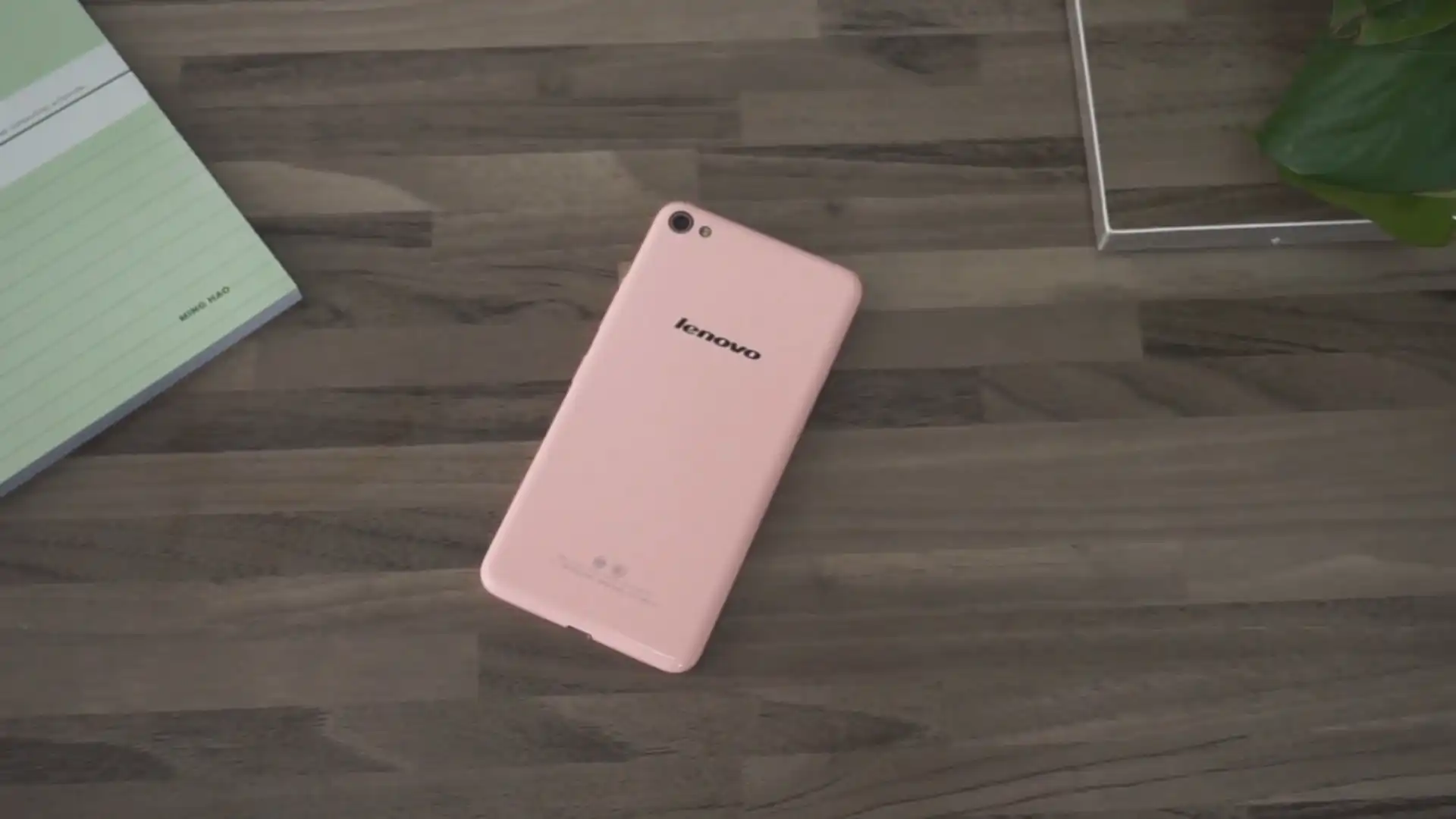
The Lenovo S60 was released in March 2015, built on the Qualcomm Snapdragon 410 MSM8916 (28nm LP) platform. Featuring a 5.0-inch 720p HD display, a 13 MP rear camera, and a 2150 mAh battery, the S60 family encompasses international (S60-a) and domestic Chinese (S60-t, S60-w) variants.
Flashing factory stock firmware using Qualcomm Flash Image Loader (QFIL) repairs soft-bricked devices, recovers corrupted bootloader partitions, and restores original operating system performance. Follow the verified driver preparation and procedural guide below to flash your device safely.
Which Flash Mode Should You Use?
Qualcomm HS-USB QDLoader 9008 (EDL Mode)
Low-level factory flashing mode. Direct communication with the Qualcomm Snapdragon 410 processor to deploy raw partition blocks. Does not require unlocked bootloader.
Fastboot Mode (Bootloader Flashing)
Standard bootloader protocol for partition checks, fastboot flashing, or issuing direct reboot to EDL commands.
EDL Deep Flash Cable Connection
Hardware cable method for forcing Qualcomm 9008 emergency handshake on completely dead devices where physical buttons do not trigger EDL mode.
What You Need Before Flashing
A computer running Windows with official Qualcomm HS-USB QDLoader 9008 drivers installed.
Download the package matching your exact variant (S60-a International, S60-t China Mobile, or S60-w China Unicom).
Ensure the 2150mAh battery has at least 40% charge to ensure steady power delivery during partition flashing.
Use a verified microUSB data cable plugged directly into a rear USB 2.0 port on the computer motherboard.
Flashing via QFIL rawprogram0.xml completely wipes internal userdata. Back up all personal files.
How to Flash the Lenovo S60 — Quick Overview
These 5 steps are tailored to the Lenovo S60 (Snapdragon 410). For screenshots, an interactive checklist, and troubleshooting, open the full QFIL guide.
-
Install Qualcomm HS-USB QDLoader 9008 Drivers
-
Extract firmware package to root C:\ drive
-
Configure QFIL for Flat Build flashing
-
Connect phone in Qualcomm 9008 EDL mode
-
Execute firmware flashing
Rawprogram XML & Firmware Package for Snapdragon 410
Official Qualcomm factory firmware for the Lenovo S60 utilizes rawprogram0.xml and patch0.xml along with the signed Firehose programmer prog_emmc_firehose_8916.mbn. These files map and write factory partitions (system, boot, recovery, aboot, modem) directly into the eMMC flash storage.
rawprogram0.xml
Official factory Qualcomm unbrick firmware for the Lenovo S60 utilizes rawprogram0.xml and patch0.xml alongside prog_emmc_firehose_8916.mbn. In QFIL, select "Flat Build" to load these XML files.
The Lenovo S60 (codename Sisley Lite) is engineered on the Qualcomm Snapdragon 410 (MSM8916) quad-core processor with 2 GB RAM and 8 GB internal eMMC.
Ensure you identify your specific model variant (S60-a International, S60-t China Mobile, or S60-w China Unicom) prior to flashing. When flashing via QFIL, ensure the programmer file matches the MSM8916 chipset architecture to prevent DRAM initialization failures.
Lenovo S60 Firmware Versions
Tested stock firmware packages for each confirmed hardware model variant of the Lenovo S60. Always confirm your model variant before flashing.
| Version | Region | Android Version | Size | MD5 | Download |
|---|---|---|---|---|---|
S232_1510211432 (Q2040.1) |
Lenovo S60-a — Rest of World (ROW / International) | Android 5.0.2 (VIBE UI 2.0) | 1.36 GB | — | ⬇️ Download |
ST1507_5.77.1_1502131625 (Q1001414.1) |
Lenovo S60-t — China Mobile Edition | Android 4.4.4 (VIBE UI 2.0) | 960 MB | 80017ead45b3df17e1dece82791aea47 |
⬇️ Download |
ST1507_5.48.1_1502131629 (Q1001414.1) |
Lenovo S60-w — China Unicom Edition | Android 4.4.4 (VIBE UI 2.0) | 858 MB | 863ccd362c85ec87048fee9368ea9348 |
⬇️ Download |
This device family has 5 verified packages across Global ROW releases and Chinese carrier builds. Browse the complete 5-package archive on AndroidFirmwareFile.com →
Lenovo S60 — Important Notes
Flashing official stock ROMs via Qualcomm Flash Image Loader restores corrupt boot blocks, cures severe bootloop cycles, and restores factory VIBE UI software.
If your device is completely bricked and refuses to enter 9008 mode using hardware button combinations, technicians utilize an EDL deep flash cable or test point shorting to pull the Qualcomm D+ / D- data pins low during initial power connection.
Troubleshooting Lenovo S60 QFIL Flashing & Sahara Protocol Errors
QFIL Error: "Download Fail: Sahara Fail - QSaharaServer Fail (Error: 13 / 8)"
Frequently caused by directory path length or communication latency over USB. Technicians recommend shortening the folder path (e.g., C:\S60), running QFIL as administrator from the official QPST install folder, and connecting the microUSB cable directly to a rear USB 2.0 port.
Handset vibrates once and drops Qualcomm 9008 COM port during connection
Indicates that the device is powering on normally rather than remaining in emergency download mode. Community repair technicians suggest releasing the power key completely, holding only Volume Up and Volume Down, and plugging in the cable to catch the brief 9008 enumeration window.
For complete Qualcomm 9008 error troubleshooting, driver walkthroughts, and Sahara resolution steps: QFIL Qualcomm Error Directory →
Frequently Asked Questions — Lenovo S60
If the handset is caught in a bootloop or vibrating continuously, hold the Power button for 10 full seconds until it turns off completely. Then hold Volume Up + Volume Down together and insert the microUSB cable. If key combinations fail, connect via an EDL deep-flash cable or issue "adb reboot edl" from the command prompt.
Sahara protocol errors occur when QFIL cannot establish the initial handshake with the Qualcomm boot ROM. This is typically caused by spaces in the file directory path, using a faulty front USB hub, or a driver timeout. Place the firmware directly in C:\Lenovo_S60 and connect to a rear motherboard USB 2.0 port.
While the motherboard architectures are nearly identical, the S60-t utilizes distinct baseband calibration for China Mobile networks. Flashing international S60-a firmware without patching the modem partition can cause "No Service" or baseband unknown errors.
Ready to Flash?
Follow the full step-by-step QFIL guide with interactive progress tracking, prerequisite checklist, and complete troubleshooting.