

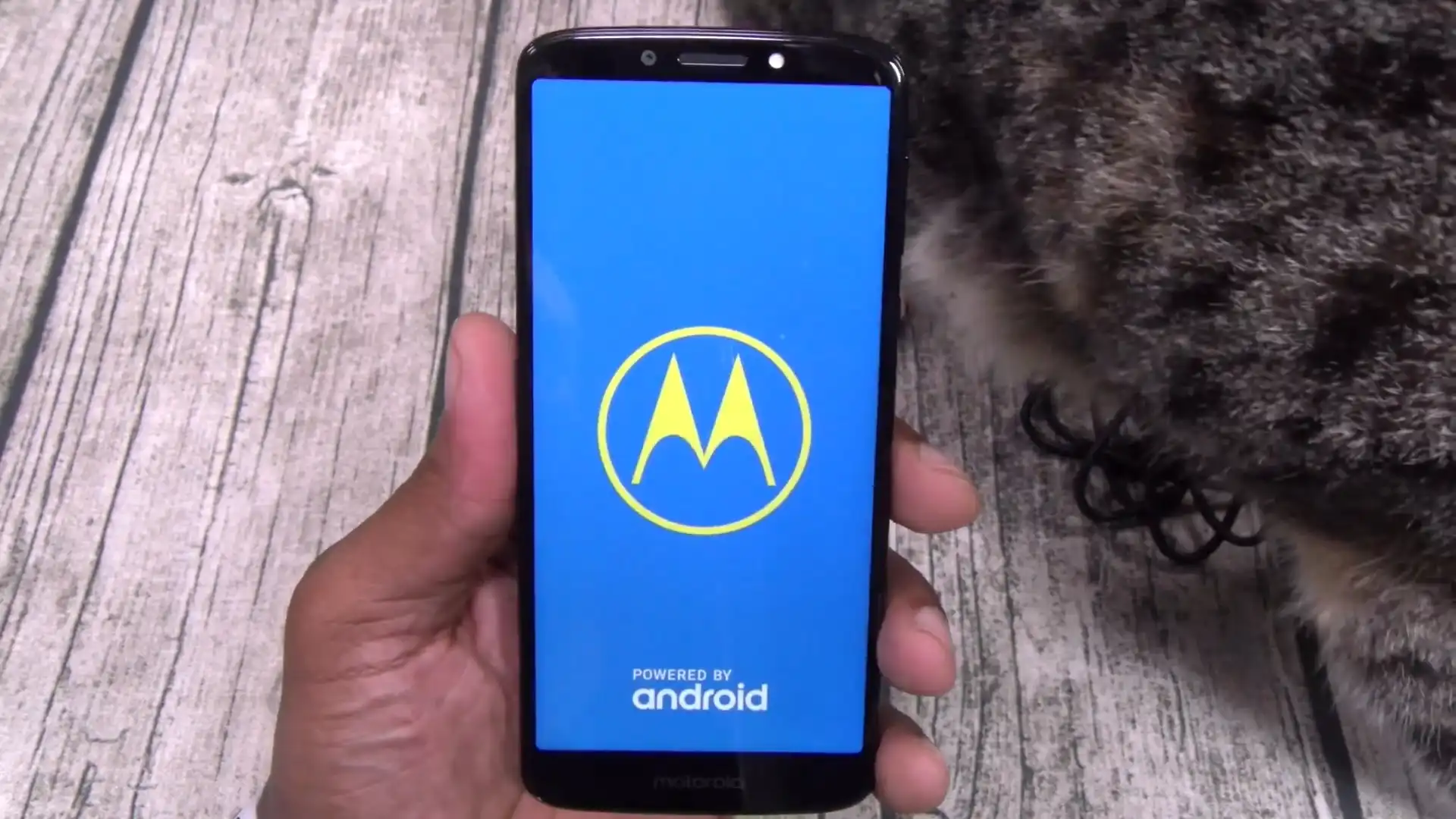
Before you flash: Flashing firmware will erase all data on your device. Back up contacts, photos, and apps before proceeding. FlashGuideHub is not responsible for any damage caused by following this guide.
About the Motorola Moto E5 Supra
The Motorola Moto E5 Supra is the Cricket-branded XT1924-6 member of Motorola's Moto E5 Plus family, released in 2018 on the Qualcomm Snapdragon 435 platform. Its service-package codename is hannah.
Two Android 8.0 CFC.xml packages are available: a Cricket/AT&T cid1 build and a Consumer Cellular CCAWS cid50 build. Select by software channel and CID, not by model number alone.
Which Flash Mode Should You Use?
Motorola CFC.xml / Flashfile
Recommended for both supplied XT1924-6 archives. It follows the signed package XML to write the matching stock images in Motorola fastboot mode.
RSD Lite
Windows alternate for compatible Motorola XML service packages. Keep the same exact model, channel, CID, and anti-downgrade checks used for the primary method.
QFIL / EDL (Not Applicable to These Files)
Snapdragon hardware can expose Qualcomm emergency modes, but the two downloads here are Motorola CFC.xml fastboot packages, not QFIL programmer/rawprogram packages.
What You Need Before Flashing
Confirm XT1924-6 plus ATT/CRICKET/cid1 or CCAWS/cid50 before choosing a file.
Install the Motorola USB driver before entering bootloader mode.
Keep the XML and all referenced images together in one local folder.
Connect directly to the computer and avoid a charge-only cable or unstable hub.
A stock service flash may erase user storage; copy accessible data first.
How to Flash the Motorola Moto E5 Supra — Quick Overview
These 6 steps are tailored to the Motorola Moto E5 Supra (Snapdragon 435). For screenshots, an interactive checklist, and troubleshooting, open the full Motorola flashfile.bat / CFC XML Script guide.
-
Identify the exact carrier branch
-
Install drivers and prepare the package
-
Inspect the included CFC.xml instructions
-
Enter the bootloader and confirm detection
-
Run the package-defined flash
-
Verify the restored carrier branch
Finding the Firmware Package for Snapdragon 435
Each supplied download is a Motorola CFC.xml service archive. After extraction, keep the XML/flashfile script and every referenced image in the same folder. There is no MediaTek scatter file and no QFIL rawprogram file in these downloads. The Cricket package is identified by ATT, subsidy-CRICKET, and cid1; the Consumer Cellular package is identified by CCAWS and cid50.
Motorola Moto E5 Supra Firmware Versions
Both known XT1924-6 builds are shown because they represent separate U.S. carrier branches.
| Version | Region | Android Version | Size | MD5 | Download |
|---|---|---|---|---|---|
OCPS27.91-164-31 |
XT1924-6 — Cricket Wireless/AT&T (cid1) | Android 8.0.0 | 1.38GB | — | ⬇️ Download |
OPPS27.91-99-9-13 |
XT1924-6 — Consumer Cellular (CCAWS, cid50) | Android 8.0.0 | 1.42GB | — | ⬇️ Download |
AndroidFirmwareFile maintains the complete archive of 2 known files for this device. See the complete archive on AndroidFirmwareFile.com →
Common Errors on the Motorola Moto E5 Supra
Preflash validation failed / security downgrade rejected
The installed bootloader may reject an older signed component. Compare the current bootloader/build information with the selected package and move to a same-or-newer matching carrier build rather than forcing a downgrade.
Device not found in bootloader mode
Reconnect with the phone on the bootloader screen, reinstall the Motorola USB driver, use a data-capable cable, and avoid USB hubs. Confirm detection before rerunning the XML-defined sequence.
Carrier signal missing after first boot
Check the flashed filename against the original channel and CID. XT1924-6 has separate Cricket and Consumer Cellular packages in this archive even though the hardware model number is identical.
For the full Motorola package error reference: Motorola CFC.xml Error Directory →
Frequently Asked Questions — Motorola Moto E5 Supra
The package may not match the phone's carrier branch, or its signed image may be older than the security version already installed. Re-read the bootloader variables and use the exact XT1924-6 channel/CID build; do not force a rejected image.
Return the phone to the bootloader, reconnect with a known data cable directly to the PC, and confirm the Motorola driver still exposes a fastboot device. Restart the complete package procedure only after detection is stable.
Confirm that the installed branch matches the original subsidy: ATT/CRICKET/cid1 for Cricket or CCAWS/cid50 for Consumer Cellular. A cross-carrier service package can restore Android while leaving radio provisioning unsuitable for the SIM.
Ready to Flash?
Follow the full step-by-step Motorola flashfile.bat / CFC XML Script guide with interactive progress tracking, prerequisite checklist, and complete troubleshooting.