

Before you flash: Flashing firmware will erase all data on your device. Back up contacts, photos, and apps before proceeding. FlashGuideHub is not responsible for any damage caused by following this guide.
About the Xiaomi 12X
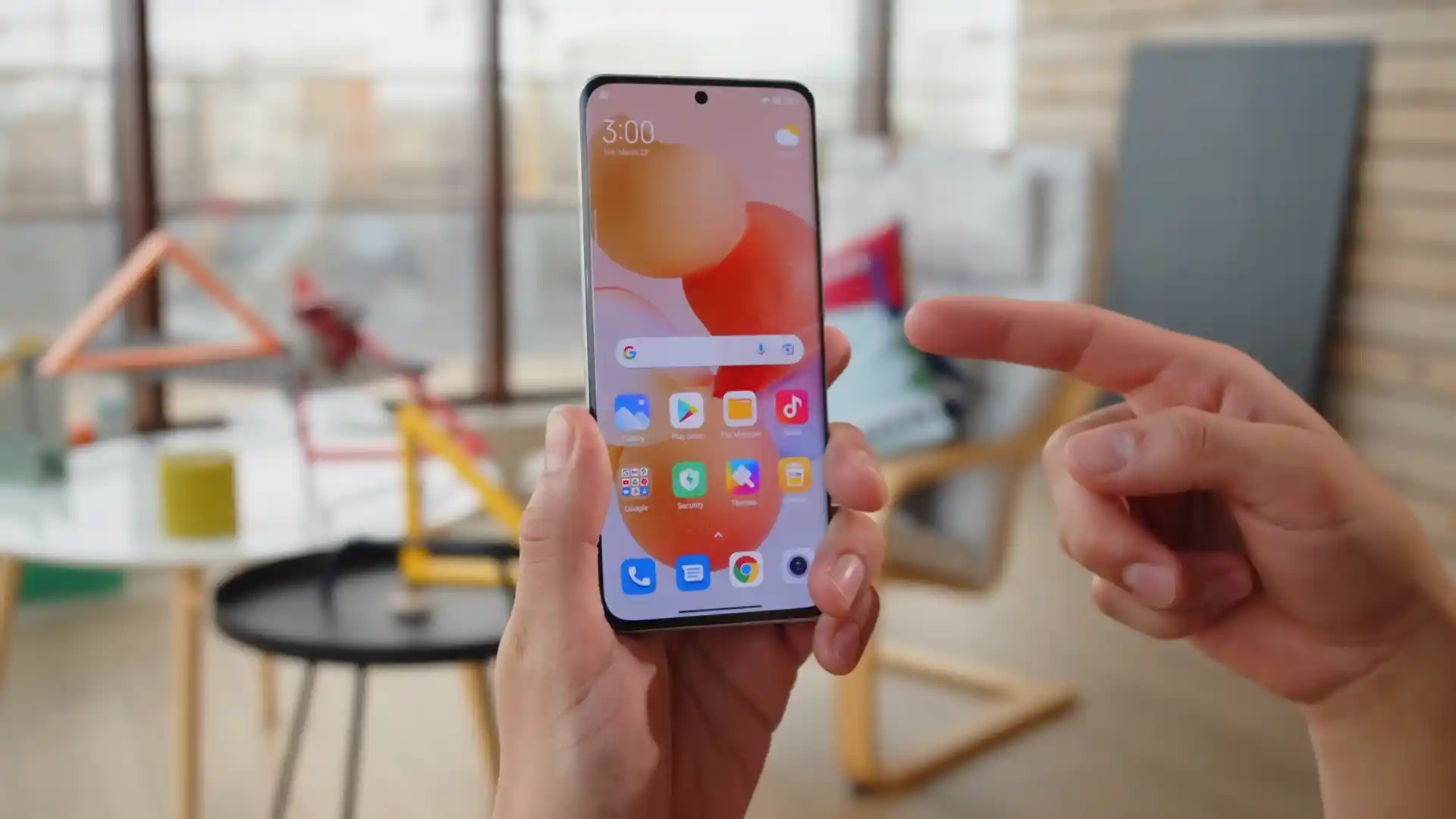
The Xiaomi 12X (hardware codename psyche, model numbers 2112123AG, 2112123AC) was launched in March 2022, built on the Qualcomm Snapdragon 870 5G (7nm) processor. Designed with a compact 6.28-inch 120Hz curved AMOLED display, this platform incorporates an Adreno 650 GPU, stereo speakers tuned by Harman Kardon, 67W fast charging, and a 50MP Sony IMX766 main camera with optical image stabilization.
This flashing guide provides verified step-by-step instructions for flashing official stock Fastboot firmware and Recovery packages on the Xiaomi 12X using Xiaomi Mi Flash Tool. Whether you are unbricking a phone stuck in a bootloop, resolving system bugs after an update, or restoring clean factory software, follow these instructions to restore your device safely.
Which Flash Mode Should You Use?
Xiaomi Mi Flash Tool (Fastboot)
Official flashing utility for unlocked Xiaomi handsets. Writes partition images directly to storage over Fastboot mode.
Stock Recovery / Local Update
Official on-device recovery update method for installing signed Recovery ZIP packages without wiping personal data.
Custom Recovery (TWRP / OrangeFox)
Custom recovery environment for installing flashable ZIP packages, custom ROMs like Xiaomi.eu, or full system backups.
Qualcomm EDL 9008 Mode
Low-level hardware recovery mode for completely bricked devices unable to boot into Fastboot or recovery.
Pre-Flash Hardware Setup & Driver Requirements for psyche
A 64-bit Windows 10/11 computer with official Qualcomm USB drivers and current Android SDK Platform Tools.
An officially unlocked bootloader via the Xiaomi Mi Unlock desktop utility is required for Fastboot flashing.
Ensure the 4,500 mAh battery retains at least 50% charge to prevent shutdowns during 5GB+ super partition writes.
Use an authentic data sync cable connected directly to a rear motherboard USB 2.0 port to prevent communication drops.
5-Step Mi Flash & Fastboot Walkthrough for Xiaomi 12X
5-step quick reference for the Xiaomi 12X. Need visuals or troubleshooting help? The full Mi Flash Tool guide covers everything in detail.
-
Unlock bootloader with Xiaomi Mi Unlock
-
Decompress psyche_eea_global_images_OS1.0.8.0.TLDEUXM_20241125.0000.00_13.0_eea_8a7873c96f.tgz twice
-
Reboot into Fastboot mode and check active slot
-
Select firmware directory in Mi Flash and verify clean all
-
Flash partitions and allow fastbootd dynamic partition writing
Fastboot Flashing Scripts & Mode Selection
Official Fastboot firmware packages for the Xiaomi 12X unpack into an images folder containing raw partition binaries alongside automated flasher batch scripts: flash_all.bat (clean flash), flash_all_except_storage.bat (preserve user data), and flash_all_lock.bat (clean flash and relock bootloader). For general unbricking and restoring stock HyperOS 1.0, selecting flash_all.bat writes images cleanly across dynamic super partitions.
flash_all.bat
Official Fastboot packages for the Xiaomi 12X contain batch flasher scripts for distinct repair requirements. Understanding their behavior helps you choose the correct option in Mi Flash Tool.
Flashing Safety Rule: Always confirm that "clean all" (flash_all.bat) is selected in Mi Flash Tool before flashing. Because the Xiaomi 12X features regional SKUs (Global/EEA 2112123AG and China 2112123AC), never select "clean all and lock" when installing cross-region or modified firmware, as relocking foreign cryptographic signatures triggers an instant brick.
Xiaomi 12X Firmware Versions
Below are tested factory Fastboot and Xiaomi.eu custom ROM packages for the Xiaomi 12X. For older MIUI releases, regional archives, and custom recoveries, browse the master archive.
| Version | Region | Android Version | Size | MD5 | Download |
|---|---|---|---|---|---|
OS1.0.8.0.TLDEUXM (HyperOS 1.0) |
EEA (Europe / UK Retail) — 2112123AG | Android 13.0 | 5.6 GB | 8a7873c96f3d895e60a21c55e1a13765 |
⬇️ Download |
OS1.0.15.0.TLDCNXM (HyperOS 1.0) |
China (CN) — 2112123AC | Android 13.0 | 5.9 GB | 1a422adee15b0efb9ddc2a3625edb8b5 |
⬇️ Download |
OS1.0.15.0.TLDCNXM (Xiaomi.eu) |
Multi-Language (EU / Custom) | Android 13.0 | 4.03 GB | — | ⬇️ Download |
Need additional packages like historical MIUI builds or custom recovery toolkits? Browse the complete Xiaomi 12X archive on AndroidFirmwareFile.com →
Virtual A/B Ramdisk & Snapdragon 870 Storage Mechanics
The Qualcomm Snapdragon 870 platform utilizes Google dynamic partitions inside a Virtual A/B dual-slot structure. Flashing packages like psyche_eea_global_images_OS1.0.8.0.TLDEUXM_20241125.0000.00_13.0_eea_8a7873c96f.tgz transfers logical partitions (system, vendor, product, system_ext) inside a 5GB+ super container. Always maintain an uninterrupted connection to a rear motherboard USB 2.0 port throughout the entire installation.
Troubleshooting Xiaomi 12X Flashing & Fastboot Errors
Missing Recovery Partition Error: "FAILED (remote: 'Partition table doesn\'t exist / No such partition: recovery')"
The Xiaomi 12X utilizes Google Virtual A/B architecture starting on Android 11 with no dedicated physical recovery partition on UFS 3.1 storage. The recovery ramdisk is housed directly inside boot.img. Running "fastboot flash recovery twrp.img" fails because the partition does not exist. Users must temporarily boot the image with "fastboot boot twrp-3.7.1_12-v9.0_A15-psyche-skkk.img" and then install it permanently from within TWRP via Advanced > Flash Current TWRP.
Corrupted Baseband / NV Data Warning: "NV data is corrupted / Fastboot reboot loop"
This critical fault occurs when cross-flashing mismatched regional modems or corrupting protected EFS partitions (modemst1, modemst2, fsg). The Qualcomm Snapdragon 870 baseband radio fails cryptographic validation and loops the device back into Fastboot mode. Restore partition integrity by clean-flashing matching regional stock Fastboot firmware using flash_all.bat; never flash NVRAM or EFS backups from another handset.
Fastbootd Super.img Sparse Chunk Timeout: "FAILED (remote: 'Data transfer timeout / Write error') during super partition flashing"
On Android 13 HyperOS 1.0, the dynamic super partition measures over 5 GB and houses system, system_ext, product, and vendor logical images. During flash_all.bat execution, the device automatically transitions from bootloader Fastboot into userspace fastbootd. If connected through an unpowered USB hub, front-panel PC port, or third-party cable, the USB controller drops communication during high-volume chunk writes. Always connect to a native rear motherboard USB 2.0 port and run Mi Flash as Administrator.
Encountering issues during flashing? Review these verified workshop troubleshooting notes for the Xiaomi 12X. Troubleshooting & Common Errors →
Xiaomi 12X Flashing & Workshop Recovery FAQ
When selecting "clean all" (flash_all.bat), the script flashes all partition images and commands a system reboot without executing the bootloader lock command. Mi Flash Tool looks for a lock confirmation string in the output log, and when absent, it displays this benign checkpoint warning in the status column. If the result column displays "success" and the phone reboots into the HyperOS boot logo, the firmware installation completed with 100% success.
The persist partition contains factory calibration tables for the 50 MP Sony IMX766 optical image stabilization (OIS) module and baseline data for the Goodix optical in-display fingerprint reader. Before performing major partition modifications, owners can boot a temporary custom recovery using "fastboot boot twrp-3.7.1_12-v9.0_A15-psyche-skkk.img" and back up persist to external storage, or execute "adb shell dd if=/dev/block/by-name/persist of=/sdcard/persist.img" to create a local sector backup.
Modern Xiaomi stock recovery (Main Menu 5.0) intentionally provides a minimalist recovery interface containing only Reboot, Wipe Data, and Connect with MIAssistant options. It does not provide an on-device file explorer. When connected via USB in MIAssistant mode, the device can receive official recovery OTA packages via Xiaomi PC Suite or through the "adb sideload" command terminal without unlocking the bootloader.
If the Xiaomi 12X is completely unbootable with a black screen and does not respond to Fastboot button combinations, emergency Qualcomm EDL 9008 mode is accessed via physical motherboard test points. Owners heat the rear curved glass backplate to 80°C, release the adhesive, remove the upper camera shield bracket, locate the two circular golden test pads adjacent to the camera flex connector, bridge them with precision tweezers, and insert the USB-C cable to register as Qualcomm HS-USB QDLoader 9008 in Windows Device Manager.
Ready to Flash?
Follow the full step-by-step Mi Flash Tool guide with interactive progress tracking, prerequisite checklist, and complete troubleshooting.