

Before you flash: Flashing firmware will erase all data on your device. Back up contacts, photos, and apps before proceeding. FlashGuideHub is not responsible for any damage caused by following this guide.
About the Xiaomi 13 Ultra
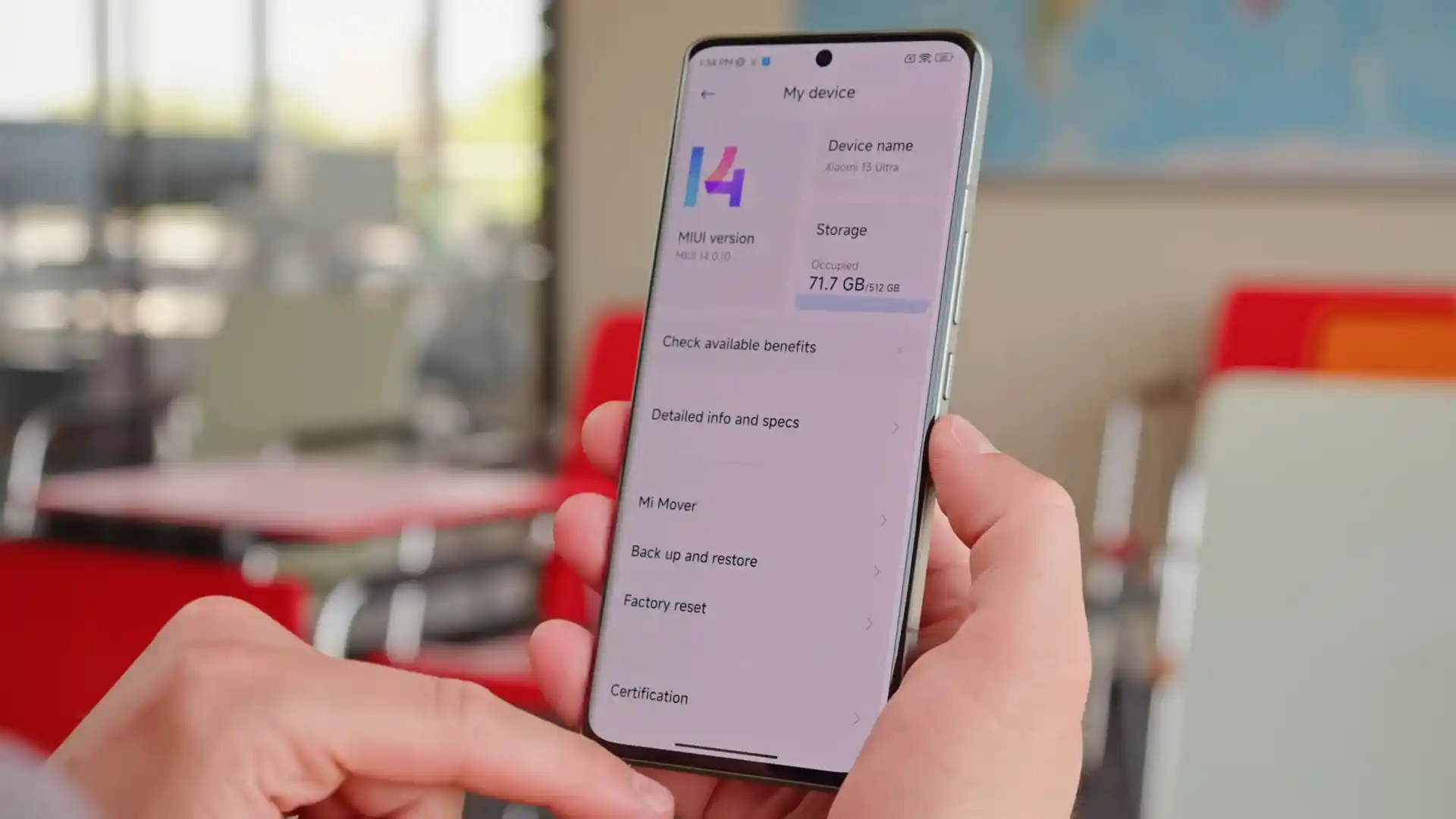
The Xiaomi 13 Ultra (hardware codename ishtar, model numbers 2304FPN6DG Global/EEA and 2304FPN6DC China) was released in April 2023 (China), June 2023 (Global), built on the Qualcomm SM8550-AB Snapdragon 8 Gen 2 (4nm) platform with an Adreno 740 GPU, 6.73-inch WQHD+ 120Hz LTPO AMOLED display, Leica co-engineered quad 50 MP cameras with 1-inch variable aperture, and a 5,000 mAh battery supporting 90W HyperCharge.
This workshop bench guide walks you through flashing official stock Fastboot firmware on the Xiaomi 13 Ultra using Xiaomi Mi Flash Tool. Whether you are restoring a device stuck on the boot screen, recovering from failed modifications, or returning to a clean factory state, follow these verified steps to flash safely.
Which Flash Mode Should You Use?
Xiaomi Mi Flash Tool (Fastboot)
Official flashing utility for unlocked Xiaomi devices. Streams partition images directly over Fastboot and userspace fastbootd.
Stock Recovery / Local Update
Official on-device recovery update method for flashing official Recovery OTA ZIP packages without wiping personal data.
What You Need Before Flashing
A 64-bit Windows 10/11 computer with updated Qualcomm USB drivers and Android SDK Platform Tools (v35+).
An officially unlocked bootloader via the Xiaomi Mi Unlock utility is mandatory for Fastboot partition flashing.
Ensure the 5,000 mAh battery holds at least 50% charge to prevent power loss during 8GB+ super partition streaming.
Use an authentic data cable connected directly to a rear motherboard USB port to avoid transmission interruptions.
How to Flash the Xiaomi 13 Ultra — Quick Overview
A quick 5-step overview built specifically for the Xiaomi 13 Ultra. The full Mi Flash Tool guide adds screenshots, progress tracking, and fixes for common errors.
-
Unlock bootloader with Mi Unlock
-
Decompress Fastboot TGZ archive twice
-
Enter Fastboot mode
-
Configure Mi Flash Tool with "clean all"
-
Flash firmware and await first boot
Fastboot Script Structure & Flashing Modes
Fastboot firmware packages for the Xiaomi 13 Ultra unpack into an images folder containing raw partition binaries alongside automated flashing scripts: flash_all.bat (clean flash), flash_all_except_storage.bat (preserve user data), and flash_all_lock.bat (clean flash and relock bootloader). Technicians recommend strictly selecting flash_all.bat to ensure clean partition formatting across UFS 4.0 storage.
flash_all.bat
Official Fastboot images for the Xiaomi 13 Ultra include automated command scripts for different repair scenarios. Understanding these scripts ensures you select the correct operation in Mi Flash Tool.
Never select flash_all_lock.bat when flashing cross-regional firmware (for example, flashing European EEA firmware onto a Chinese 2304FPN6DC handset), as relocking the bootloader against mismatched regional root-of-trust certificates will result in an irrecoverable brick.
Xiaomi 13 Ultra Firmware Versions
Below is the verified factory Fastboot image for the Xiaomi 13 Ultra European and China editions. For additional regional packages, recovery files, and custom ROMs, visit the master archive.
| Version | Region | Android Version | Size | MD5 | Download |
|---|---|---|---|---|---|
OS3.0.303.0.WMAEUXM (HyperOS 3.0) |
EEA (Europe / UK) — 2304FPN6DG | Android 16.0 | 8.4 GB | 2a4dc9940f9a5696238beea8ac3155d3 |
⬇️ Download |
OS3.0.308.0.WMACNXM (HyperOS 3.0) |
China (CN) — 2304FPN6DC | Android 16.0 | 8.8 GB | 8f010397b1c751543ace05a4006e005e |
⬇️ Download |
Need additional regional builds, older updates, or recovery packages? Browse the full Xiaomi 13 Ultra archive on AndroidFirmwareFile.com →
Xiaomi 13 Ultra — Important Notes
The Qualcomm Snapdragon 8 Gen 2 platform employs Google Virtual A/B partition architecture with dynamic partitions (super.img). Flashing begins in standard bootloader Fastboot mode and automatically transitions into userspace fastbootd to stream dynamic logical partitions (system, system_ext, product, vendor, odm). Maintain a steady USB connection throughout this process.
Troubleshooting Xiaomi 13 Ultra Flashing & Fastbootd Errors
Fastbootd Transport Stalled: "FAILED (remote: 'fastbootd transport stalled') during super.img chunk streaming"
While writing dynamic super partitions on the Snapdragon 8 Gen 2 platform, the device transitions from bootloader Fastboot into userspace fastbootd. If PC USB 3.2 controllers apply power-saving sleep states or delay USB re-enumeration beyond 10 seconds, the flashing script aborts mid-stream. Technicians recommend plugging directly into a rear motherboard USB port, running Mi Flash Tool as Administrator, and disabling USB selective suspend in Windows Power Options.
Bootloader Lock Rejection: "FAILED (remote: 'Command not allowed / Token verify failed')"
The device bootloader remains in a locked state, rejecting partition writes dispatched by Mi Flash Tool. Verify Developer Options to ensure "OEM Unlocking" is enabled and bind your authorized Xiaomi account under "Mi Unlock Status". Then run the official Mi Unlock utility on a PC to complete bootloader unlocking before retrying Fastboot flashing.
Anti-Rollback (ARB) Protection Trap: "The system has been destroyed / dm-verity verification failed after flashing"
Attempting to downgrade from HyperOS 3.0 (Android 16.0) to older MIUI 14 builds with a lower Anti-Rollback index triggers Qualcomm hardware efuse mismatch protection. Furthermore, selecting "clean all and lock" (flash_all_lock.bat) when flashing cross-regional firmware locks the bootloader against mismatched cryptographic signatures, causing an immediate boot failure. Technicians recommend flashing matching or newer firmware and always selecting "clean all" (flash_all.bat).
Qualcomm EDL Authentication Barrier: "Sahara Fail S9 / Authentication Required in Qualcomm EDL Mode"
Low-level Qualcomm Emergency Download (EDL 9008) mode on the Snapdragon 8 Gen 2 platform enforces cryptographically signed server authentication tokens. Attempting to flash raw XML partitions with unauthenticated tools like standard QFIL fails with Sahara protocol rejection. Recovering from a hard brick in EDL mode requires an authorized Xiaomi service center account token.
Encountering issues during flashing? Review these verified workshop troubleshooting notes for the Xiaomi 13 Ultra. Troubleshooting & Common Errors →
Frequently Asked Questions — Xiaomi 13 Ultra
On Android 16 HyperOS 3.0, the dynamic super partition measures over 8 GB and houses system, system_ext, product, vendor, and odm logical partitions. While executing flash_all.bat, the flashing script automatically commands the phone to switch from bootloader Fastboot mode into userspace fastbootd mode (which displays an on-screen fastbootd menu). Do not touch the USB cable during this 8 to 12-second handshake; Mi Flash Tool will automatically rediscover the fastbootd interface and continue streaming remaining sparse chunks into UFS 4.0 storage.
On Windows 10 and 11, Qualcomm USB drivers may drop the device if connected through unpowered USB hubs or front-panel PC headers during heavy 8GB+ data streaming. Workshop technicians recommend installing official Qualcomm USB drivers, connecting the phone to a rear motherboard USB 2.0 or USB 3.0 port, and checking Windows Device Manager to ensure the device is identified under "Android Device" as "Android Bootloader Interface" without yellow warning exclamation marks.
The optical fingerprint scanner on the Xiaomi 13 Ultra relies on factory optical calibration profiles stored inside the hardware persist partition. Official Fastboot flashing with flash_all.bat protects the persist partition from being formatted. If biometric registration fails after flashing, ensure the display is completely clean and dial *#*#6484#*#* into the stock phone dialler to access the CIT hardware diagnostic menu, where you can select the optical fingerprint test to recalibrate ambient light baseline values.
For hard-bricked units unable to boot into Fastboot mode, emergency Qualcomm EDL 9008 mode is reached via motherboard test points. Because the Xiaomi 13 Ultra features IP68 water resistance with tight perimeter sealing and a raised circular Leica camera housing, the rear glass must be heated evenly to 80°C before gentle suction removal. Technicians advise extreme caution when lifting the upper housing to avoid tearing the NFC antenna flex and camera laser autofocus ribbon. Bridging the two gold test pads near the Snapdragon 8 Gen 2 shield while inserting the USB cable forces EDL mode.
Ready to Flash?
Follow the full step-by-step Mi Flash Tool guide with interactive progress tracking, prerequisite checklist, and complete troubleshooting.