

Before you flash: Flashing firmware will erase all data on your device. Back up contacts, photos, and apps before proceeding. FlashGuideHub is not responsible for any damage caused by following this guide.
About the Xiaomi Black Shark 4 (penrose)
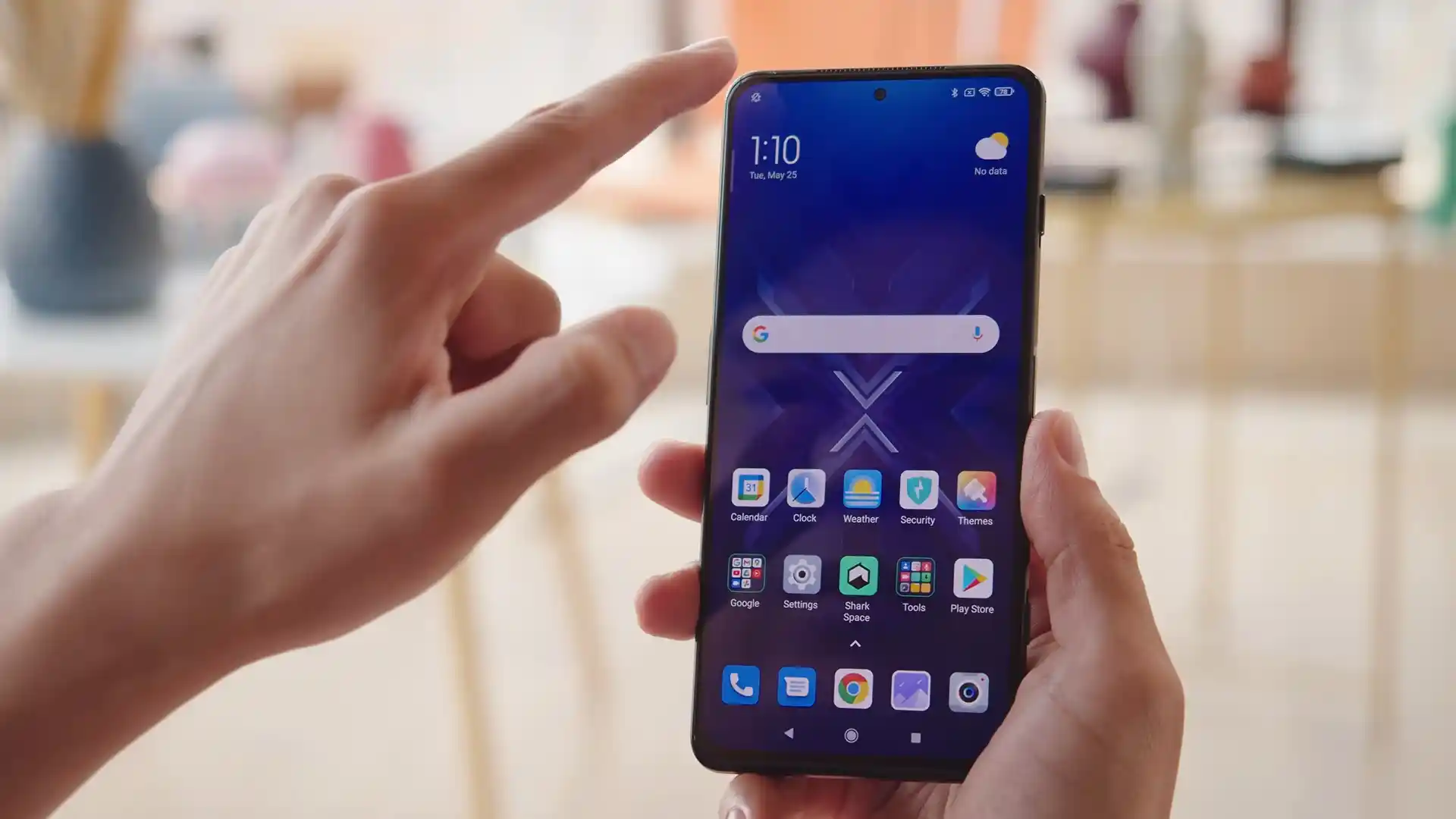
The Xiaomi Black Shark 4 (penrose) (hardware codename penrose) is a dedicated gaming smartphone officially announced in March 2021. Powered by the 7nm Qualcomm Snapdragon 870 5G SM8250-AC (7nm) platform with an Adreno 650 GPU, the device features a 6.67-inch 144Hz Super AMOLED display, 720Hz touch reporting, physical magnetic pop-up shoulder triggers, stereo speakers, and a dual-cell 4,500 mAh battery supporting 120W wired fast charging.
This procedural guide details how to repair, unbrick, and reflash official stock JoyUI software on the Xiaomi Black Shark 4 (penrose). Whether unbricking a hard-bricked phone stuck in Qualcomm 9008 EDL mode using QFIL or installing community custom recovery images, follow these tested workshop procedures to return your device to full factory operation.
Which Flash Mode Should You Use?
Qualcomm EDL 9008 Mode (Emergency Download)
Low-level Qualcomm bootloader emergency state used by QFIL and QPST to unbrick dead devices, recover from bootloops, and write raw UFS partitions.
Fastboot Mode
Official bootloader communication mode used for fastboot commands, partition checks, and temporary custom recovery booting.
Custom Recovery (OrangeFox Recovery)
Touch-based custom recovery environment for manual backup creation, partition clearing, and flashing recovery ZIP archives.
Essential Equipment & Pre-Flash Setup for penrose
Verify that your 4,500 mAh dual-cell battery is at least 50% charged. If unbricking a dead device, let it charge on a standard 5V wall charger for 30 minutes before entering EDL mode.
Use an authentic USB Type-C cable plugged into a rear USB 2.0 port. Front-panel USB 3.0 hubs frequently drop packet handshakes during UFS partition writing.
Install signed Qualcomm HS-USB QDLoader 9008 drivers (v1.0.0.51 or newer) on a 64-bit Windows installation so QFIL can communicate with the emergency COM port.
Download and install QPST v2.7.480 or newer. Launch QFIL directly from C:\Program Files (x86)\Qualcomm\QPST\bin\QFIL.exe as Administrator.
Performing full rawprogram0.xml restoration completely formats the UFS 3.1 flash memory, wiping user applications, photos, and internal storage.
Quick 5-Minute QFIL EDL Restoration Steps
5-step quick reference for the Xiaomi Black Shark 4 (penrose). Need visuals or troubleshooting help? The full QFIL guide covers everything in detail.
-
Download and unpack the verified unbrick archive EDL_BLACK_SHARK_4_CONVERT_H0-MP3.zip into a short directory such as C:\BS4_FW
-
Launch QFIL as Administrator, select Flat Build, click Browse to select prog_firehose_ddr.elf, and load rawprogram0.xml and patch0.xml
-
Verify that the persist partition line is omitted or unchecked in rawprogram0.xml to preserve optical fingerprint sensor factory calibration
-
Power off the Black Shark 4, hold Volume Up and Volume Down together, and insert the USB cable to establish the Qualcomm 9008 COM port
-
Select the detected COM port in QFIL, click Download to write all raw UFS partitions, and disconnect the cable once Download Succeed displays
Qualcomm XML Partition Table & Firehose Configuration
The Xiaomi Black Shark 4 uses Qualcomm XML partition tables (rawprogram0.xml and patch0.xml) paired with the DDR firehose programmer (prog_firehose_ddr.elf) rather than MediaTek scatter files. Load rawprogram0.xml inside QFIL to map all UFS 3.1 storage partitions.
rawprogram0.xml
Qualcomm Snapdragon 870 devices utilize XML partition descriptors. The primary programmer file initializes LPDDR5 memory timing, while rawprogram0.xml instructs the QPST engine on sector assignments for system, vendor, boot, and modem partitions.
Never check or overwrite the persist.img partition when flashing XML files in QFIL unless specifically repairing a corrupted persist block. Overwriting persist permanently destroys factory optical fingerprint calibration and proximity sensor parameters.
Verified Factory Firmware Downloads for Black Shark 4
The verified factory packages below represent tested unbrick images for both European PRS-H0 and Chinese PRS-A0 hardware variants.
| Version | Region | Android Version | Size | MD5 | Download |
|---|---|---|---|---|---|
CONVERT_H0-MP3 (Global QFIL EDL Unbrick) |
Global (Converted PRS-H0) | Android 11 (JOYUI 12.5 Global) | 3.9 GB | f7087c7e9a07faab9fdd2798010b90f1 |
⬇️ Download |
PROS2210210CN00AS1 (China Domestic JoyUI 13) |
China Domestic | Android 12 (JOYUI 13) | 4.38 GB | — | ⬇️ Download |
Need earlier JoyUI builds, Fastboot archives, or OrangeFox recovery installers? Browse the complete Xiaomi Black Shark 4 firmware archive on AndroidFirmwareFile
Critical Firmware Partition Notes for Black Shark 4
Flashing Qualcomm Snapdragon 870 architecture requires stable communication timing over the USB interface. When flashing unbrick images such as EDL_BLACK_SHARK_4_CONVERT_H0-MP3.zip, ensure you connect your USB Type-C cable directly to a rear USB 2.0 motherboard port on a 64-bit Windows PC.
If your device has an unlocked bootloader and you wish to perform manual partition backups or root installations, you can boot or flash OrangeFox-Penrose-beta@R11.1_0_A11.zip via Fastboot mode, allowing convenient maintenance before executing complete EDL firmware reflashes.
Troubleshooting Black Shark 4 Flashing & QFIL EDL Errors
ERROR: function: sahara_rx_data:277 / Sahara protocol error: 2
Occurs when QFIL fails to exchange the initial hello packet with the Qualcomm primary bootloader over the USB bus. This is typically caused by connecting to a USB 3.0/3.1 port or using a loose cable. Switch your USB cable to a rear USB 2.0 port, reseat the connection, and relaunch QFIL.
FAILED (remote: 'Token Verify Failed / Flashing is not allowed in Lock State')
Occurs in Fastboot when attempting to flash custom recovery or partition images while the JoyUI bootloader is locked. Official flashing requires an approved account bind or booting via test point EDL mode when recovering from a brick.
ERROR: function: ufs_write:412 / Write super.img sparse timeout
Occurs in fastbootd or QFIL when writing large dynamic partition chunks to UFS 3.1 storage over an unstable USB hub. Use high-speed USB 2.0 ports and verify that the platform-tools package is updated to version 34 or newer.
Resolutions for Sahara handshake failures, JoyUI bootloader token verification, and Fastboot write timeouts on the Black Shark 4. Troubleshooting & Error Resolutions →
Black Shark 4 Flashing & Workshop Troubleshooting FAQ
Snapdragon 870 processors require clean USB 2.0 signal lines during the initial Sahara protocol handshake. If the PC port is USB 3.0 or connected through a front case hub, the host controller attempts a 5Gbps link negotiation that causes the Qualcomm 9008 boot ROM to drop the connection. Always plug your cable directly into a native black USB 2.0 port on the motherboard rear panel and use a cable under 1 meter in length.
If your Black Shark 4 is deeply bricked and will not respond to the Volume Up + Down button combination, emergency 9008 mode can be forced using hardware test points. The two gold test point pads are located on the main motherboard beneath the rear glass cover and graphite heat dissipation layer, adjacent to the right magnetic shoulder trigger ribbon socket. Shorting these two pads with precision tweezers while connecting the USB cable forces the Qualcomm boot ROM into 9008 mode without battery power.
Xiaomi and Black Shark implement cryptographic token verification on modern JoyUI bootloaders. If your device has a locked bootloader, the Android Bootloader (ABL) rejects fastboot flash commands for custom recovery or system partitions. To flash stock software on a locked phone, use official fastboot packages with matching signatures in Mi Flash, or use Qualcomm 9008 EDL mode via test points.
The persist partition contains device-unique calibration data generated during factory assembly, including the under-display optical fingerprint sensor baseline matrices, camera module white balance calibration, and Bluetooth MAC addresses. If you flash a blank or generic persist.img from another device, the optical fingerprint sensor will permanently fail calibration and biometric enrollment will become non-functional.
Ready to Flash?
Follow the full step-by-step QFIL guide with interactive progress tracking, prerequisite checklist, and complete troubleshooting.