

Before you flash: Flashing firmware will erase all data on your device. Back up contacts, photos, and apps before proceeding. FlashGuideHub is not responsible for any damage caused by following this guide.
About the Xiaomi MIX Fold 2
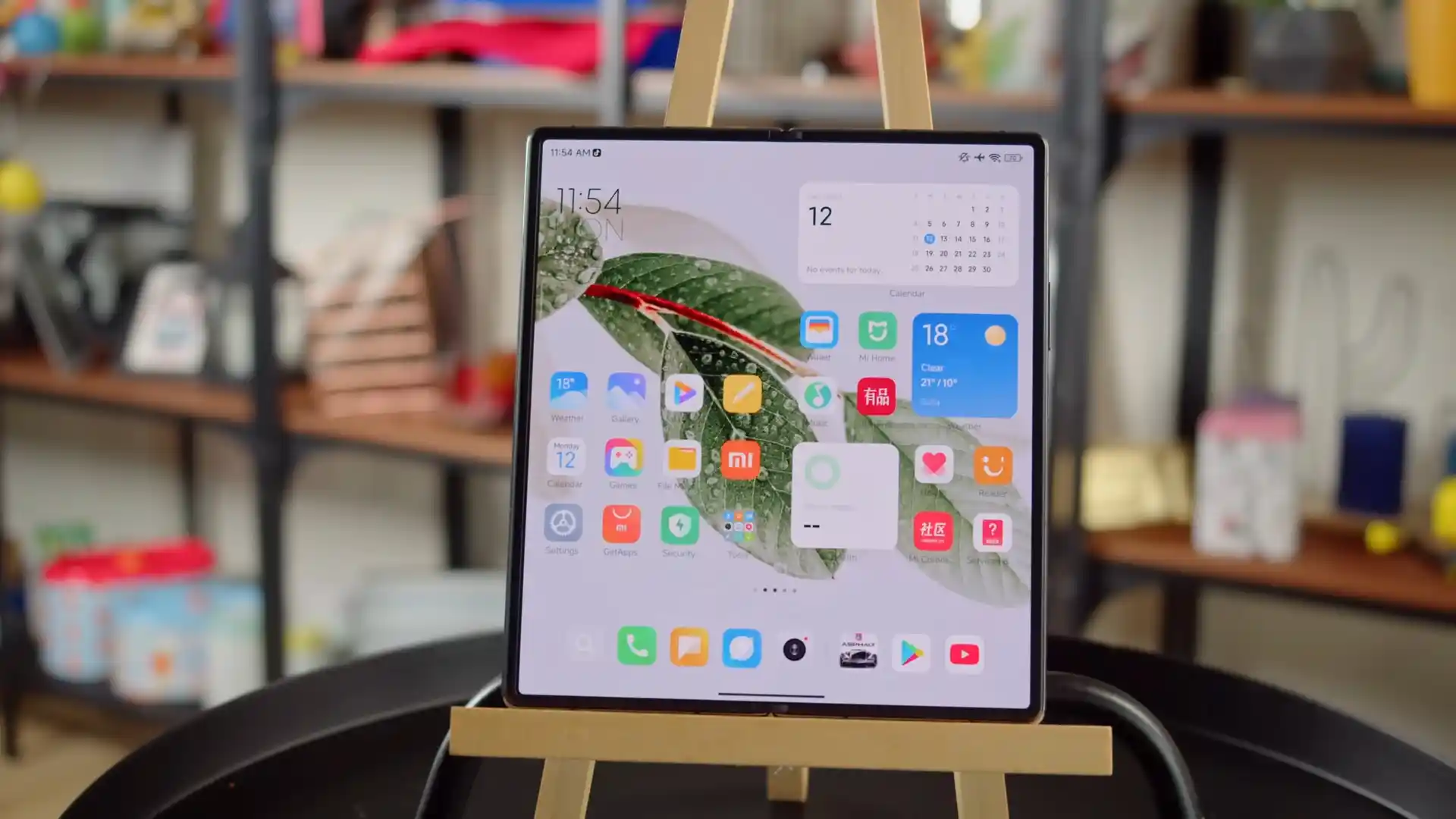
The Xiaomi MIX Fold 2 was launched in August 2022, built on the Qualcomm Snapdragon 8+ Gen 1 SM8475 platform. Known under codename zizhan, the phone features dual LTPO2 OLED displays with an 8.02-inch 120Hz folding inner screen, a 4500 mAh battery with 67W Turbo Charge, and a Leica triple camera running HyperOS 3.0.
Flashing official Fastboot firmware unbricks devices stuck on the boot logo, restores original factory partitions, and fixes system bugs after an update. Follow the verified package links and workshop steps below to flash your phone safely.
Which Flash Mode Should You Use?
Xiaomi Mi Flash Fastboot Flashing (Recommended)
Official Fastboot flashing method using Mi Flash Tool and flash_all.bat to write complete stock images.
Stock Recovery Mode (Mi Assistant / Sideload)
Stock recovery interface for applying official Recovery OTA updates or initiating a factory wipe.
Essential Equipment & Pre-Flash Setup for MIX Fold 2
Bootloader must be unlocked via the official Xiaomi Mi Unlock tool before flashing Fastboot packages.
Maintain at least 50% charge in the 4500 mAh battery to ensure uninterrupted power during super partition flashing.
Use a Windows 10 or 11 64-bit computer with official Xiaomi USB drivers and Google Fastboot drivers installed.
Connect with a certified USB Type-C cable directly to a rear motherboard USB 2.0 port to prevent dropouts.
Unpack the multi-gigabyte .tgz archive twice using 7-Zip to extract flash_all.bat and raw partition images.
Step-by-Step Mi Flash Walkthrough for Xiaomi MIX Fold 2
5-step quick reference for the Xiaomi MIX Fold 2. Need visuals or troubleshooting help? The full Mi Flash Tool guide covers everything in detail.
-
Unlock bootloader with Mi Unlock
-
Decompress Fastboot archive zizhan_images_OS3.0.9.0.VLRCNXM_20260805.0000.00_15.0_cn_2130e98a9c.tgz twice
-
Enter Fastboot mode displayed on outer cover screen
-
Configure Mi Flash Tool with clean all to protect regional NV flags
-
Flash firmware and monitor fastbootd super.img partition write progress
Xiaomi MIX Fold 2 Fastboot Package Structure & Script Details
Official Fastboot firmware packages for the Xiaomi MIX Fold 2 (zizhan) are distributed as multi-gigabyte .tgz archives containing raw partition images and dynamic super chunks executed via flash_all.bat and fastbootd userspace commands.
flash_all.bat
Detailed breakdown of the flash_all.bat script, dynamic super partition layout, and fastbootd userspace handoff on the Qualcomm Snapdragon 8+ Gen 1 platform.
Fastboot Flashing Rule: Always select "clean all" (flash_all.bat) when using Mi Flash Tool on imported hardware to avoid triggering the regional bootloader lock brick.
Tested Xiaomi MIX Fold 2 Fastboot Firmware Packages
Download verified stock Fastboot firmware packages for the Xiaomi MIX Fold 2 (zizhan). Each archive contains complete factory partition binaries.
| Version | Region | Android Version | Size | MD5 | Download |
|---|---|---|---|---|---|
OS3.0.9.0.VLRCNXM |
China (CN) | Android 15.0 (HyperOS 3.0) | 7.58 GB | 2130e98a9c18d98ae362d7ded83024ef |
⬇️ Download |
Need earlier HyperOS versions, Recovery OTA packages, or full hardware specs? View the complete Xiaomi MIX Fold 2 firmware archive on AndroidFirmwareFile.com →
Foldable Architecture, Partition & Flashing Considerations
The Xiaomi MIX Fold 2 features an internal 4500 mAh dual-cell battery. Writing the 7.58 GB dynamic super partition from archive zizhan_images_OS3.0.9.0.VLRCNXM_20260805.0000.00_15.0_cn_2130e98a9c.tgz over UFS 3.1 storage requires approximately 5 to 8 minutes of steady data transfer. Ensure the battery holds at least 50% charge before beginning to avoid power disruption during critical partition writes.
Troubleshooting Xiaomi MIX Fold 2 Flashing Errors & Boot Failures
Mi Flash Script Failure: "mismatching image and device" or FAILED (remote: Device mismatch)
Occurs when flash_all.bat validates device variables and detects an unexpected codename string, or when trying to flash firmware from another foldable like cetus or babylon. Open flash_all.bat in a text editor to verify that the getvar product check expects "zizhan", ensure your platform-tools binaries are updated, and confirm the phone is detected properly in Fastboot mode.
USB Connection Timeout / Partition Write Stalls During super.img Flashing
The dynamic super.img container inside the HyperOS package exceeds 7 GB. Connecting through front-panel USB hubs, USB 3.0 ports with unstable xHCI controller drivers, or USB-C to USB-C cables can trigger buffer underruns and write timeouts. Connect the phone directly to a native USB 2.0 port on the rear motherboard I/O plate using a high-quality USB-A to USB-C cable.
Boot Loop to Fastboot After Flashing ("The system is destroyed")
Occurs when partition writes are interrupted mid-flash or when a mismatched boot or vbmeta image fails Android Verified Boot (AVB) verification. To recover, keep the phone in Fastboot mode, reopen Mi Flash Tool, point to the extracted official zizhan_images_OS3.0.9.0.VLRCNXM directory, ensure "clean all" is selected, and re-flash to restore stock partition signatures.
Step-by-step diagnostic fixes for Xiaomi MIX Fold 2 Fastboot flashing warnings, USB dropouts, and boot failures. Error Solutions →
Workshop Troubleshooting & Fastboot Flashing FAQ
During early boot, the Qualcomm secondary bootloader (XBL) powers on only the primary MIPI DSI controller mapped to the 6.56-inch outer cover screen to minimize current draw while the device is in an uncalibrated hardware state. When flash_all.bat executes the command "fastboot reboot fastboot", the phone transitions from bootloader fastboot into userspace fastbootd mode running inside the recovery ramdisk. This displays the fastbootd menu on the outer screen while mounting the logical block devices inside the dynamic super container.
This warning occurs because flash_all.bat reboots the device upon completion without executing a bootloader relock command. Mi Flash Tool expects a confirmation regex string that only exists when running flash_all_lock.bat. As long as the progress bar in Mi Flash shows green, elapsed time stops incrementing, and the phone displays the HyperOS boot logo, all partition write operations completed cleanly and safely.
The Xiaomi MIX Fold 2 was manufactured exclusively for Mainland China (model 22061218C). If an imported device has custom locale patches, a modified boot image, or altered recovery partitions and is flashed using "clean all and lock" (flash_all_lock.bat), the relocked bootloader validates hardware security fuses against the installed images. Because non-stock or mismatched signatures fail Android Verified Boot (AVB), startup halts with the unrecoverable error "The system is destroyed".
Standalone custom recovery environments are unmaintained for the MIX Fold 2 because generic recovery kernels cannot bind simultaneously to both Goodix touch digitizers and the folding state Hall sensors, resulting in unresponsive touch screens or blank displays. The recommended procedure for root is to extract the stock boot.img from the official Fastboot package, patch it using Magisk or KernelSU, and flash it directly in Fastboot mode using the command "fastboot flash boot magisk_patched.img".
Ready to Flash?
Follow the full step-by-step Mi Flash Tool guide with interactive progress tracking, prerequisite checklist, and complete troubleshooting.