

Before you flash: Flashing firmware will erase all data on your device. Back up contacts, photos, and apps before proceeding. FlashGuideHub is not responsible for any damage caused by following this guide.
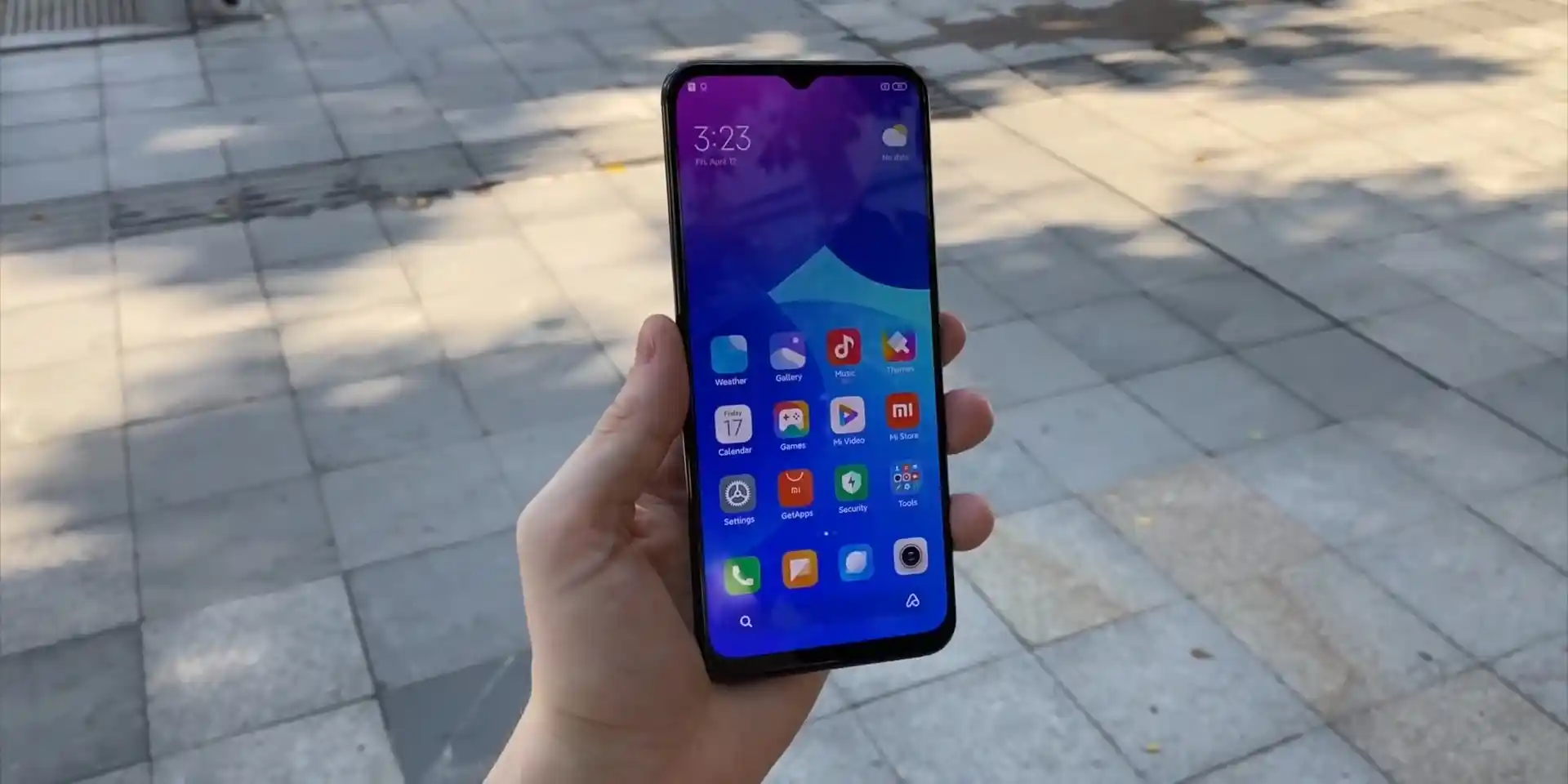
About the Xiaomi Mi 10 Lite Zoom / Mi 10 Youth 5G
The Xiaomi Mi 10 Lite Zoom / Mi 10 Youth 5G, announced in May 2020 on Qualcomm's Qualcomm Snapdragon 765G 5G SM7250-AB (7nm EUV) platform, stands out for its 8MP periscope telephoto camera with 5x optical zoom and 50x digital zoom. Whether unbricking a phone stuck in a bootloop or upgrading your software, this workshop manual details verified Fastboot flashing procedures.
Official stock restoration on the Xiaomi Mi 10 Lite Zoom / Mi 10 Youth 5G is performed via Xiaomi Mi Flash Tool in Fastboot mode or through automated community deployment scripts. Follow the step-by-step instructions below to write stock partitions safely without risking bootloader corruption.
Which Flash Mode Should You Use?
Fastboot Mode
Primary flashing environment for Mi Flash Tool and fastboot terminal scripts to write partition images.
Custom Recovery (TWRP)
Custom recovery environment for installing ZIP packages, clearing caches, and managing Android storage decryption.
Emergency Download Mode (EDL 9008)
Hardware emergency recovery interface for reviving hard-bricked devices with damaged bootloaders.
Pre-Flash Hardware Checks for Xiaomi Mi 10 Lite Zoom
A 64-bit Windows computer with Qualcomm USB drivers and Android SDK Platform Tools properly installed.
An officially unlocked bootloader via the Xiaomi Mi Unlock utility. Flashing stock Fastboot packages fails on locked devices.
An authentic Xiaomi Type-C cable connected directly into a native rear motherboard USB 2.0 port.
Ensure the 4160mAh battery has at least 50% charge to prevent power loss during partition writes.
Fastboot TGZ packages require two extractions (.tgz to .tar, then .tar to folder) using 7-Zip.
5-Minute Fastboot Flashing Steps for Mi 10 Lite Zoom
5-step quick reference for the Xiaomi Mi 10 Lite Zoom / Mi 10 Youth 5G. Need visuals or troubleshooting help? The full Mi Flash Tool guide covers everything in detail.
-
Unlock bootloader via official Mi Unlock tool and install Qualcomm drivers
-
Unpack vangogh_images_V13.0.9.0.SJVCNXM_20221102.0000.00_12.0_cn_2a6eaf2737.tgz to C:\vangogh
-
Hold Volume Down and Power to enter Fastboot mode and connect to rear USB 2.0 port
-
Verify anti-rollback index and select clean all in Mi Flash Tool
-
Preserve persist calibration during fastboot flash and await first boot
Understanding the Fastboot Flashing Script on Mi 10 Lite Zoom
On Qualcomm Snapdragon 765G smartphones like the Xiaomi Mi 10 Lite Zoom, partition layout and write sequencing are orchestrated by the flash_all.bat batch script and rawprogram XML maps rather than a MediaTek scatter file. The script writes boot, recovery, system, and vendor partitions sequentially over Fastboot.
flash_all.bat
Unlike MediaTek devices that utilize text-based scatter tables, Qualcomm Snapdragon 765G platforms use Windows batch scripts (flash_all.bat) and XML partition manifests to direct Fastboot communication. The script provisions GPT partition tables, writes essential modem and boot firmware, and transfers raw system image chunks to UFS storage.
Always verify that "clean all" (flash_all.bat) is selected in Mi Flash Tool. Selecting "clean all and lock" on an imported Mi 10 Lite Zoom running cross-regional software will lock the bootloader against mismatched security signatures, causing a recovery brick.
Xiaomi Mi 10 Lite Zoom / Mi 10 Youth 5G Firmware Versions
Tested and recommended stock Fastboot firmware packages for the Xiaomi Mi 10 Lite Zoom / Mi 10 Youth 5G. Select the package matching your operating requirements.
| Version | Region | Android Version | Size | MD5 | Download |
|---|---|---|---|---|---|
V13.0.9.0.SJVCNXM |
China (CN Fastboot) | Android 12 (MIUI 13) | 5GB | 2a6eaf2737c8a3256e7cdb35b3d74e5b |
⬇️ Download |
V13.0.9.0.SJVCNXM_v13-12 |
Europe / Multilingual (xiaomi.eu) | Android 12 (MIUI 13 base) | 3.7GB | — | ⬇️ Download |
Looking for additional regional channels or custom recoveries? Browse the full archive on AndroidFirmwareFile.com →
Understanding Fastboot Script Deployment on vangogh
Decompressing TGZ Archives: Official Xiaomi Fastboot ROMs such as vangogh_images_V13.0.9.0.SJVCNXM_20221102.0000.00_12.0_cn_2a6eaf2737.tgz require two decompression stages using 7-Zip. Extract the .tgz file to produce a .tar file, then extract the .tar file to reveal the images directory and flash_all.bat flashing script.
USB Port Stability: Modern PC motherboards can encounter driver handoff glitches on USB 3.1 or 3.2 ports during multi-gigabyte transfers. Connect the USB-C cable directly to a rear motherboard USB 2.0 port for consistent packet delivery.
Battery Safety: Verify that the 4160mAh battery is charged to at least 50% capacity before starting the flash operation to avoid power failure during critical partition writes.
Troubleshooting Mi 10 Lite Zoom Flashing & Fastboot Issues
FAILED (remote: 'Partition table doesn't exist' or 'Flashing is not allowed in Lock State')
When flashing via Mi Flash Tool or fastboot CLI on a Snapdragon 765G handset, partition writes fail immediately if the bootloader remains locked. Ensure that the phone has completed the official bootloader unlock procedure through the Mi Unlock application with an authorized Mi Account before attempting to write partitions.
Fastboot Script Device Mismatch: "missmatching image and device" / "product: vangogh"
The flashing batch script queries "fastboot getvar product" to verify hardware compatibility. If you attempt to flash firmware intended for the standard Mi 10 Lite 5G (monet) onto the Mi 10 Lite Zoom (vangogh), or if USB communication drops during the query, the script terminates immediately. Verify your device codename in fastboot terminal before proceeding.
Bootloader Integrity Verification Failure: "The system has been destroyed"
This bootloop screen occurs when vbmeta or boot verification fails, or when a user mistakenly chooses "clean all and lock" (flash_all_lock.bat) on an imported device running unofficial or cross-region software. To resolve this, boot into Fastboot mode and re-flash the complete official stock Fastboot package using "clean all" (flash_all.bat) without locking.
Fix common flashing interruptions, Fastboot handshake errors, and bootloop issues encountered on the Mi 10 Lite Zoom. Troubleshooting & Error Resolutions →
Workshop & Tool Troubleshooting Questions
Qualcomm Snapdragon 765G chipsets communicate with the PC over the Android fastboot protocol. Newer PC motherboards equipped with third-party USB 3.1/3.2 host controllers or aggressive power-management states can intermittently lose connection during prolonged partition transfers. Experienced repairers recommend connecting the phone directly to a native rear USB 2.0 port on the motherboard using a certified USB-C cable and disabling USB selective suspend in Windows Power Options.
Xiaomi's Android 12 implementation enforces File-Based Encryption (FBE) backed by Qualcomm hardware crypto keys. When flashing custom ROMs like xiaomi.eu over stock China firmware in TWRP recovery, a basic factory reset or cache wipe cannot decrypt the existing data partitions. Users must select "Wipe" > "Format Data" and type "yes" to recreate the ext4/f2fs filesystem, clearing the previous cryptographic master keys to allow the new operating system to boot.
The periscope telephoto module on vangogh requires optical image stabilization matrices and factory optical alignment offsets stored inside the dedicated persist partition (persist.img). Official Fastboot flashing with flash_all.bat and xiaomi.eu automated scripts deliberately omit flashing or erasing the persist partition, ensuring that factory camera calibration remains intact post-flash.
If the device fails to boot into Fastboot or is stuck in a startup loop, disconnect the USB cable, power the phone off completely, and press and hold both the Volume Up and Power buttons simultaneously. Release both buttons once the "Mi" splash logo appears on screen. The phone will boot into the stock Mi-Recovery menu, allowing you to trigger a clean recovery wipe or initiate Mi Assistant connections.
Ready to Flash?
Follow the full step-by-step Mi Flash Tool guide with interactive progress tracking, prerequisite checklist, and complete troubleshooting.