

Before you flash: Flashing firmware will erase all data on your device. Back up contacts, photos, and apps before proceeding. FlashGuideHub is not responsible for any damage caused by following this guide.
About the Xiaomi Mi 11 Lite 4G
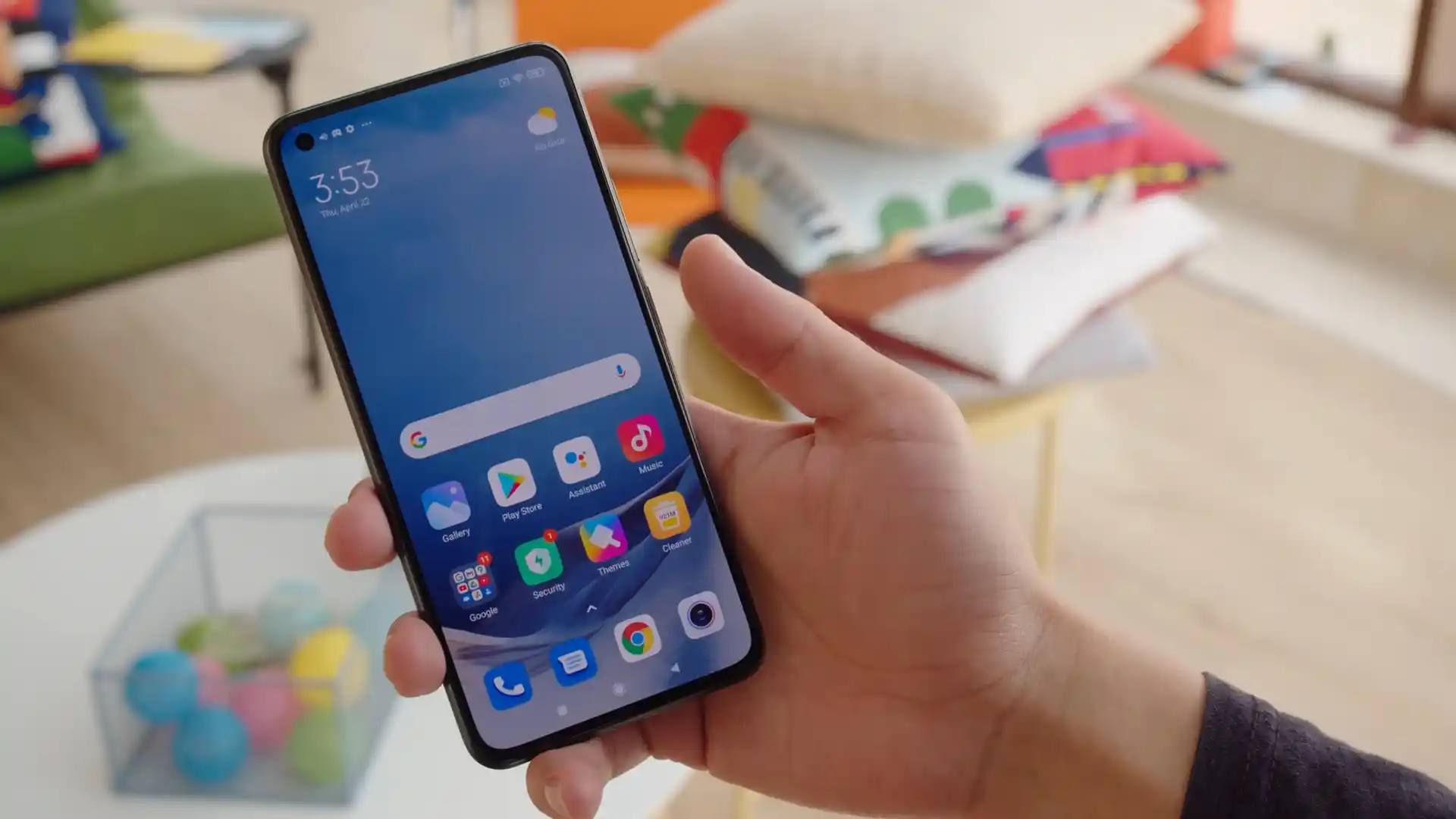
The Xiaomi Mi 11 Lite 4G (hardware codename courbet, model numbers M2101K9AG, M2101K9AI) was launched in April 2021, built on the Qualcomm Snapdragon 732G (SM7150-AC, 8nm) processor. Built with an ultra-thin 6.81mm chassis and weighing just 157 grams, this platform pairs an Adreno 618 GPU with a 6.55-inch 90Hz 10-bit AMOLED screen, 33W fast charging, and a 64MP Samsung GW3 camera setup.
This walkthrough provides step-by-step instructions for flashing official stock Fastboot firmware and Recovery packages on the Xiaomi Mi 11 Lite 4G. Whether you are unbricking a handset stuck in a bootloop, resolving system glitches after an update, or restoring clean factory MIUI software, follow these verified instructions to restore your device safely.
Which Flash Mode Should You Use?
Xiaomi Mi Flash Tool (Fastboot)
Official flashing utility for unlocked Xiaomi handsets. Writes partition images directly to storage over Fastboot mode.
Stock Recovery / Local Update
Official on-device recovery update method for installing signed Recovery ZIP packages without wiping personal data.
Custom Recovery (OrangeFox / TWRP)
Custom recovery environment for installing flashable ZIP packages, custom ROMs like Xiaomi.eu, or full system backups directly to physical recovery partitions.
Qualcomm EDL 9008 Mode
Low-level hardware recovery mode for completely bricked devices unable to boot into Fastboot or recovery.
Pre-Flash Hardware Setup & Driver Verification for courbet
A 64-bit Windows 10/11 computer with official Qualcomm USB drivers and current Android SDK Platform Tools.
An officially unlocked bootloader via the Xiaomi Mi Unlock desktop utility is required for Fastboot flashing.
Ensure the 4250 mAh battery holds at least 50% charge to prevent shutdowns during 5GB+ super partition writes.
Use an authentic data sync cable connected directly to a rear motherboard USB 2.0 port to prevent communication drops.
5-Step Mi Flash & Fastboot Walkthrough for Mi 11 Lite 4G
A fast reference for flashing the Xiaomi Mi 11 Lite 4G (Snapdragon 732G) using Mi Flash Tool. For the complete walkthrough with images and error troubleshooting, see the full guide.
-
Download and decompress courbet_eea_global_images_V14.0.2.0.TKQEUXM_20230418.0000.00_13.0_eea_d172449d15.tgz with 7-Zip to C:\courbet_fw
-
Power off phone, hold Volume Down + Power for 8 seconds until FASTBOOT appears on screen
-
Connect via authentic USB Type-C cable to PC and confirm connection using "fastboot devices" in terminal
-
Open Mi Flash Tool, select the extracted folder, and strictly select the "clean all" radio button
-
Click Flash to write super partition images to UFS 2.2 storage and allow 5 to 8 minutes for initial boot
Fastboot Flashing Scripts & Mode Selection
Official Fastboot firmware packages for the Xiaomi Mi 11 Lite 4G contain raw partition binaries and automated flasher batch scripts tailored for Snapdragon 732G storage: flash_all.bat (clean installation), flash_all_except_storage.bat (preserve user data), and flash_all_lock.bat (clean installation and relock bootloader). For general unbricking and restoring stock MIUI 14, selecting flash_all.bat writes images cleanly across dynamic super partitions.
flash_all.bat
Official Fastboot packages for the Xiaomi Mi 11 Lite 4G contain batch flasher scripts for distinct repair requirements. Understanding their behavior helps you choose the correct option in Mi Flash Tool.
Flashing Safety Rule: Always confirm that "clean all" (flash_all.bat) is selected in Mi Flash Tool before flashing. Because the Mi 11 Lite 4G features regional model variants (Global M2101K9AG vs India M2101K9AI), never select "clean all and lock" when installing cross-region or modified firmware, as relocking foreign signatures triggers an immediate hard brick.
Xiaomi Mi 11 Lite 4G Firmware Versions
Below are tested factory Fastboot, official Recovery update, and Xiaomi.eu custom ROM packages for the Xiaomi Mi 11 Lite 4G. For older MIUI releases and additional regional archives, browse the master archive.
| Version | Region | Android Version | Size | MD5 | Download |
|---|---|---|---|---|---|
V14.0.2.0.TKQEUXM (EEA Fastboot) |
EEA (Europe) — M2101K9AG | Android 13.0 | 5.5 GB | d172449d15d31826736b580b181b8e92 |
⬇️ Download |
V14.0.3.0.TKQEUXM (Stock Recovery) |
EEA (Europe) — M2101K9AG | Android 13.0 | 3.9 GB | 671ecd36e970ec91f338622efc81fe66 |
⬇️ Download |
V14.0.4.0.TKQMIXM (Global Fastboot) |
Global — M2101K9AG | Android 13.0 | 5.5 GB | f2bf2136b3975f2e15a83d835ea881ea |
⬇️ Download |
V14.0.2.0.TKQINXM (India Fastboot) |
India — M2101K9AI | Android 13.0 | 4.5 GB | 54d8c7c57c996be2e44e3215df14ca30 |
⬇️ Download |
V14.0.4.0.TKQMIXM (Custom ROM) |
Xiaomi.eu Multilingual (Recovery) | Android 13.0 | 4.0 GB | 51eacd0aab7e4868f878bd485acec693 |
⬇️ Download |
Need additional packages like regional fastboot images or custom recovery toolkits? Browse the full Xiaomi Mi 11 Lite 4G archive on AndroidFirmwareFile.com →
Snapdragon 732G Dynamic Partitions & Slotted Recovery Layout
The Qualcomm Snapdragon 732G platform utilizes Google's dynamic partitions inside a Virtual A/B dual-slot structure. Flashing packages like courbet_eea_global_images_V14.0.2.0.TKQEUXM_20230418.0000.00_13.0_eea_d172449d15.tgz transfers logical partitions (system, vendor, product, odm, system_ext) inside a 5GB+ super container. Always maintain an uninterrupted connection to a rear motherboard USB 2.0 port throughout the entire installation.
Troubleshooting Xiaomi Mi 11 Lite 4G Flashing Errors
Anti-rollback index downgrade rejection: "FAILED (remote: 'Anti-rollback check failed')"
Occurs when attempting to flash legacy Android 11 Fastboot images onto a device already upgraded to MIUI 14 (Android 13). Xiaomi's bootloader anti-rollback mechanism prevents writing older bootloader and trustzone binaries. Always flash packages with an equal or higher anti-rollback index matching your current build.
Bootloader verification rejection: "FAILED (remote: 'Token Verify Failed' or 'Command not allowed')"
Occurs when attempting to flash dynamic partition images while the bootloader remains in a locked state, or if the Mi Account unlock token has expired. Verify your bootloader status by running "fastboot oem device-info" and ensure "Device unlocked: true" is returned.
Dynamic super partition sparse write timeout: "error: cannot load 'super.img': data too large or write stall"
The 5GB+ dynamic super partition container can time out when transferring over front-panel USB ports, USB 3.0 hubs, or AMD controller chipsets. Connect your USB Type-C cable directly to a rear motherboard USB 2.0 port and restart the flashing process.
Mi Flash batch script failure: "Mismatching image and device" or "Update sparse crc list failed"
Occurs when older versions of Mi Flash fail to parse CRC checks in flash_all.bat, or if firmware for a 5G sibling model (such as renoir or lisa) was inadvertently downloaded. Verify that "fastboot getvar product" returns "courbet" or "courbetin", and verify your package contains Snapdragon 732G binaries.
Encountering issues during flashing? Review these verified workshop troubleshooting notes for the Xiaomi Mi 11 Lite 4G. Troubleshooting & Common Errors →
Workshop Troubleshooting & Partition Recovery Mechanics
If the handset is trapped in a fastboot loop and discharges below 3.6V, fastboot flashing can halt prematurely. Fastboot mode does not initiate high-wattage fast charging handshakes. Unplug the handset from your PC, connect it directly to an authentic 5V/2A wall charger, and allow it to trickle-charge for 30 to 45 minutes until adequate cell voltage is restored before restarting the restoration.
If the primary bootloader is damaged and the device fails to boot into Fastboot, Qualcomm 9008 EDL mode can be triggered via motherboard hardware test points. Two round copper pads are situated beneath the rear glass cover, adjacent to the motherboard RF shield and battery flex connector. Bridging these two pads with fine-tip tweezers while inserting the USB cable forces Qualcomm HS-USB QDLoader 9008 port detection. However, on MIUI 13 and MIUI 14 firmware, flashing raw XML images in EDL mode strictly requires an authorized Xiaomi service center account.
On the Mi 11 Lite 4G, unique factory sensor baselines—including Samsung GW3 sensor calibration, ambient light offsets, and ultrasonic proximity thresholds—are stored inside the dedicated persist block (/dev/block/by-name/persist). Official restoration scripts deliberately exclude this partition. If persist is wiped or overwritten during manual command-line procedures, these sensors will stop functioning in MIUI. Always ensure the persist partition is left untouched during stock restoration.
Android 12 and Android 13 firmware on courbet implement File-Based Encryption v2 (FBE v2). When booting into a custom recovery environment, user partitions remain encrypted until the device password or PIN is verified. In OrangeFox or TWRP, enter your lock screen PIN when prompted to mount and decrypt storage. If transitioning from official MIUI to a custom ROM, selecting "Format Data" (typing "yes") is necessary to reset cryptographic keystores.
Ready to Flash?
Follow the full step-by-step Mi Flash Tool guide with interactive progress tracking, prerequisite checklist, and complete troubleshooting.