

Before you flash: Flashing firmware will erase all data on your device. Back up contacts, photos, and apps before proceeding. FlashGuideHub is not responsible for any damage caused by following this guide.
About the Xiaomi Redmi 3 / Redmi 3 Pro
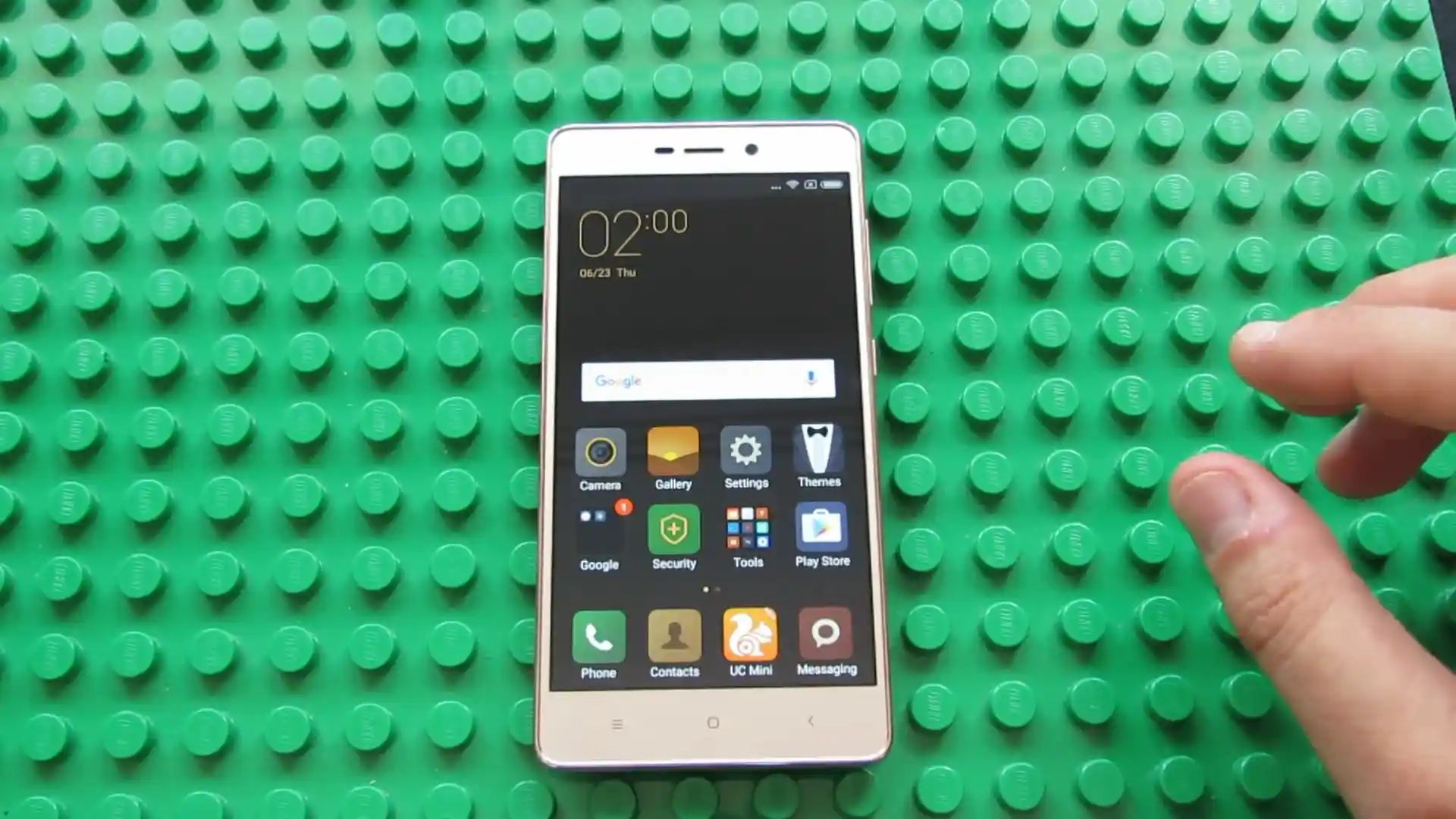
This workshop guide provides step-by-step instructions to flash official stock firmware to the Xiaomi Redmi 3 / Redmi 3 Pro (January 2016) using Mi Flash Tool.
Whether your device is trapped in a startup bootloop, recovering from corrupted partitions, or returning to a clean factory state, follow the verified prerequisites and flashing procedures below.
Which Flash Mode Should You Use?
Xiaomi Mi Flash Tool (Fastboot / EDL)
Official flashing utility for Qualcomm Snapdragon devices. Writes partition images directly over Fastboot or EDL 9008.
Stock Mi Recovery (System Updater)
Official on-device recovery method for installing signed Recovery OTA ZIP archives without wiping user files.
Essential Equipment & Snapdragon 616 Driver Verification
A 64-bit Windows PC with official Qualcomm QDLoader 9008 and Android Fastboot drivers installed.
An officially unlocked bootloader or Emergency Download (EDL 9008) mode access is required for partition deployment.
Ensure the 4100 mAh battery holds at least 50% charge to prevent unexpected power drops during partition writes.
Connect using a certified MicroUSB data sync cable plugged directly into a native motherboard USB 2.0 port.
Flashing factory Fastboot firmware will format internal storage; back up essential files before proceeding.
5-Step Mi Flash & Fastboot Restoration Walkthrough
These 5 steps are tailored to the Xiaomi Redmi 3 / Redmi 3 Pro (Snapdragon 616). For screenshots, an interactive checklist, and troubleshooting, open the full Mi Flash Tool guide.
-
Download and unpack ido_xhdpi_global_images_V9.6.2.0.LAIMIFD_20180813.0000.00_5.1_global_d59f325839.tgz with 7-Zip
-
Boot device into Fastboot mode using Volume Down and Power
-
Launch Mi Flash Tool as administrator and browse to unpacked firmware directory
-
Select "clean all" option at bottom right of Mi Flash Tool
-
Connect phone via MicroUSB, click Refresh, and execute Flash
Firmware Package for Qualcomm Snapdragon 616 (MSM8939v2)
The Xiaomi Redmi 3 coordinates partition deployment through flash_all.bat across the Qualcomm Snapdragon 616 platform.
flash_all.bat
Official stock Fastboot package containing the flash_all.bat flasher script and raw partition images.
Always verify your device reports codename ido in Fastboot mode before flashing to prevent partition mismatches.
Verified Fastboot Packages (ido)
Below are tested factory Fastboot packages for distinct regional models of the Xiaomi Redmi 3 and Redmi 3 Pro.
| Version | Region | Android Version | Size | MD5 | Download |
|---|---|---|---|---|---|
V9.6.2.0.LAIMIFD |
Android 5.1.1 (MIUI 9.6) | 1.3 GB | d59f3258390e7cc5b9fe22452c7b0060 |
⬇️ Download | |
V9.6.1.0.LAICNFD |
Android 5.1.1 (MIUI 9.6) | 1.2 GB | b14a60b9431e649ce4c5ee437563d1e1 |
⬇️ Download | |
V9.6.2.0.LAIMIFD |
Android 5.1.1 (MIUI 9.6) | 1.0 GB | 99f034030c4c2ef5d23f21493d6b88da |
⬇️ Download |
Looking for additional packages like China developer builds or recovery archives? Browse the complete archive on AndroidFirmwareFile.com →
Qualcomm MSM8939v2 Partition Layout & Flasher Notes
Official Fastboot images like ido_xhdpi_global_images_V9.6.2.0.LAIMIFD_20180813.0000.00_5.1_global_d59f325839.tgz contain the complete system, boot, recovery, and modem partition images for factory restoration.
Troubleshooting Xiaomi Redmi 3 Flashing Errors
Emergency Download (EDL) Handshake: Device drops out after 3 seconds
Snapdragon 616 Qualcomm HS-USB QDLoader 9008 endpoints drop connection on modern Windows 10/11 x64 systems if driver signature enforcement is enabled. Install the certified legacy Qualcomm driver package and connect through a native USB 2.0 port.
FAILED (remote: 'Partition table doesn't exist') on rawprogram0.xml
Caused by directory path length issues or special characters in the firmware path. Move the extracted firmware to C:\ido_fw and verify that rawprogram0.xml exists in the images directory.
eMMC I/O Error: Cannot write block 0x00004000
Indicates physical eMMC flash memory degradation or write-protection lock on older 2016-era flash storage chips. If repeated flashes halt at the same partition block, the eMMC chip has reached hardware end-of-life.
Bootloop on Mi Logo after MIUI 9.6 upgrade from MIUI 7
Occurs when upgrading across major MIUI revisions without wiping user data. Re-flash with flash_all.bat to format the userdata partition and rebuild the Dalvik/ART cache.
Encountering issues during flashing? Review these verified workshop troubleshooting notes for the Qualcomm Snapdragon 616 platform. Troubleshooting & Common Errors →
Workshop Troubleshooting & Flashing Diagnostics
Yes. Both models share the identical Qualcomm Snapdragon 616 motherboard architecture under codename ido. The Redmi 3 Pro simply adds 3GB RAM, 32GB storage, and a rear fingerprint sensor. The stock ido global firmware contains the kernel drivers for both fingerprint sensor revisions (Goodix and FPC) automatically.
Flashing stock firmware via flash_all.bat clears battery fuel gauge hardware calibration tables in the kernel. If the battery percentage jumps or drops suddenly, allow the phone to discharge to 5%, plug into the original 5V/2A wall charger while powered off, and charge continuously to 100% to reset battery fuel gauge registers.
Qualcomm discontinued board support package (BSP) driver updates for the Snapdragon 616 MSM8939v2 platform after Android 5.1.1. Consequently, while Xiaomi delivered MIUI 8 and MIUI 9 interface upgrades, the underlying Linux kernel and Android base remained on Lollipop.
Older Snapdragon 616 Fastboot packages rely on legacy rawprogram0.xml and patch0.xml XML schemas that occasionally fail schema validation in Mi Flash versions released after 2020. Using Mi Flash 2016 or 2018 ensures 100% execution compatibility.
Ready to Flash?
Follow the full step-by-step Mi Flash Tool guide with interactive progress tracking, prerequisite checklist, and complete troubleshooting.