

Before you flash: Flashing firmware will erase all data on your device. Back up contacts, photos, and apps before proceeding. FlashGuideHub is not responsible for any damage caused by following this guide.
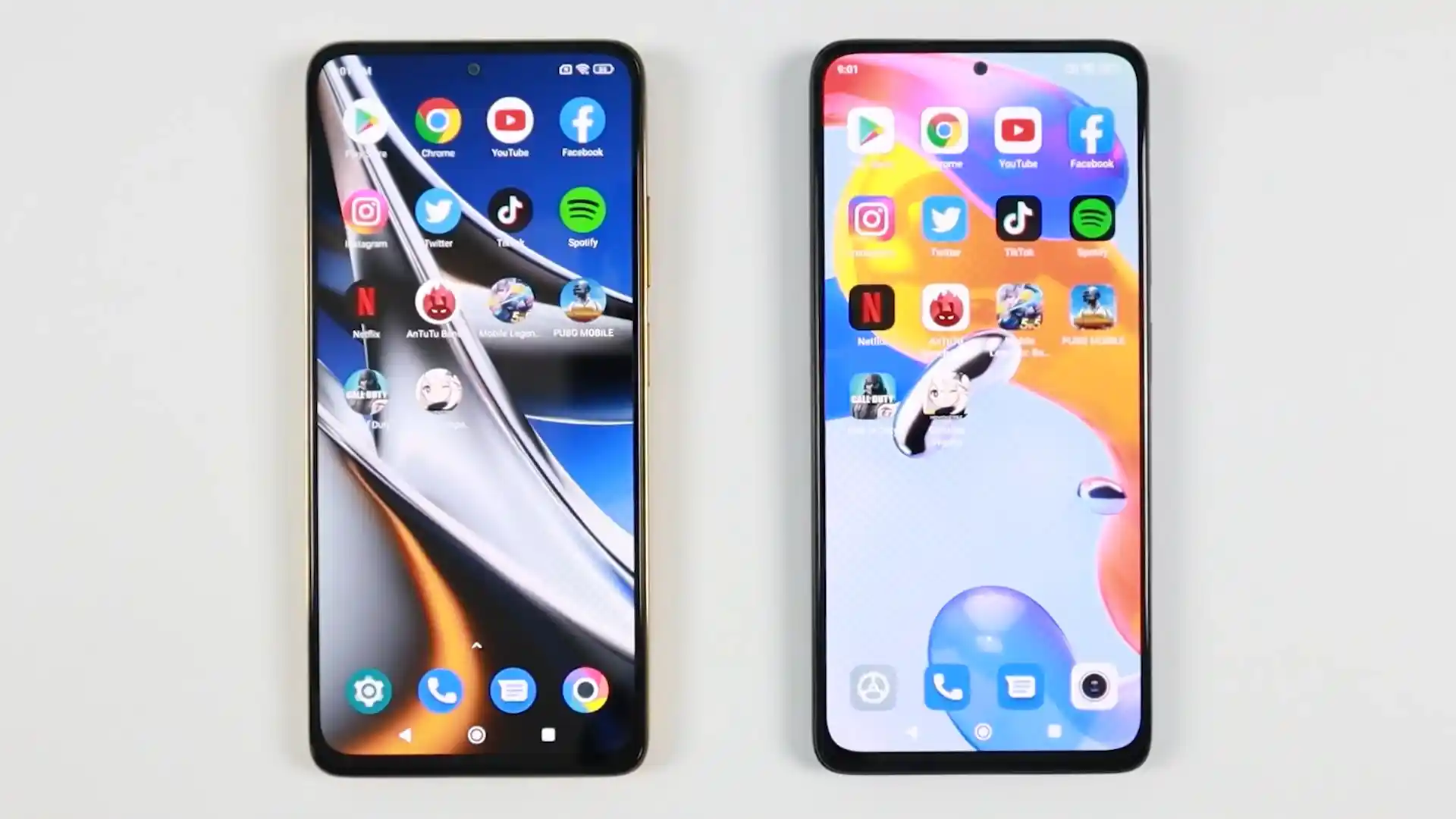
About the Xiaomi POCO X4 Pro 5G / Redmi Note 11 Pro 5G
The Xiaomi POCO X4 Pro 5G / Redmi Note 11 Pro 5G, launched in February 2022 / March 2022 on Qualcomm's Qualcomm Snapdragon 695 5G (6nm TSMC SM6375) processor, pairs a vibrant 120Hz AMOLED display with dual stereo speakers, a 108 MP camera array, and 67W Turbo Charge technology. Whether you need to recover your phone from an update bootloop, fix system errors, or return to clean stock HyperOS software, this guide provides verified Fastboot flashing steps.
Official flashing on the Xiaomi POCO X4 Pro 5G / Redmi Note 11 Pro 5G is performed using Xiaomi's Mi Flash Tool in Fastboot mode. Follow each preparatory step carefully to ensure flawless partition deployment without risking bootloader or baseband corruption.
Which Flash Mode Should You Use?
Fastboot Mode
Primary flashing environment used by Mi Flash Tool to write bootloader, radio, boot, and dynamic system partitions.
Recovery Mode
Stock recovery environment for OTA zip sideloading, factory data wipes, and Mi Assistant connections.
Custom Recovery (OrangeFox)
Touch recovery environment for flashing custom ROMs, kernels, Magisk root ZIPs, and full partition backups.
Emergency Download Mode (Qualcomm EDL 9008)
Hardware emergency recovery interface for unbricking hard-bricked units with corrupted bootloaders.
Essential Equipment & Pre-Flashing Preparation for veux
A computer running Windows 10 or 11 with Qualcomm USB drivers and the latest Android SDK Platform-Tools installed.
An officially unlocked bootloader via the Xiaomi Mi Unlock utility. Flashing stock Fastboot images on locked devices will fail.
Use the original Xiaomi 6A cable or a certified USB data cable plugged directly into a rear motherboard USB 2.0 port.
Ensure the 5,000 mAh battery holds at least 50% capacity to prevent power interruption during the 5-minute flash operation.
Fastboot .tgz packages require two extractions (tar.gz -> tar -> folder) using 7-Zip to extract the images directory properly.
Step-by-Step Mi Flash Flashing Walkthrough for POCO X4 Pro 5G
5-step quick reference for the Xiaomi POCO X4 Pro 5G / Redmi Note 11 Pro 5G. Need visuals or troubleshooting help? The full Mi Flash Tool guide covers everything in detail.
-
Authorize bootloader unlock via Xiaomi Account and the official Mi Unlock tool
-
Unpack veux_eea_global_images_OS1.0.13.0.TKCEUXM_20251227.0000.00_13.0_eea_e887aa14ef.tgz twice
-
Boot into Fastboot mode using the physical Volume Down and Power buttons
-
Verify board codename and active Virtual A/B slot via fastboot getvar all
-
Execute flash_all.bat in Mi Flash Tool selecting clean all to flash dynamic partitions
Understanding the Fastboot Flash Script on POCO X4 Pro 5G / Note 11 Pro 5G
On the Xiaomi POCO X4 Pro 5G and Redmi Note 11 Pro 5G (veux), official Fastboot flashing is managed by the flash_all.bat batch script rather than a raw partition scatter file. The script provisions GPT partition tables, writes boot, modem, and radio firmware, and coordinates the sequential transfer of dynamic super partition sparse chunks.
flash_all.bat
Powered by Qualcomm's Snapdragon 695 5G platform, Xiaomi distributes official factory firmware in the Fastboot TGZ format driven by flash_all.bat. The script provisions GPT partition tables, updates boot and modem images to the active slot, and unpacks the multi-gigabyte dynamic super partition across Snapdragon UFS 2.2 storage.
Always confirm that "clean all" (flash_all.bat) is selected in Mi Flash Tool. Selecting "clean all and lock" on cross-regional firmware builds (such as flashing European ROM veux_eea_global_images_OS1.0.13.0.TKCEUXM_20251227.0000.00_13.0_eea_e887aa14ef.tgz onto Chinese 2201116SC hardware) will lock the bootloader against mismatched security certificates and brick the phone.
Tested Firmware Packages for POCO X4 Pro 5G & Redmi Note 11 Pro 5G
Tested and recommended official stock Fastboot and custom firmware builds for the Xiaomi POCO X4 Pro 5G / Redmi Note 11 Pro 5G. Select the package matching your specific hardware model variant.
| Version | Region | Android Version | Size | MD5 | Download |
|---|---|---|---|---|---|
OS1.0.13.0.TKCEUXM (Android 13.0) |
EEA (Europe) | Android 13.0 (HyperOS 1.0) | 5.8 GB | e887aa14ef7d196145cb9097a2b3de16 |
⬇️ Download |
OS1.0.10.0.TKCCNXM (Android 13.0) |
China (CN) | Android 13.0 (HyperOS 1.0) | 5.8 GB | f0dc219786e26bfad344aff414a29674 |
⬇️ Download |
OS1.0.12.0.TKCMIXM (Android 13.0) |
Europe / Multilingual | Android 13.0 (HyperOS 1.0) | 4.26 GB | 4263929343 bytes |
⬇️ Download |
R11.3 Unofficial |
Universal / Custom Recovery | Android 11.0 - 13.0 Compatible | 68.4 MB | 71769667 bytes |
⬇️ Download |
Looking for additional regional channels or historical recovery archives? Browse the full archive on AndroidFirmwareFile.com →
Qualcomm Snapdragon 695 Flashing Architecture & Script Notes
USB Connection Stability: Dynamic super partition chunks total over 5GB on HyperOS 1.0. Connect the device directly to a native motherboard USB 2.0 port. Front panel USB hubs and third-party USB 3.2 controllers can drop connection during the userspace fastbootd handoff.
Battery Safety Threshold: Ensure the internal 5,000 mAh battery holds at least 50% capacity before proceeding. If power is lost while flashing the super partition, the device will fall into a recovery bootloop requiring full reinstallation.
Decompression Hierarchy: Xiaomi Fastboot archives (.tgz) contain a nested tar archive. Always use 7-Zip to extract the file twice until the images folder and flash_all.bat batch script appear in the primary directory.
Troubleshooting POCO X4 Pro 5G & Redmi Note 11 Pro 5G Flashing Issues
Fastboot Recovery Error: FAILED (remote: 'Partition table doesn't exist' or 'cannot flash recovery')
Attempting to flash custom recovery using "fastboot flash recovery <image>.img" fails because the Snapdragon 695 Virtual A/B architecture packs the recovery ramdisk inside the boot partition rather than a standalone recovery partition. To resolve this, flash directly to the boot partition using "fastboot flash boot <recovery_image>.img" or temporarily test boot the recovery kernel using "fastboot boot <recovery_image>.img". Once booted into recovery, flash the persistent zip installer.
Sparse Super Partition Write Error: FAILED (remote: 'data transfer failure' or write timeout)
During the flashing of the 5GB+ dynamic super.img partition chunks, high data throughput over third-party USB 3.0 controller chipsets or front-panel USB hubs can drop packet handshakes, causing fastboot to stall or report a write timeout. Experienced technicians recommend plugging the USB cable directly into a rear motherboard USB 2.0 port and updating Android SDK Platform-Tools to the latest official release.
Cross-Regional Bootloader Lockout: "This HyperOS version can't be installed on this device"
Selecting "clean all and lock" (flash_all_lock.bat) in Mi Flash Tool when installing European or Global firmware onto a Chinese domestic Redmi Note 11E Pro (2201116SC) triggers regional cryptographic validation checks. The bootloader locks against mismatched regional root-of-trust signatures and traps the handset in an unrecoverable recovery loop. Always verify that "clean all" (flash_all.bat) is selected when flashing cross-regional packages.
Fix common flashing interruptions, Fastboot handshake errors, and bootloop issues encountered on the POCO X4 Pro 5G and Redmi Note 11 Pro 5G. Troubleshooting & Error Resolutions →
Workshop Troubleshooting & Flashing Safety FAQ
The Snapdragon 695 platform on veux utilizes Google's Virtual A/B partition architecture and does not have a dedicated physical recovery partition. The recovery ramdisk is bundled directly inside the boot partition. Executing "fastboot flash recovery recovery.img" will return a partition table error. To install OrangeFox or TWRP, execute "fastboot flash boot OrangeFox-recovery.img" to flash the ramdisk directly to the active boot slot, or execute "fastboot boot OrangeFox-recovery.img" to boot temporarily and flash the recovery zip installer.
To check the Anti-Rollback index on the Snapdragon 695 board, boot the phone into Fastboot mode, connect it to your computer, and run "fastboot getvar anti" in your terminal. If the command outputs a number (such as anti: 1 or anti: 2), you must never flash a package with an anti-rollback index lower than that current value. Downgrading past an active rollback fuse will trigger Qualcomm hardware security tripwires and hard-brick the device into EDL 9008 mode.
The dynamic super.img partition contains system, vendor, product, and system_ext images, split into multi-gigabyte sparse chunks. If flashing stalls mid-way, it is almost always caused by connecting to an unstable front-panel USB 3.0/3.1 port or using a generic charging-only cable that drops packet handshakes during high-volume fastbootd transfers. Always connect using an official 6A data cable plugged directly into a native motherboard USB 2.0 port on the rear of your computer.
When the bootloader chain is damaged and the device displays a completely black screen or registers in Windows Device Manager as "Qualcomm HS-USB QDLoader 9008", the device is in Emergency Download Mode (EDL). Because modern Qualcomm Snapdragon chips enforce cryptographic authentication, programming the board via QFIL or Mi Flash in EDL mode requires an authorized Xiaomi service account with server authorization privileges or hardware JTAG repair.
Ready to Flash?
Follow the full step-by-step Mi Flash Tool guide with interactive progress tracking, prerequisite checklist, and complete troubleshooting.